I Tested 50 AI Tools — These 7 Save Me 15 Hours a Week
This case file is produced by Fragment Zero's editorial team. Original research, sourcing, and narrative analysis are performed by human editors. Voiceover is synthesized; visual illustrations are AI-generated. Every factual claim is cited to public documents, peer-reviewed publications, or named primary sources. See methodology and disclaimer.
I Tested 50 AI Tools — These 7 Save Me 15 Hours a Week
Last year I was working 55-hour weeks. This year I'm doing the same output in 40, and I haven't hired a single person. The difference is seven AI tools — and most of them you've never heard used the way I'm about to show you.
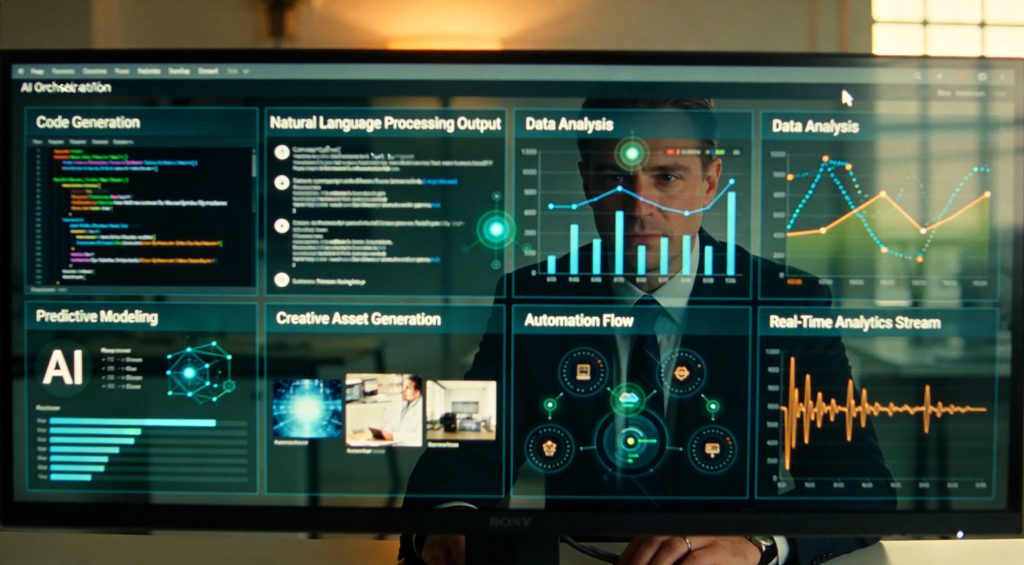
Quick context. I tested over 50 AI tools in the last twelve months — productivity apps, agents, automation platforms, the lot. Most of them got deleted within a week. The seven that stayed are the ones doing real work for me every single day. I'll tell you what each one replaced, what it costs, and the one task I'd never trust it with. Stick around, because tool number six is the one nobody talks about, and it's the connector that makes the other six worth ten times more.

Tool number one is Claude. Specifically, Claude for anything that requires actually thinking with long context — strategy documents, contract review, editing a 5,000-word draft, untangling a messy spreadsheet of customer feedback. Here's the rule I use: if the input is over 2,000 words or the output needs to hold a coherent argument across multiple sections, I go to Claude. ChatGPT is faster for short prompts. Claude is better when the answer needs to sound like a human wrote it after thinking about it for a while. The workflow I use most: I paste in raw notes from a meeting or a customer call, and ask Claude to find the three real objections hiding underneath the polite language. That single workflow saved me about four hours a week on its own. What I don't use it for: real-time information. It doesn't browse the web by default. That's tool number five.

Tool two is ChatGPT, but specifically because of custom GPTs. I have eleven of them. Each one is a small, named assistant trained on a specific job. One I call Cold Email Doctor — it takes any email I'm about to send and rewrites it without the AI tells. Em-dashes, hedging phrases, the word delve — gone. Another I call Meeting Prep — I paste in a calendar invite and the person's LinkedIn, and it gives me three talking points and one risk in under ten seconds. The trick most people miss: don't use ChatGPT as a chat. Use it as a fleet of pre-configured tools that already know your job, your company, and your voice. The first time I built one took me twenty minutes. The fiftieth one took me two minutes. Compounding.

Tool three is Notion with AI turned on. This is my second brain. Every meeting note, every project doc, every loose idea lives in Notion. The AI part matters because I can ask my own notes a question. Real example. Last month a client asked me what I'd quoted them in March. I typed into Notion AI: What did I propose to Acme Co. in March, and what was the scope? Answer in three seconds, pulled from my actual proposal doc. Without AI, that's a fifteen-minute scavenger hunt through Drive. The honest take: Notion AI as a writer is mediocre. Notion AI as a librarian for the things you already wrote is incredible. That's the use case.

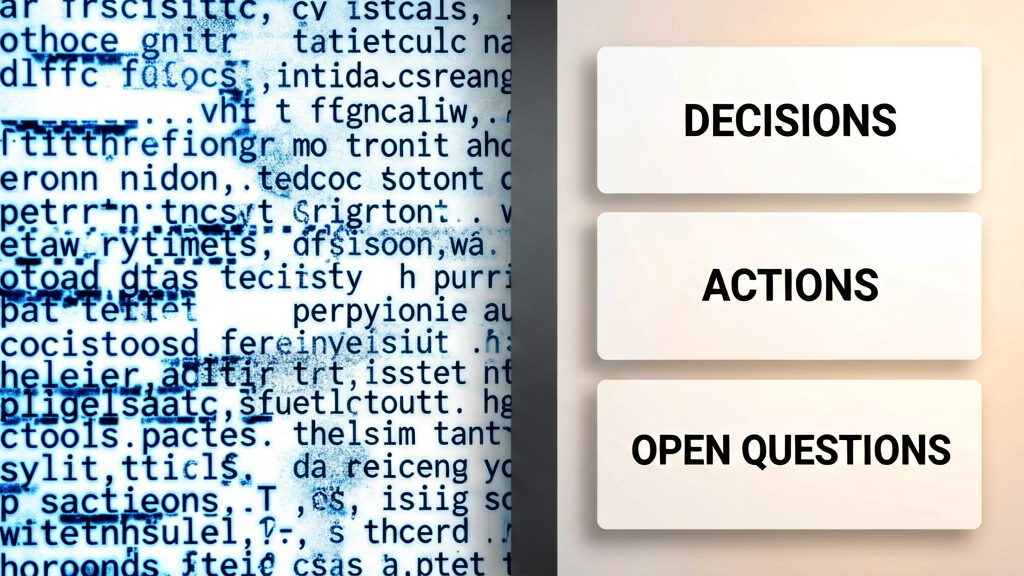
Tool four is Granola. It's a meeting note-taker, but it does something different from Otter or Fireflies — it doesn't transcribe everything. It listens, and at the end of the call it gives you a clean structured summary based on the notes you were typing during the meeting. Why this matters: a transcript of a 45-minute meeting is useless. Nobody re-reads it. A structured summary of decisions made, action items, and open questions — that's the artifact you actually use. I run between four and seven calls a day. Before Granola, I lost roughly thirty minutes a day re-piecing together what was decided. Now it's zero. Fast tip: the free tier is enough if you have under 25 meetings a month. Don't pay until you outgrow it.
Tool five is Perplexity. This is what I use instead of Google for anything research-shaped — competitor pricing, market sizing, what changed in this regulation last quarter, that kind of thing. Why not just Google? Two reasons. First, Perplexity cites every claim, so I can verify the source in one click — no SEO-spam blogs, no auto-generated nonsense. Second, the answer is structured. Google gives me ten blue links and asks me to do the synthesis. Perplexity gives me the synthesis with the links underneath, in case I want to drill in. My usage rule: if the question would have taken me five tabs to answer, I use Perplexity. If it's a single fact lookup like What time does the post office close, Google is still faster.

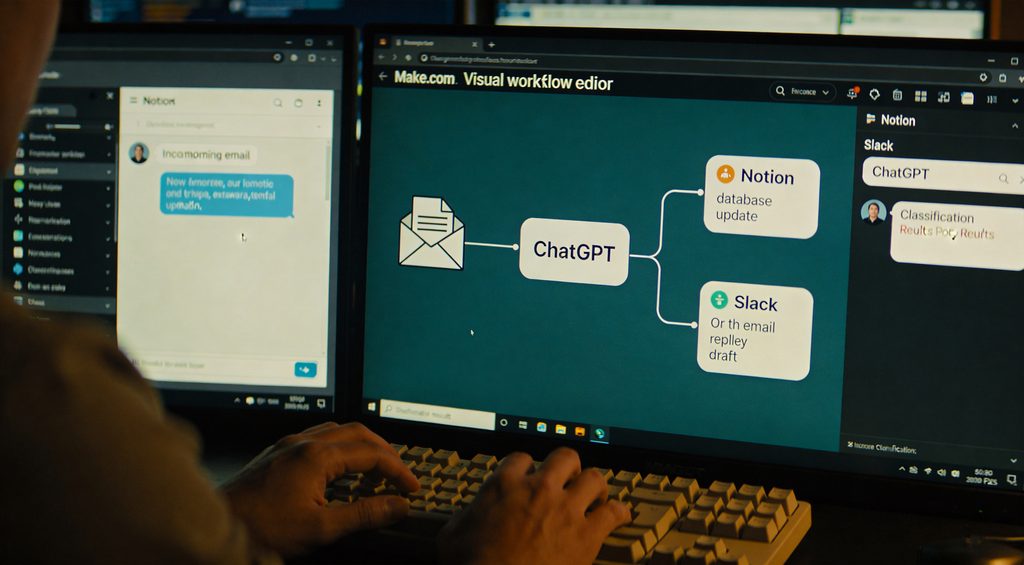
Tool six is Make.com. This is the one I told you to wait for, because it's the reason the other six tools are worth ten times more than they look. Make is automation software. It connects apps to each other, with AI in the middle. Here's the workflow that saves me the most time, every single week. When a new email comes into my inbox, Make grabs it, sends it to ChatGPT with a prompt — is this a sales lead, a support issue, or noise? — and based on the answer it does one of three things. If it's a lead, it creates a Notion entry and Slacks me. If it's support, it drafts a reply for review. If it's noise, it archives it. I never see it. I never decide. The system decides. I have eleven of these scenarios running. Each one replaces a recurring decision I used to make. That's the whole game with AI productivity — you don't get faster, you stop deciding. n8n is the open-source alternative if you want to self-host. Same idea, more setup.
Tool seven is Gamma. It turns a paragraph of text into a designed presentation, document, or webpage in about thirty seconds. I use it for two things. Internal proposals — a draft deck I'd have spent two hours formatting in Google Slides now takes twelve minutes. And client handoffs — when I need to explain a process visually, I prompt Gamma instead of opening Figma. What it's not good for: pixel-perfect brand work. If the deliverable has to match your brand guidelines exactly, do it manually. For internal speed, Gamma is unbeatable.

Here's the picture. Perplexity feeds me research. Granola feeds me meeting outcomes. Both go into Notion. Claude does the deep thinking on top of Notion. ChatGPT and its custom GPTs handle short repetitive tasks. Make.com runs the whole loop on autopilot. Gamma turns the output into something I can send to a client. The total cost of this stack is around 80 dollars a month. Conservatively, it gives me back 15 hours a week. That's the math.

If you want my exact prompts, custom GPT configs, and the Make.com scenario I showed you — I'm putting all of that in the next video, free, no email gate. Subscribe so you don't miss it. One last thing — the tool I almost added to this list, but cut at the last second, has a real shot at replacing two of these in 2026. I'll tell you which one and why in the next video. See you there.