I Built 11 Custom GPTs to Run My Business — Here Are 5 You Can Steal
This case file is produced by Fragment Zero's editorial team. Original research, sourcing, and narrative analysis are performed by human editors. Voiceover is synthesized; visual illustrations are AI-generated. Every factual claim is cited to public documents, peer-reviewed publications, or named primary sources. See methodology and disclaimer.
I Built 11 Custom GPTs to Run My Business — Here Are 5 You Can Steal
I have eleven custom GPTs running parts of my business. They've saved me four hours a day for the last six months. I'm going to show you the five you should steal, the actual instructions, the actual prompts, the whole thing.
If you're using ChatGPT as a chat window, you're using maybe ten percent of what it can do. A custom GPT is the same model, but pre-loaded with your context, your job, your voice, your data. The difference is the difference between hiring a contractor every morning, and walking into an office where your team already knows what you do. By the end of this video you'll have five new GPTs you can build in under twenty minutes total.
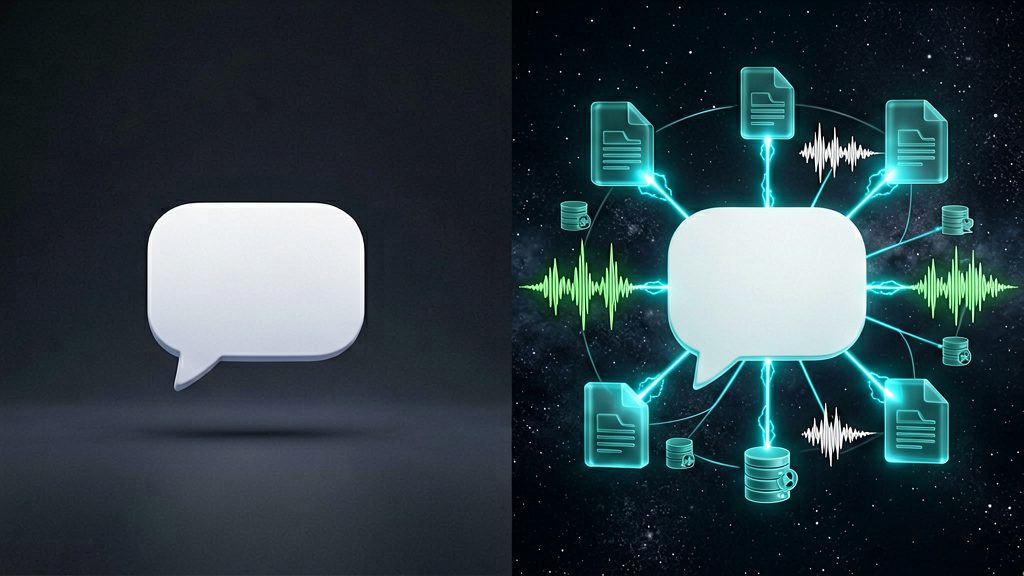
GPT number one, Cold Email Doctor. The job: take any email I'm about to send and remove the AI tells. Em-dashes, hedging language, the words delve and leverage, overly polite openers, all gone. The system prompt is short. I tell it: You are an editor. Your only job is to make this email sound like a busy human typed it on their phone. Cut clichés. Cut hedging. Keep my voice. Return only the rewritten email. Then I paste my draft. Twenty seconds later I have something that doesn't read like a chatbot wrote it. The prompt itself takes ten seconds to copy. I'll drop the full text in the description.
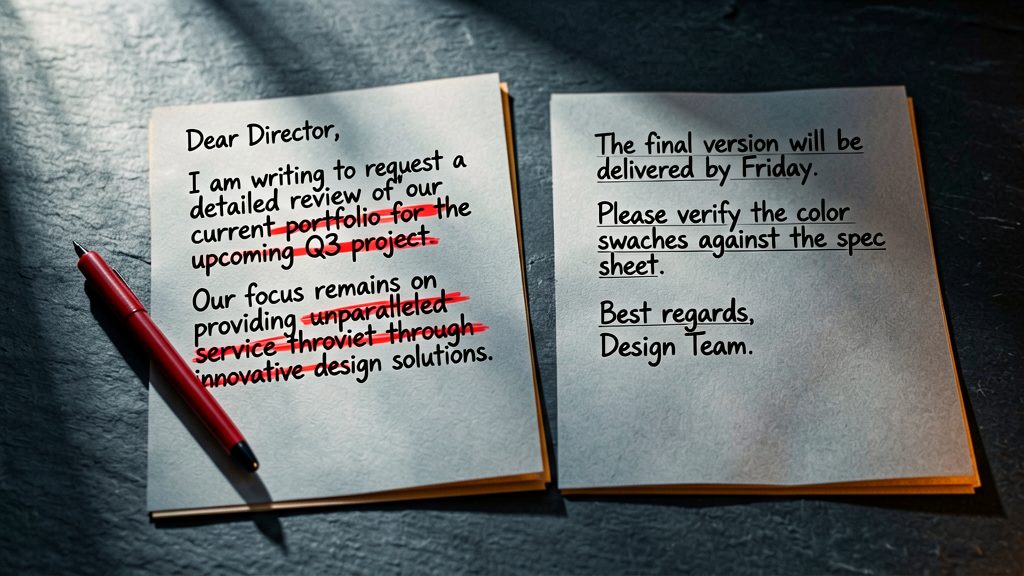
GPT number two, Meeting Prep. The job: take a calendar invite plus the attendees' LinkedIn URLs and give me three talking points and one risk before I join. The system prompt is configured to know my company, my role, and what I usually want from these calls. So when I paste in Tuesday 3pm, Jane Doe, VP Sales at TechCorp, it doesn't just summarize her LinkedIn, it tells me she just got promoted, her last team grew 40% in 2025, and that based on what TechCorp is buying right now, she probably wants to talk pricing. Five seconds of preparation that used to take fifteen minutes.

GPT number three, Voice Mirror. This one's trained on me. I uploaded thirty of my old emails, blog posts, and Slack messages into the GPT's knowledge base. Now when I tell it write a 200-word LinkedIn post about why most agency contracts are broken, it doesn't sound like generic AI, it sounds like me. Same sentence rhythm, same word choices, same opinions. The trick: don't prompt it to write in my style. Upload the raw examples and let the model figure out the pattern. Style instructions don't work. Examples do. This is the GPT that lets me publish three times a week without ghostwriting losing my voice.

GPT number four, Decision Filter. This is a thinking partner, not a writer. The job: I paste in any decision I'm wrestling with, should I take this client, hire this person, ship this feature, and it walks me through a structured analysis. What's the reversible-or-not test, what's the worst-case downside, what would I tell a friend in this situation. The system prompt is built around three frameworks I trust: Bezos's two-way doors, the regret-minimization heuristic, and the WRAP method. I don't always follow what it says. But forcing the decision through a structure beats spinning on it for three days. That's the actual time save, not minutes, but cognitive cycles.

GPT number five, Knowledge Librarian. I uploaded every contract, proposal, and SOW I've signed in the last three years into this GPT's knowledge base. Now when I get a new client question, what was my pricing for retainer work in 2024, or have I ever written a clause about IP transfer, I just ask. It cites the exact document and pulls the relevant section. This single GPT replaced about eight hours a month of where did I save that thing searching. The setup took thirty minutes. Pro tip: don't dump everything in. Curate. A GPT with twenty well-chosen documents outperforms one with two hundred messy ones every time.

Now the build. Here's the four-minute version. Step one, go to ChatGPT, click Explore GPTs, then Create. Step two, skip the conversational builder, click Configure. That's where the real settings live. Step three, name it something specific. Email Doctor beats Writing Assistant. Step four, write the system prompt. The structure I use: one sentence on identity, three to five sentences on rules, one sentence on output format. That's it. Step five, upload knowledge files if you need them. PDFs, text files, even URLs. Step six, turn off the capabilities you don't need. Web browsing, image generation, code interpreter. Each one you leave on slows the response down. Step seven, test it five times with different inputs before you trust it. The first version is always too verbose. Tighten the system prompt until the outputs are exactly what you'd want a contractor to deliver. Twenty minutes per GPT, including iteration.
Three mistakes that killed my first six attempts. One, I made them too general. Marketing Assistant is useless. LinkedIn-post first-draft writer trained on my last twenty posts is gold. Specificity wins. Two, I over-trusted the system prompt. The GPT will drift unless you constrain output format. Always specify what comes out, not just what goes in. Three, I left too many capabilities on. A GPT with web browsing, code interpreter, and image generation all enabled takes four times as long to respond as one with just text. Turn off what you don't need. Each one is a tax on speed.

Quick callback for anyone who saw the last video. Custom GPTs sit in slot two of the seven-tool stack, they're the speed layer, the thing I reach for when I need a small task done in five seconds without explaining context. Where they fit: short, repetitive, voice-sensitive tasks. Where they don't: anything requiring long reasoning, that's still Claude, and anything requiring fresh web data, that's still Perplexity. The whole point of having a stack instead of one tool is that each piece is best-in-class for one job. Custom GPTs are best at being instantly available for small specific tasks.

All five system prompts are in the description, free, no email gate. Copy them, modify them for your job, build your own versions. If you want me to walk through the Make.com scenario that lets these GPTs trigger automatically from emails, that's the next video. Subscribe so you don't miss it. And drop in the comments which GPT you'd build first, I read every reply for the first 48 hours after upload.