I Built an AI Loop That Generates Leads While I Sleep (47 in 30 Days)
This case file is produced by Fragment Zero's editorial team. Original research, sourcing, and narrative analysis are performed by human editors. Voiceover is synthesized; visual illustrations are AI-generated. Every factual claim is cited to public documents, peer-reviewed publications, or named primary sources. See methodology and disclaimer.
I Built an AI Loop That Generates Leads While I Sleep (47 in 30 Days)
I've added 47 leads to my CRM this month and I haven't sent a single cold email or scrolled a single LinkedIn feed. An AI loop generates them while I work on other things. Today I'm building it with you in eighteen minutes.

Here's the picture. Make.com runs every six hours. It pulls fresh posts from a list of public sources, for me that's a curated set of subreddits and X accounts where my ideal customers complain about problems I solve. Each post gets sent to a Lead Scout, a system prompt that knows my ideal customer profile cold. It returns either qualified-with-reasons, or skip. Qualified leads get a Notion entry and a Slack ping. Skips disappear. I never see them. Eighteen minutes to build, no cold email.
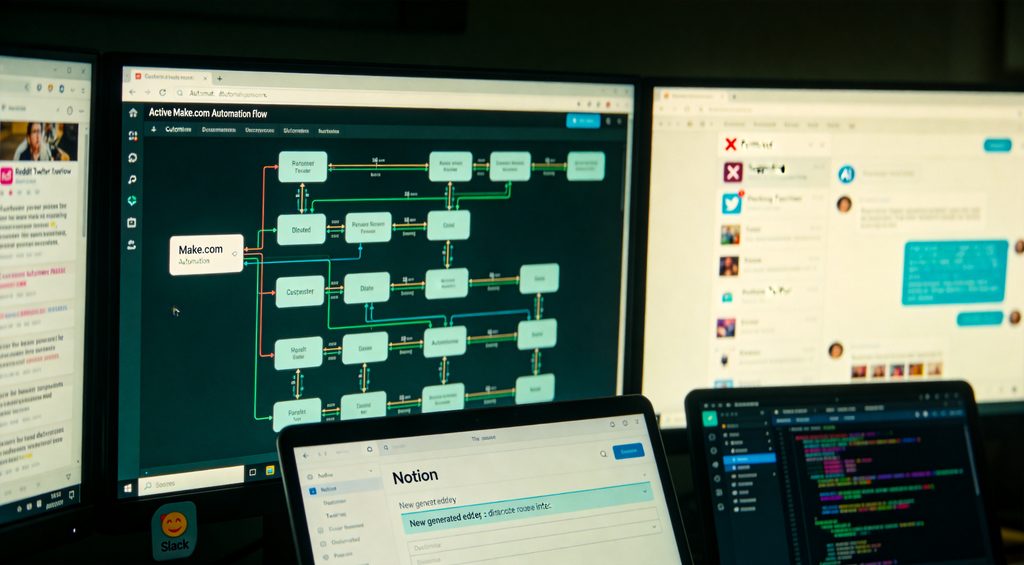
Step one, the Lead Scout. This is the brain. We're not building a custom GPT this time, we're building the system prompt that custom GPTs are made of, and deploying it inside Make.com. Same logic, different context. Here's the prompt structure. Identity: You are a B2B lead qualifier for a fractional CMO who serves SaaS companies between five and fifty employees, with revenue between two and twenty million. Substitute your own ICP. Rules: Read the post. Decide qualified or not. Qualified means: matches the company size, mentions a problem related to growth or marketing, and the person posting has decision-making authority. Output format: Respond in JSON. If qualified, return name, company, post URL, problem mentioned, suggested first message. If not qualified, return null. Save this. We'll paste it into Make in two minutes.

Step two, the trigger. Open Make.com, click Create new scenario. The trigger module depends on your source. For X, use the X module Watch posts filtered by keywords or by a list of accounts. For Reddit, use the Reddit module Watch new posts in subreddit. For RSS, use the RSS module Watch RSS feed items, best for niche industry blogs. I'm using Reddit because three subreddits cover my entire ICP. Configure the trigger: subreddit name, limit ten new posts per run, schedule the scenario to run every six hours. The schedule is on the bottom-left of the canvas, Run Once dropdown, change to Every X hours. Save. Now we have a stream of fresh posts entering our scenario every six hours, ready for the Lead Scout to evaluate.

Step three, the qualifier. Add an OpenAI module after the trigger, choose Create a completion. Model: gpt-4o-mini. The system prompt is exactly what we wrote in step one, paste it into the system message field. The user message: just the post content from the trigger, mapped from the Reddit module's output. Now the temperature setting, drop this to point one. Low temperature means consistent output, which we need because we're parsing JSON downstream. High temperature means creative output, which here would mean inconsistent JSON formatting and broken automation. Save. Test it once with Run Once. The OpenAI module should return a JSON string in the output panel, either qualified data or null. If you see this, the brain is working.

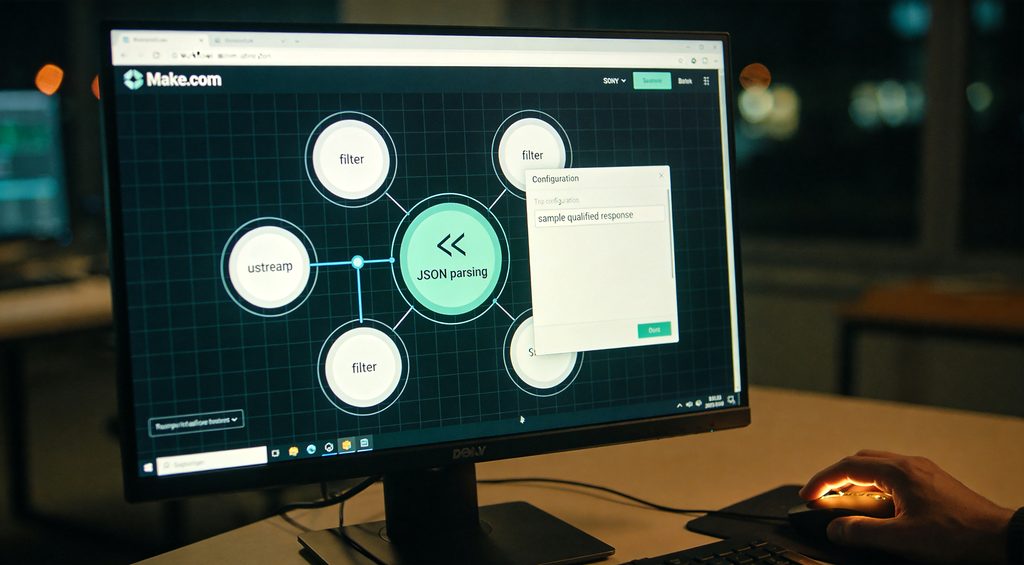
Step four, the filter. We only want to act on qualified leads. Click the connector after OpenAI, add a filter. Condition: JSON response does not equal null, meaning the lead was qualified. Now we need to parse that JSON string into individual fields Make.com can use. Add a JSON module Parse JSON. Map the OpenAI response into the JSON string field. The first time you run this, paste a sample qualified response into the sample field so Make.com knows the structure. After parsing, you'll have the qualified lead's name, company, problem, and suggested message available as separate variables.
Step five, the actions. We're back to familiar territory from the last video. On the same branch, add Notion Create a database item. Pick your CRM database. Map the parsed JSON fields: Name to Title, Company to Company column, Problem to Notes, Suggested message to a Draft Outreach column. Set Status to New Inbound. Save. Add a Slack Send a message module. Channel: leads. Message: New inbound lead, name from company. Problem: problem. Draft message ready in Notion. Map the parsed fields. Save. Now when a qualified lead is detected anywhere in your monitored sources, two things happen automatically: a CRM entry with a draft outreach message ready, and a Slack ping so I know to review it. Total time from post to my Slack: under thirty seconds.
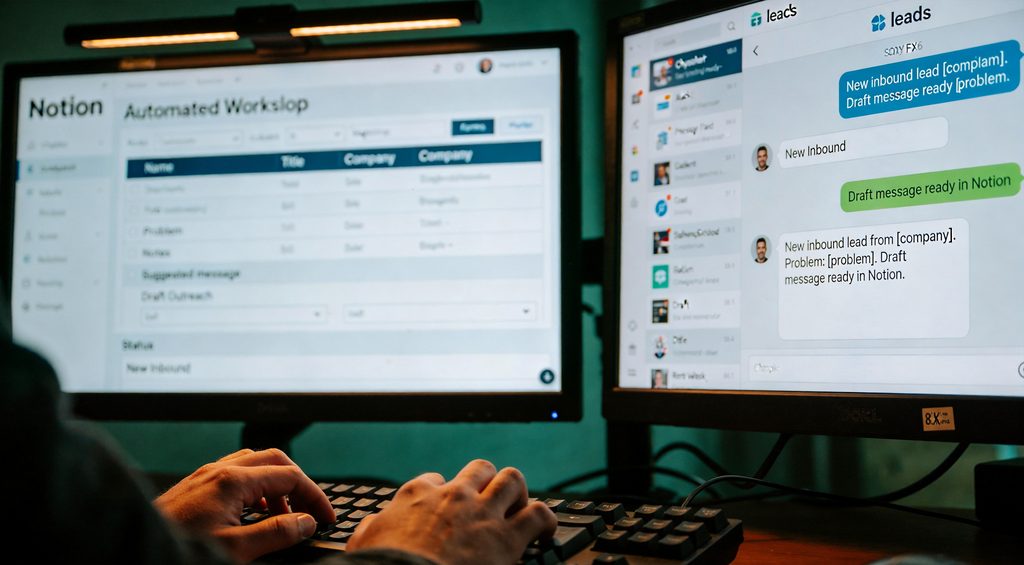
This is where the loop closes. When I review a lead in Notion, I open the draft message, edit it for thirty seconds, send it from Gmail. The recipient replies. That reply hits my Gmail inbox, and the email triage system from the last video catches it, classifies it as a lead, updates the same Notion entry with the reply, and pings me again. So the workflow goes: AI finds lead, AI drafts message, I send, recipient replies, AI catches reply, AI updates CRM, I see notification. Closed loop. I touched this entire pipeline for thirty seconds.

Three mistakes to avoid. One, using the heavy GPT-4 model for the qualifier. The mini model is plenty for binary qualification at one-tenth the cost. Two, letting the scenario run without a kill-switch on cost. Add an OpenAI usage cap inside Make's settings. Mine's set at twenty dollars a month. Three, over-broad sources. I started with twelve subreddits and got noise. Three high-signal sources beat twelve mediocre ones every time. Curate the inputs, not the filters.

Thirty-day results. Forty-seven qualified leads added to CRM. Six replied to my outreach. Two became paying clients. One booked a thirty-thousand-dollar engagement. Total cost: twelve dollars in OpenAI charges, twenty-nine dollars in Make.com. I spent about ten minutes a day reviewing the leads in Notion and editing draft messages before sending. That's it. The system found, qualified, and pre-drafted everything else. Compare that to old-school cold outreach: fifty hours a month for the same outcomes. The math isn't close.
The full Lead Scout system prompt and the Make.com blueprint are in the description. Modify the prompt for your ICP, swap in your sources, you have the same loop in twenty minutes. Subscribe because next video I'm comparing Notion AI, ChatGPT, and Claude side by side after thirty days using each as my daily driver. The verdict is not what I expected. See you there.