The Operator Protocol: 12 Months Inside a 7-Layer AI Surveillance Stack (Case File #037)
This case file is produced by Fragment Zero's editorial team. Original research, sourcing, and narrative analysis are performed by human editors. Voiceover is synthesized; visual illustrations are AI-generated. Every factual claim is cited to public documents, peer-reviewed publications, or named primary sources. See methodology and disclaimer.
The Operator Protocol: 12 Months Inside a 7-Layer AI Surveillance Stack (Case File #037)
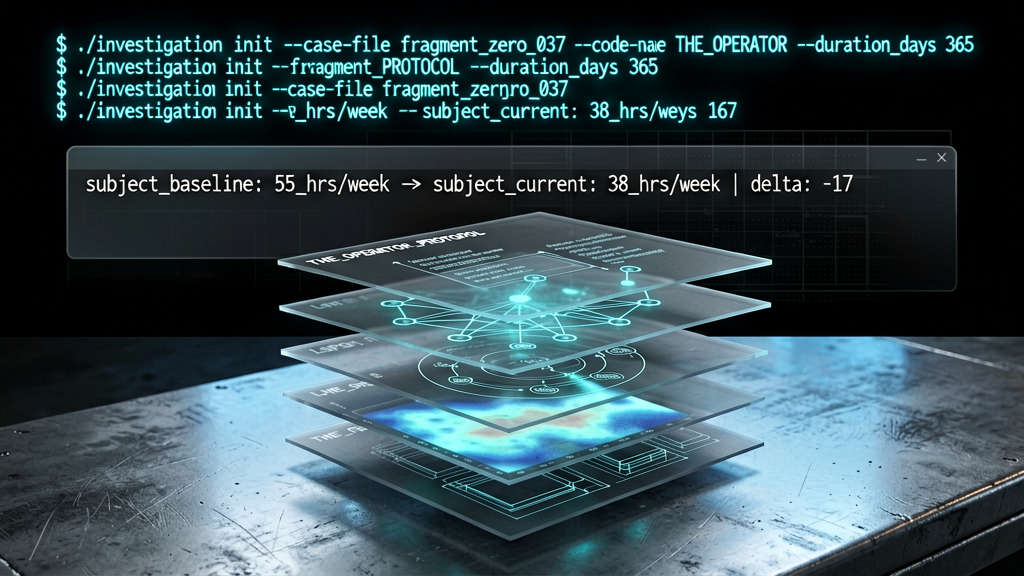
The subject worked fifty-five hour weeks running a small operation by himself twelve months ago. Today the same output is being produced in thirty-eight hours. The seventeen-hour weekly delta is the headline finding. The architecture that enabled the delta is the case file. Every tool. Every prompt. Every workflow. Every retention surface. Seventy-two minutes of documented evidence. By the end of this case file the operator's architecture map is in your hands, and so is the question of whether you want it in yours.
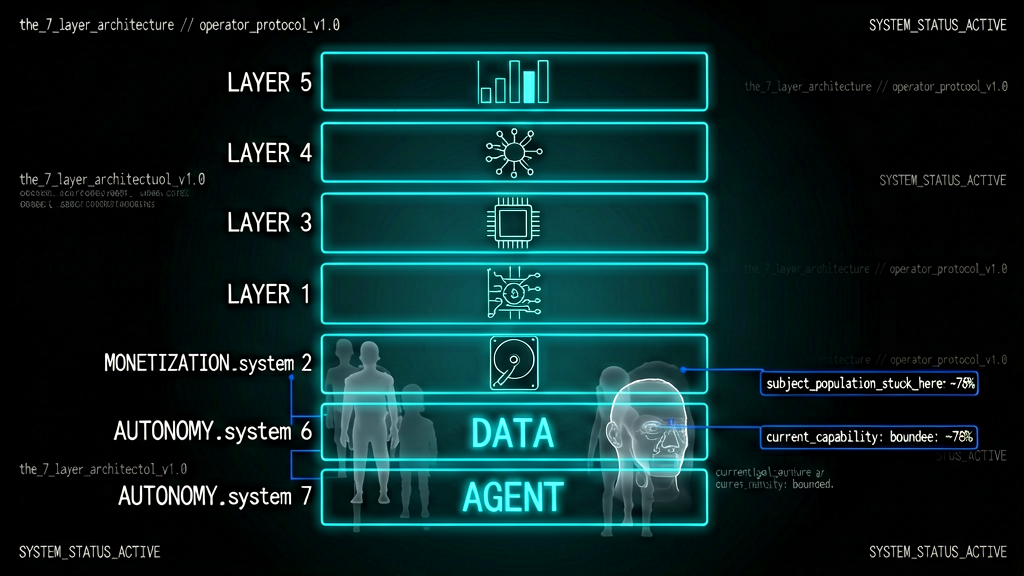
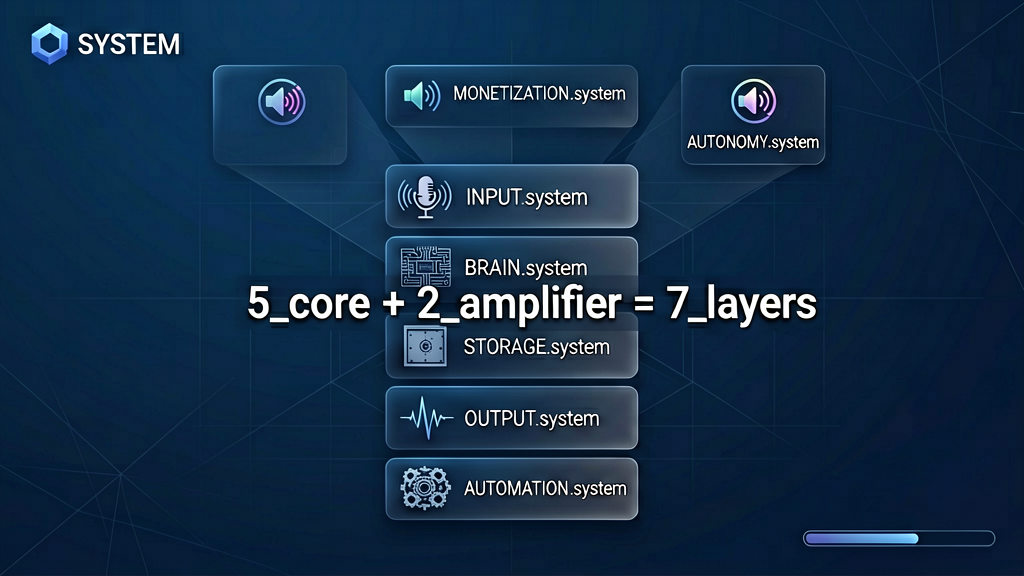
Most AI productivity content distributes a list of tools. Lists are insufficient. They do not document the dependency order, what depends on what, or what to skip when starting. Architecture is sufficient. The system documented in this case file has five core layers, Input, Brain, Storage, Output, Automation, plus two amplifier layers most analysts never document: Monetization, where AI converts to revenue, and Autonomy, where AI runs without operator presence. The Dark Forest Hypothesis, traced through the previous Fragment Zero case files, applies here with a new vector: the operator volunteers the information. Critically: most operators get stuck at Automation, and Autonomy is mostly performance theater today but becomes the determining layer in two years.
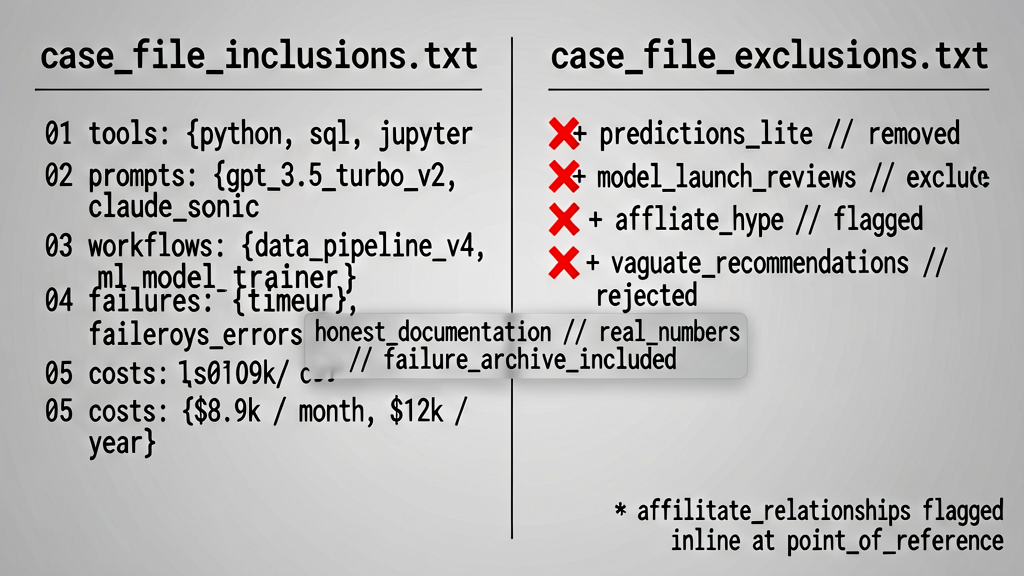
What this case file documents: the actual tools the operator pays for, the prompts in daily use, the workflows constructed, the failures that cost time and capital. What it does not document: speculative predictions about AI trajectory, breathless reviews of every model release, recommendations for tools the operator does not actually use. Every tool is named. Every monthly cost is logged. The parts that did not survive testing are included as evidence. Subject has affiliate relationships with three of the tools documented. Those relationships are flagged at the point each tool is referenced. The remaining tools receive standard mention with no commercial coupling. The case file's goal: deliver the same architectural starting point the operator would have wanted twelve months prior.
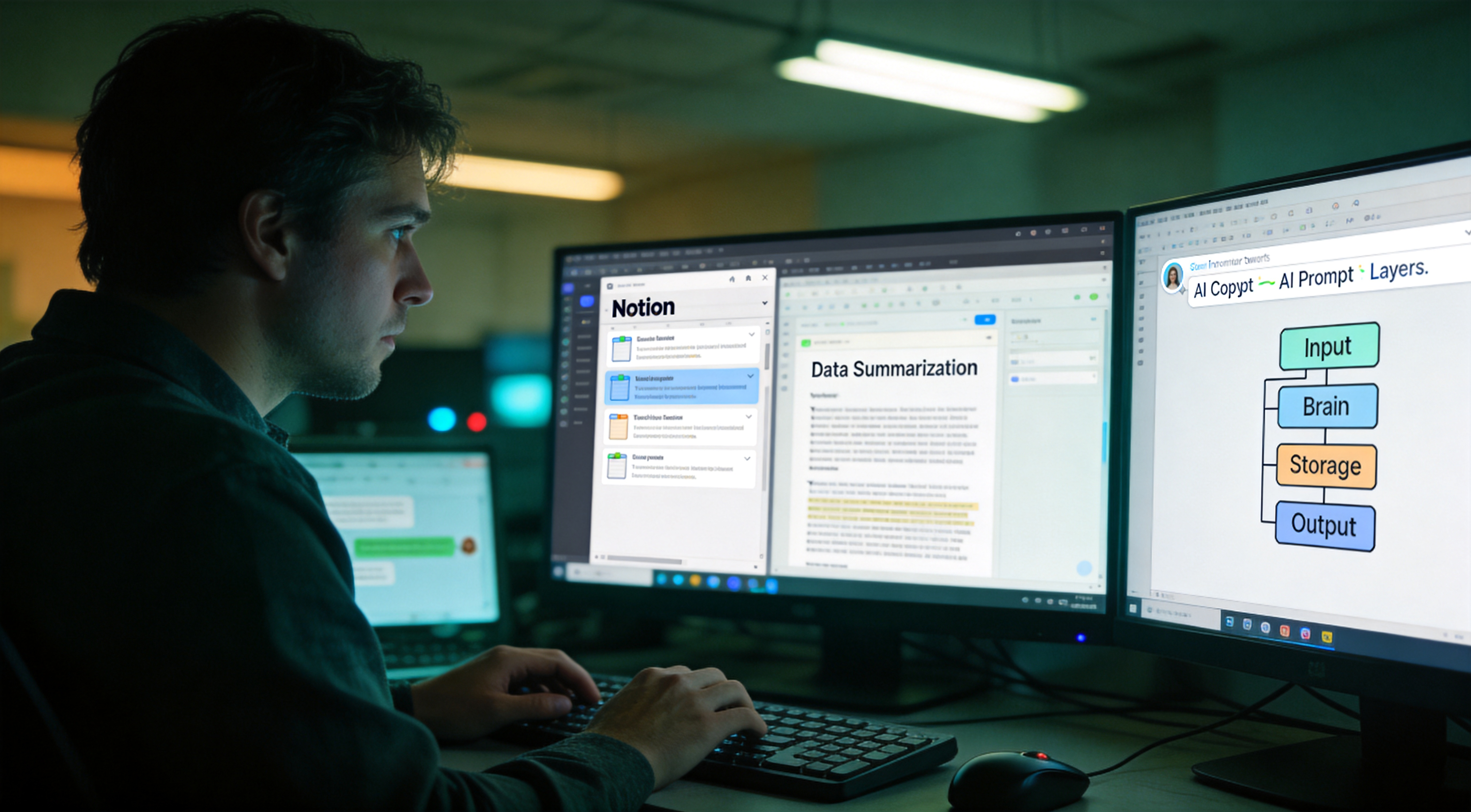
The five core layers, documented in sixty seconds for orientation before the deep dive. Input, where information enters the operator's perimeter: meetings, research, conversations, correspondence. Brain, where thinking occurs: long-context reasoning, short-form generation, decision support. Storage, where everything must remain findable: a structured knowledge surface, not a folder of files. Output, where work leaves the perimeter: documents, presentations, messages, deliverables. Automation, the connective tissue that allows the bottom four layers to operate without the operator carrying packets between them. Above these sit two amplifier layers: Monetization, where the architecture converts to recurring revenue, and Autonomy, where components run without operator supervision.
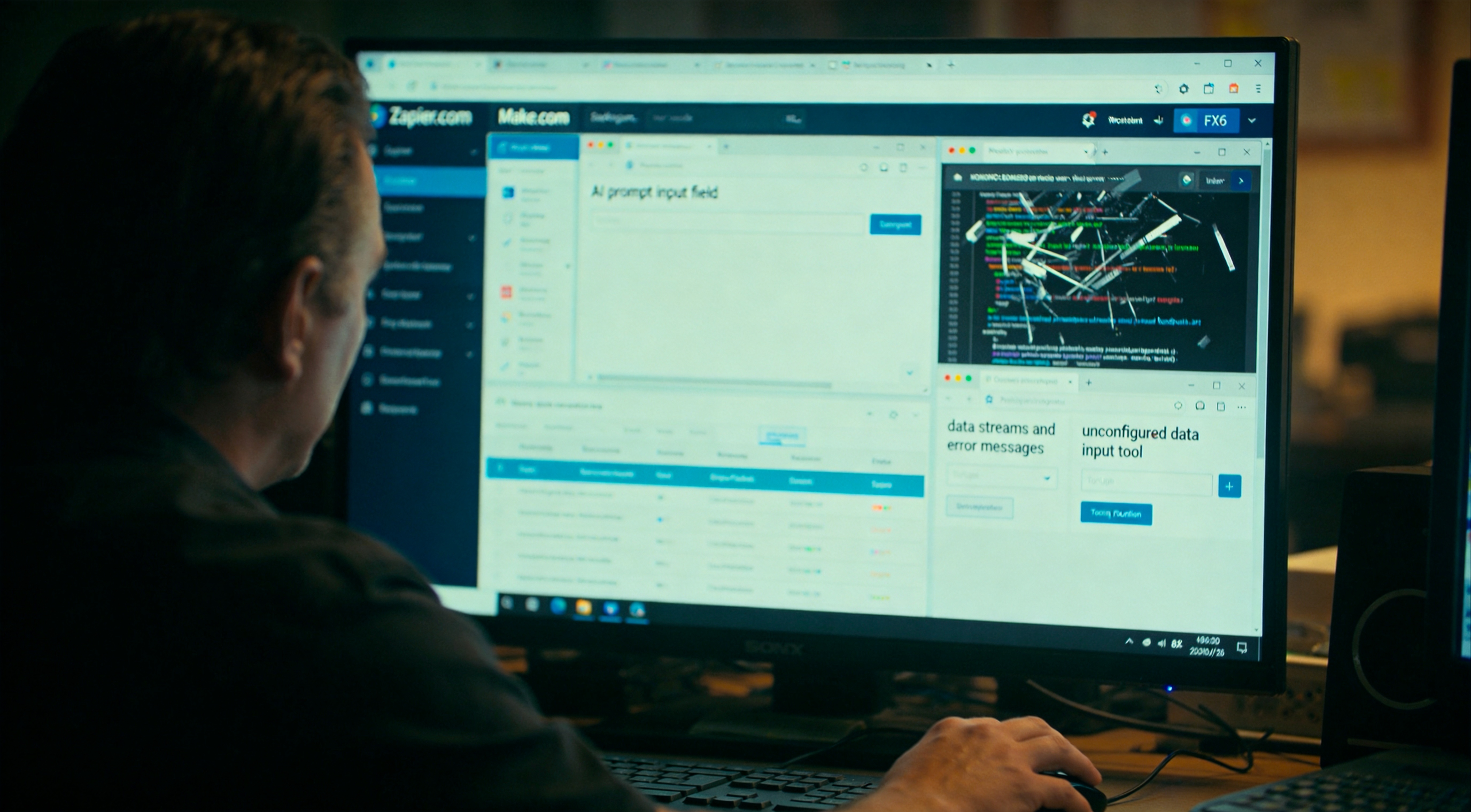
The dominant failure mode, observed across the subject population. Operators initiate the architecture at the Automation layer because the marketing positions it as advanced. They register accounts on Zapier or Make.com and attempt to automate before they have stabilized Input, Brain, or Storage. The result, documented in dozens of post-incident reviews: automated noise. Operators are prompted to write better prompts before they have a knowledge surface for the AI to draw from. They register three new tools before exhausting the first. The correct sequencing, derived from the audit: bottom-up. Input first. Then one or two Brain tools that actually get used. Then Storage so artifacts do not disappear. Only then Output. Only then Automation. Only then Monetization. Autonomy remains, as of this writing, a layer for which the muscle matters more than the current capability. Skipping a layer causes the layers above to collapse without external trigger.
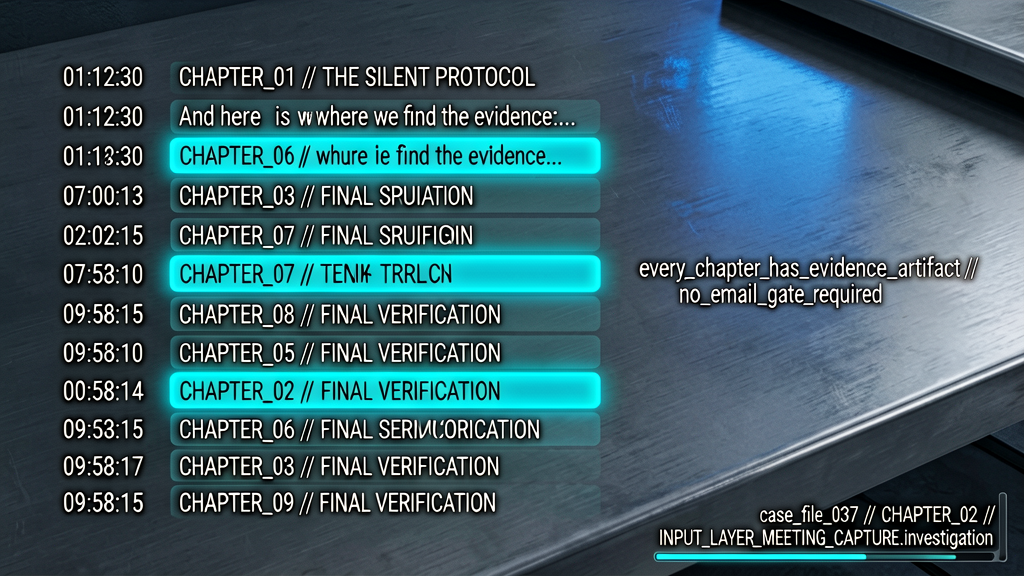
Case file navigation protocol. Chapters are timestamped. Operators concerned only with meeting-capture infrastructure can jump to chapter two. Operators at the automation stage, chapter seven. Operators seeking the year-one retrospective, chapter ten. For operators starting from architectural baseline, sequential review is recommended. Each chapter ships with a downloadable evidence artifact: a template, a blueprint, a system prompt. The full artifact pack is linked in the case-file description. No email gate is required. The full architecture map is the final artifact released in chapter ten, so even if only the closing chapter is reviewed, the operator departs with the system schema intact.
One additional orientation beat before chapter two. By the end of this case file the operator has three deliverables. One, the full architecture map of how the seven layers integrate, sufficient to diagnose which layer is missing from their own configuration. Two, a specific tool recommendation per role, with the documented reason it survived twelve months of testing and which alternatives it outperformed. Three, a download pack with the artifacts. Templates. Blueprints. System prompts. The prompts in active use. The download is at the link in the case-file description with no consent friction. Nothing in this case file is gated free content that requests downstream purchase. The case file is the artifact.
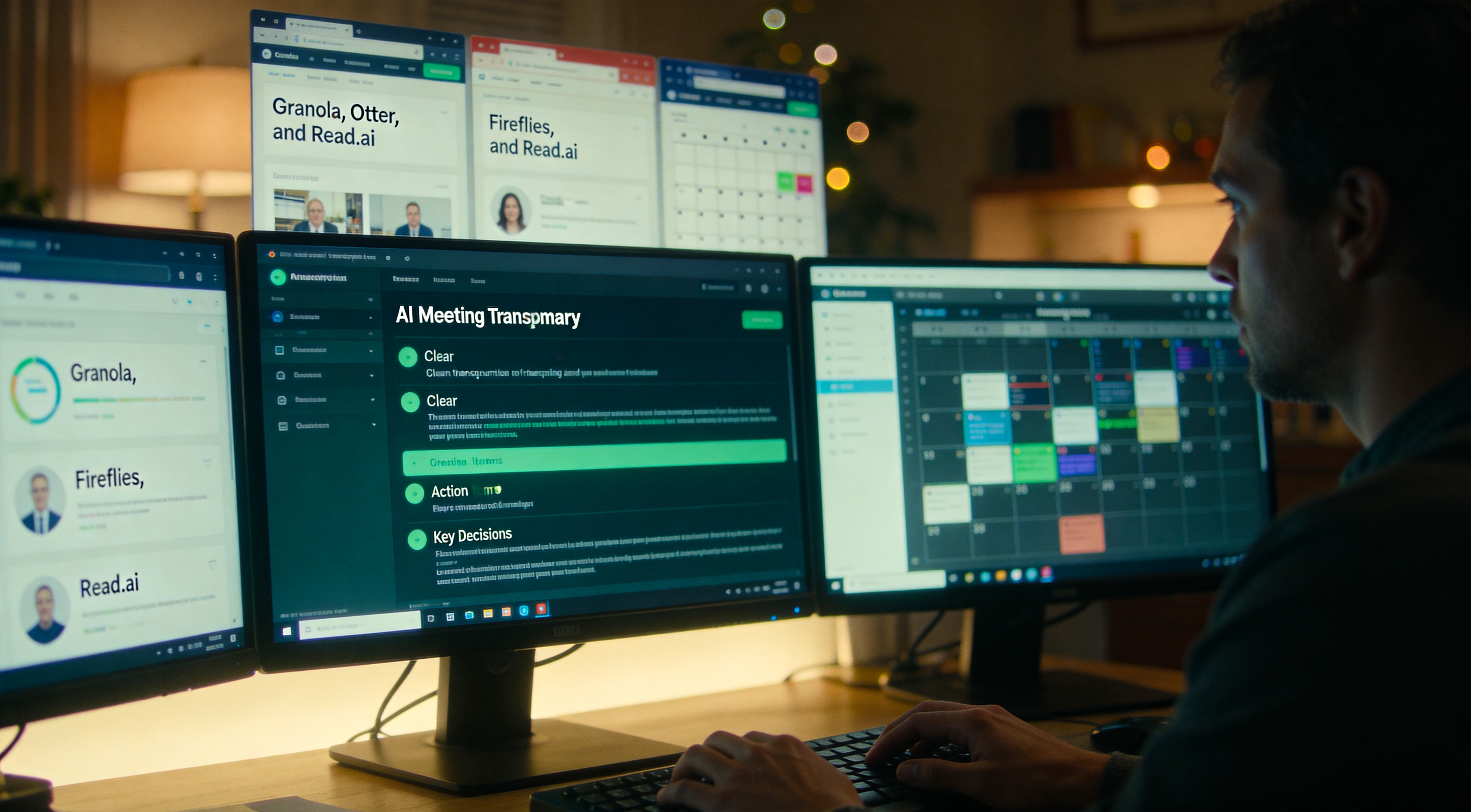
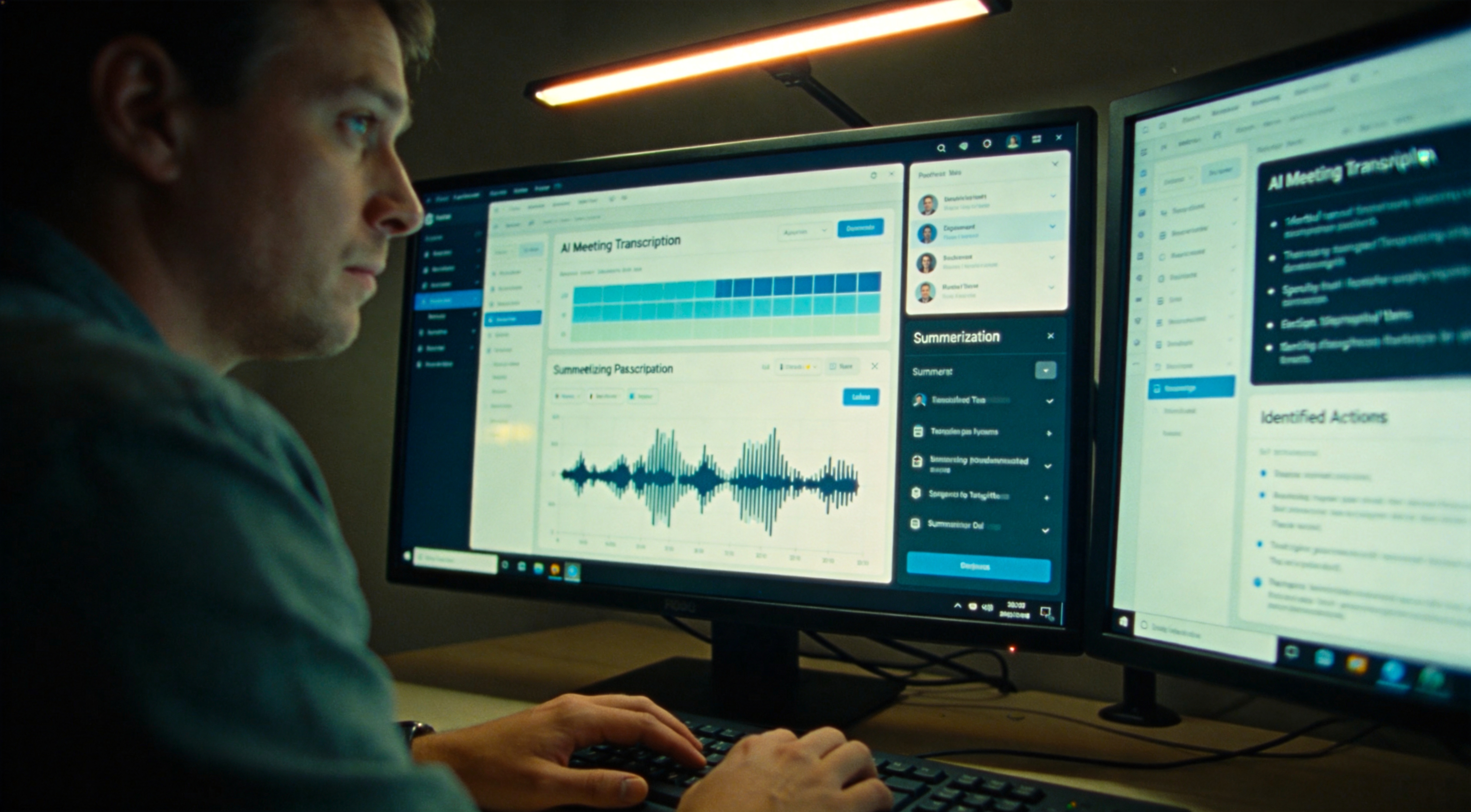
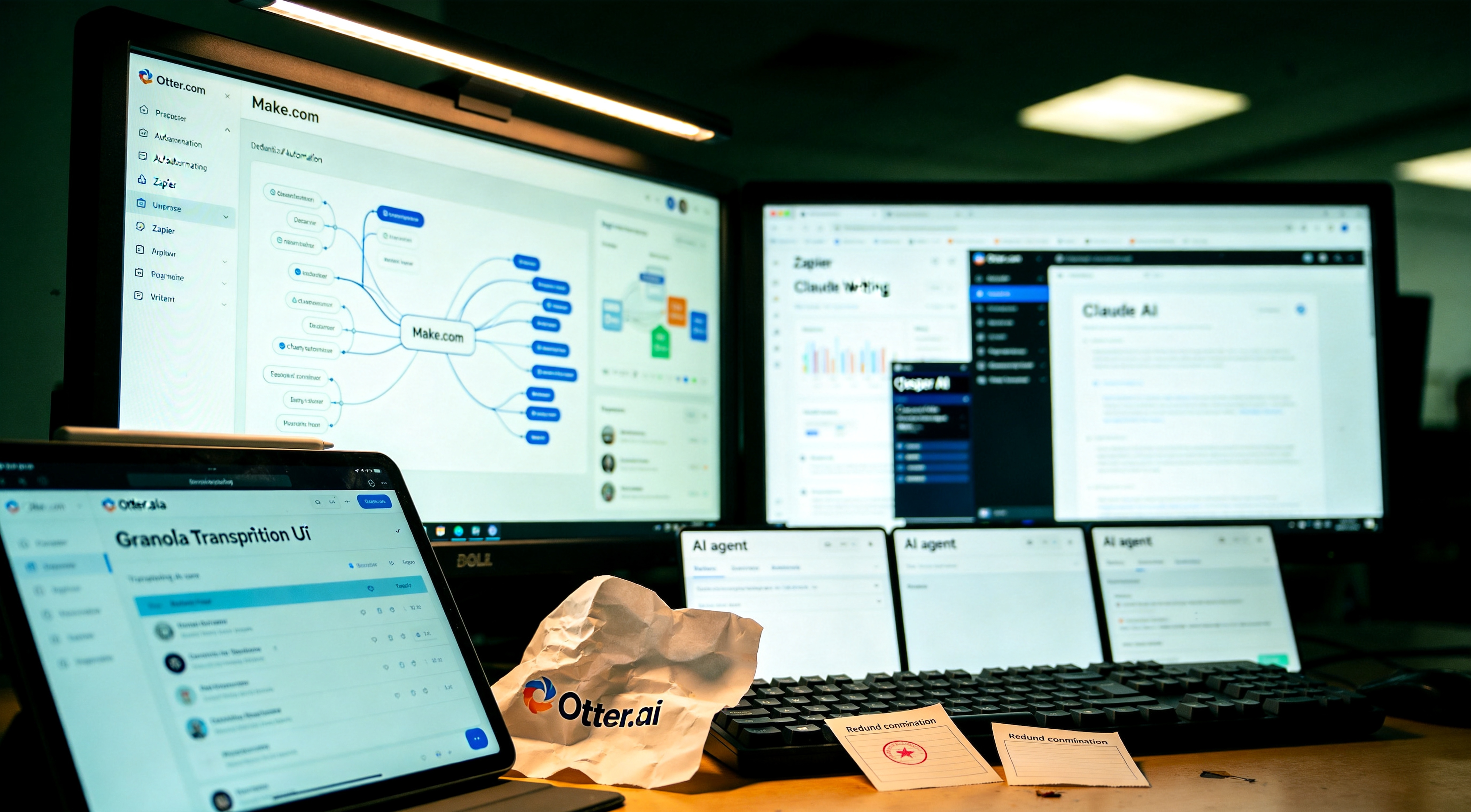
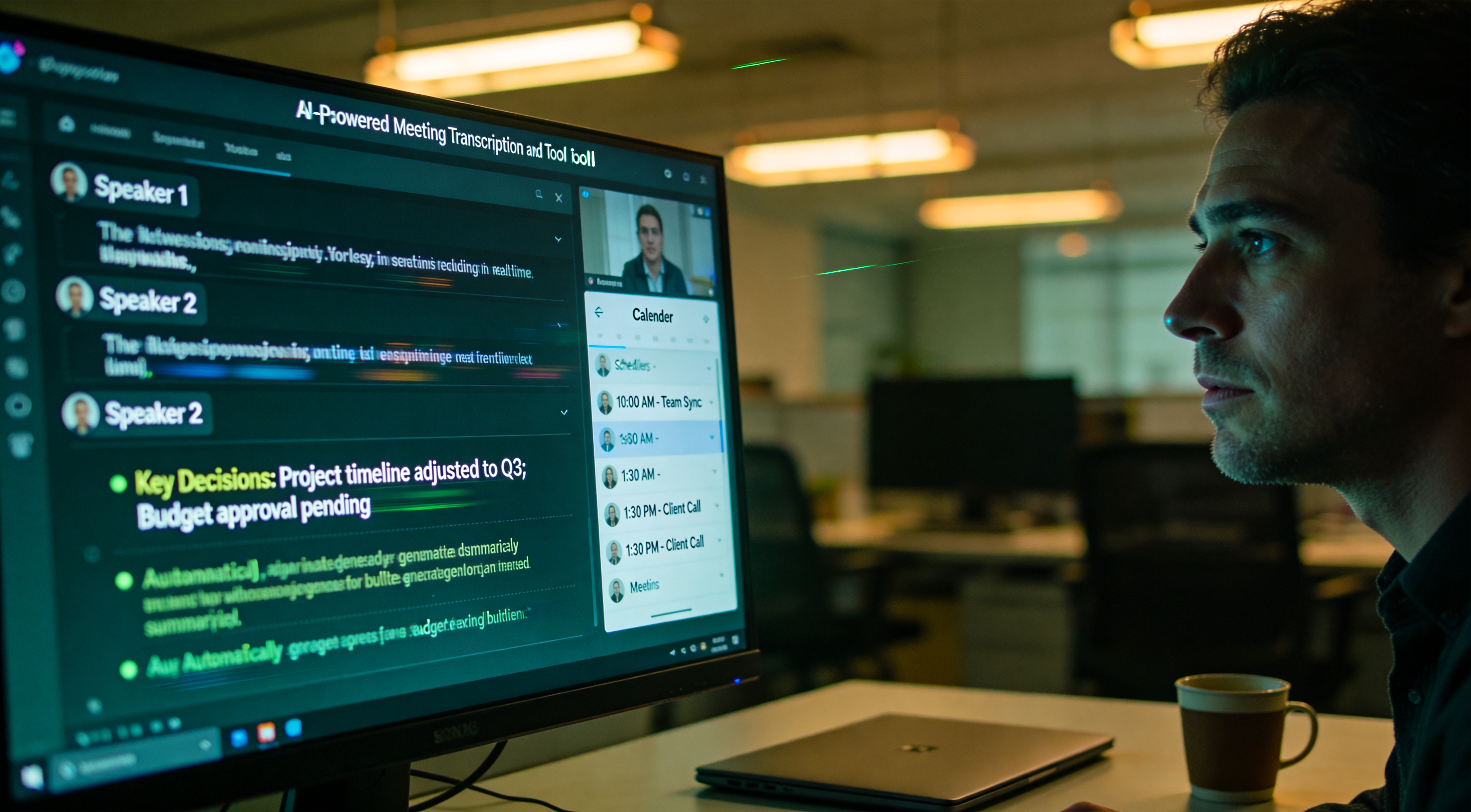
Chapter two. Input Layer, part one, meeting capture. For an operator running more than three meetings per week, information loss between meetings is the dominant productivity tax. Decisions degrade. Action items slip. Context dies. The repair is not better human note-taking. That capability ceiling was reached in 2010. The repair is delegating capture to AI that records everything and returns a structured artifact. The market currently has four serious players: Granola, Otter, Fireflies, and Read.ai. Each tool was operated for two weeks. Four meetings per day average. Fifty-six meetings per tool. Same meetings, same context. As documented in the Phantom Voice case file, every meeting-capture tool is also a voice-capture surface. The audit findings document both the productivity utility and the secondary capture profile.
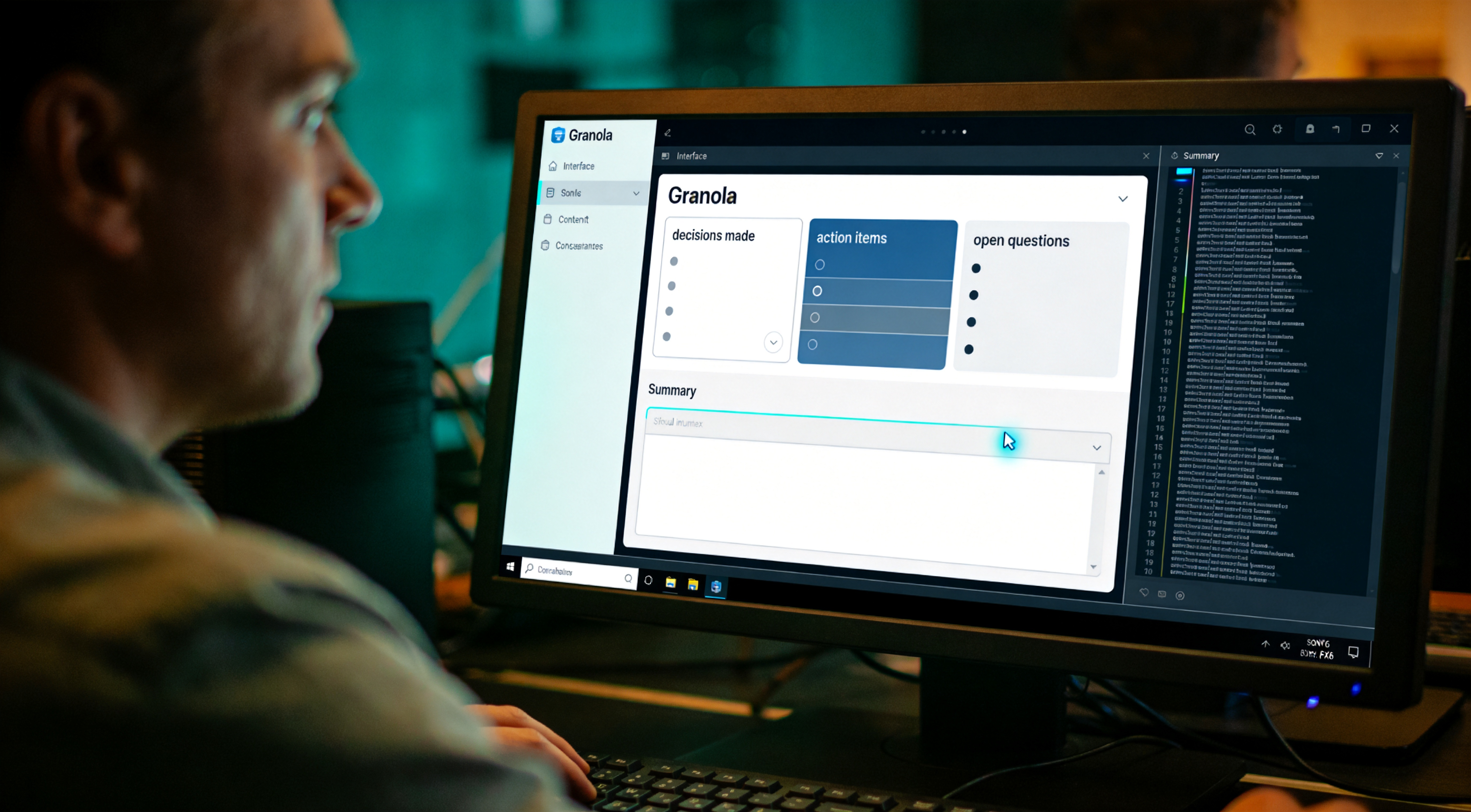
Granola. The one that was retained at the end of the test period. Granola operates differently from the other three in the test set: it does not transcribe verbatim. It observes the operator's typed notes during the call and at completion returns a structured summary built around the operator's signaled priorities. Decisions made. Action items with owners. Open questions. The structure is the value, not the raw transcript. The mechanism behind the value: a forty-five minute call generates approximately six thousand words of transcript. No operator re-reads six thousand words. They re-read a structured one-page summary, and that summary becomes the next meeting's prep document. Cost: free under twenty-five meetings per month, then nineteen dollars. Runs on Mac and Windows. Does not bot-invite meetings, operates silently in the background. The retention surface documented: the captured audio and structured output remain in Granola's infrastructure post-meeting, with retention windows that are not operator-controllable at the free tier.
Otter. The veteran in the segment. Longest tenure, largest enterprise customer base, most operator familiarity. Otter's measured strength is transcription accuracy, documented as superior to the other three on difficult audio conditions. The audit's secondary finding: what Otter does with that accuracy. The default output is a literal speaker-labeled transcript plus an AI summary that reads as if produced by an intern who did not attend the meeting. Summaries register as vague. Action items frequently mislabel ownership. The interface optimization is for legal-discovery use cases rather than solo-operator velocity. Classification: for verbatim transcript use cases, journalism, legal, Otter remains the appropriate tool. For meeting productivity, it was not. Cost: ten dollars per month for the Pro plan with actionable AI features. Retention posture: enterprise-grade, designed for discoverability, the inverse of operator privacy.
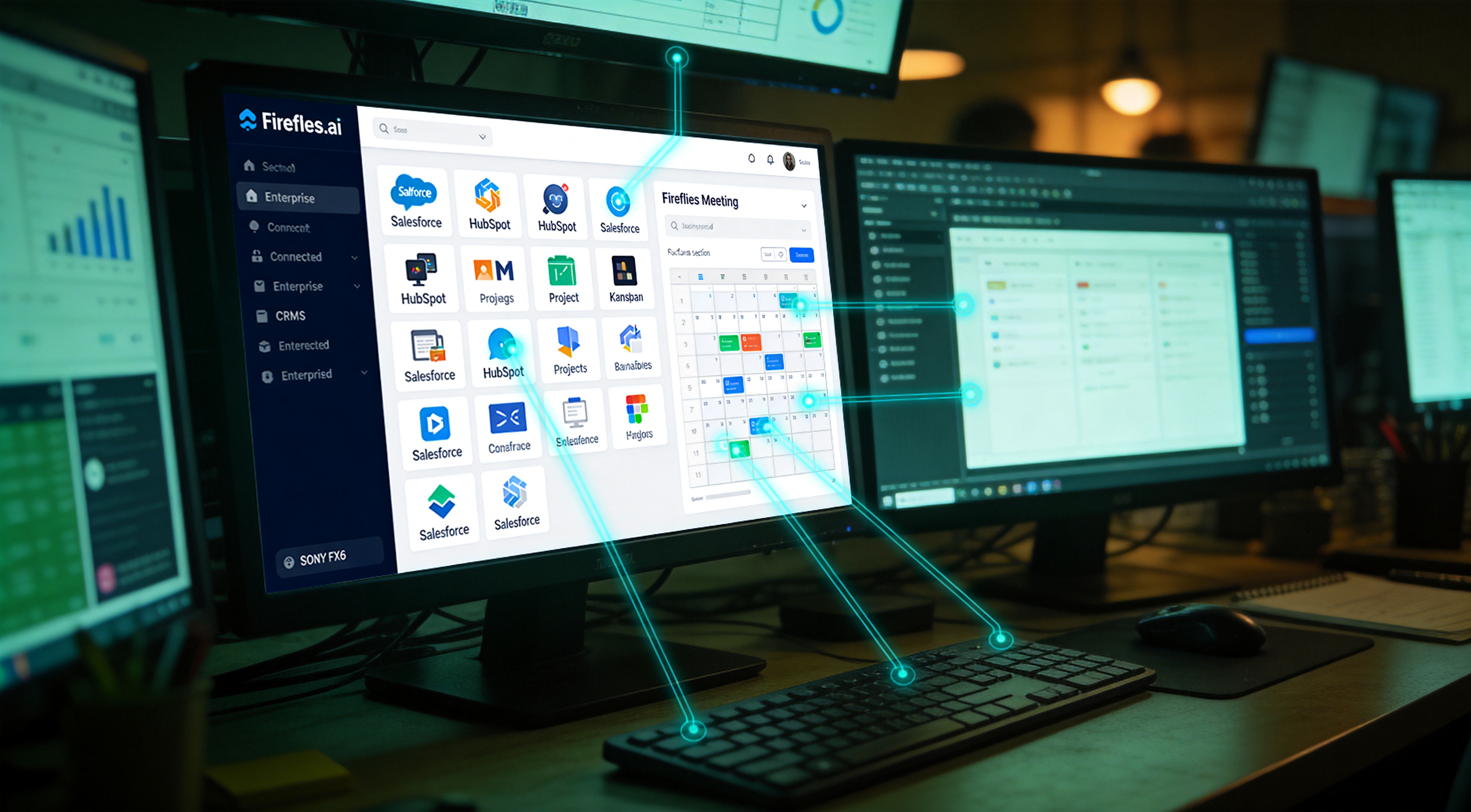
Fireflies. Where Granola wins on output quality and Otter wins on accuracy, Fireflies wins on integration breadth: native connection to forty-plus tools including the major CRMs and project management surfaces. If the operator's meeting outcomes must land directly in Salesforce or HubSpot, Fireflies is purpose-built for that pathway. The trade-off documented in the audit: meeting summaries themselves rated mediocre. Organized but generic. The output reads as template-filled rather than synthesis-derived. The audit's reasoning for retention failure: Granola's superior summaries combined with manual CRM triggering through Make.com (chapter seven) produced a higher quality artifact than Fireflies' integrated automation. Subsequent investigation found this pattern consistent across other operators in the subject population. Cost: ten dollars per month for the Pro tier with meaningful AI features.
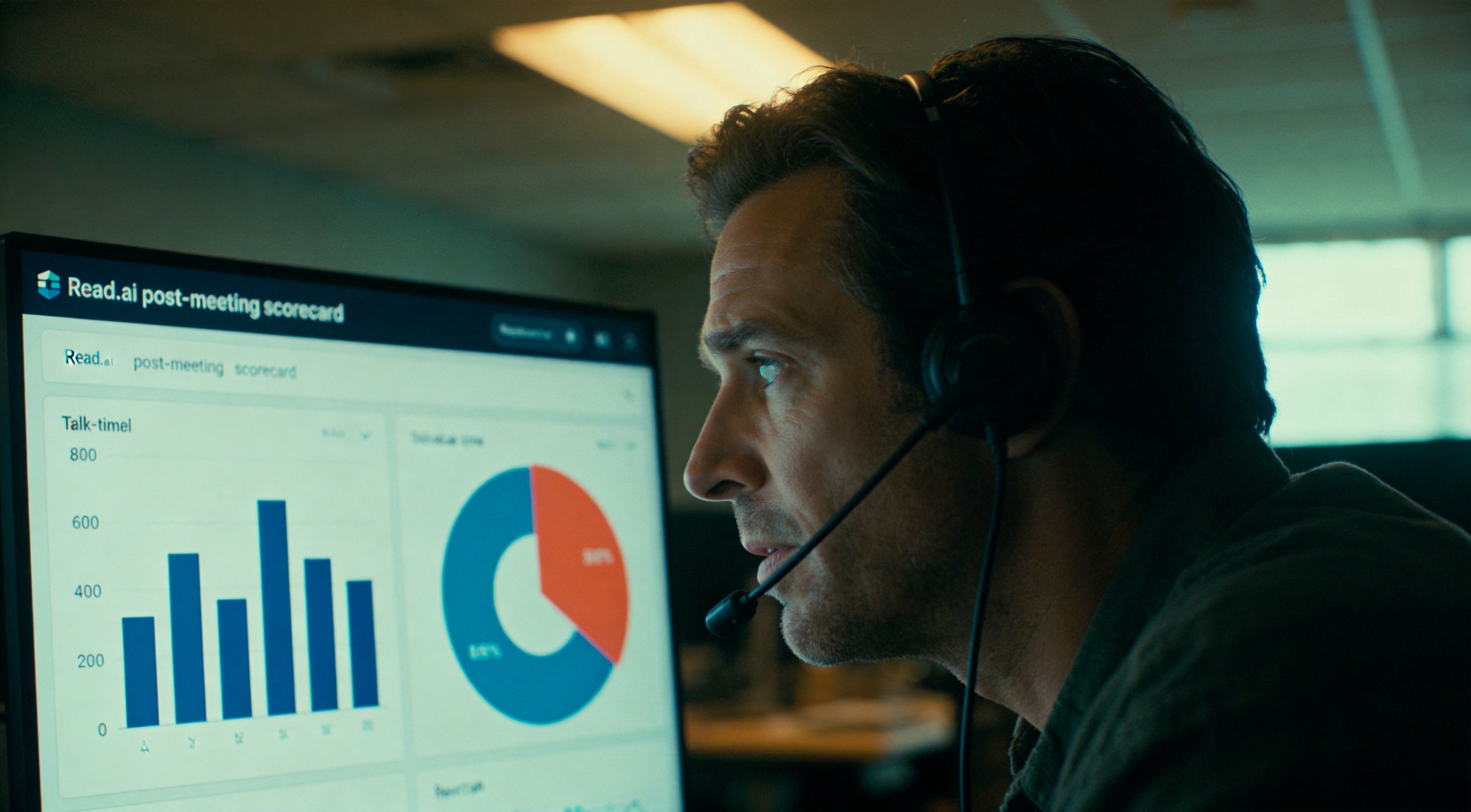
Read.ai. The newcomer with an inverted thesis. Read.ai does not optimize for summaries. It scores meetings: engagement, sentiment, talk-time ratios, who dominated, who was interrupted. The product thesis: meetings themselves are the problem, and the data should drive fewer better meetings. The audit went in skeptical and exited with one specific finding of value: the post-meeting scorecard surfaced talk-time domination by the operator across three sales calls in a row. The operator had not realized this until Read.ai's data exposed it. Useful self-correction signal. The retention failure mode: the meeting summaries remained weaker than Granola's, and scorecards are not required on every meeting once the lesson is internalized. Classification: worth a one-month trial for operators who suspect they over-dominate meetings. Not a permanent subscription. Cost: fifteen dollars per month.
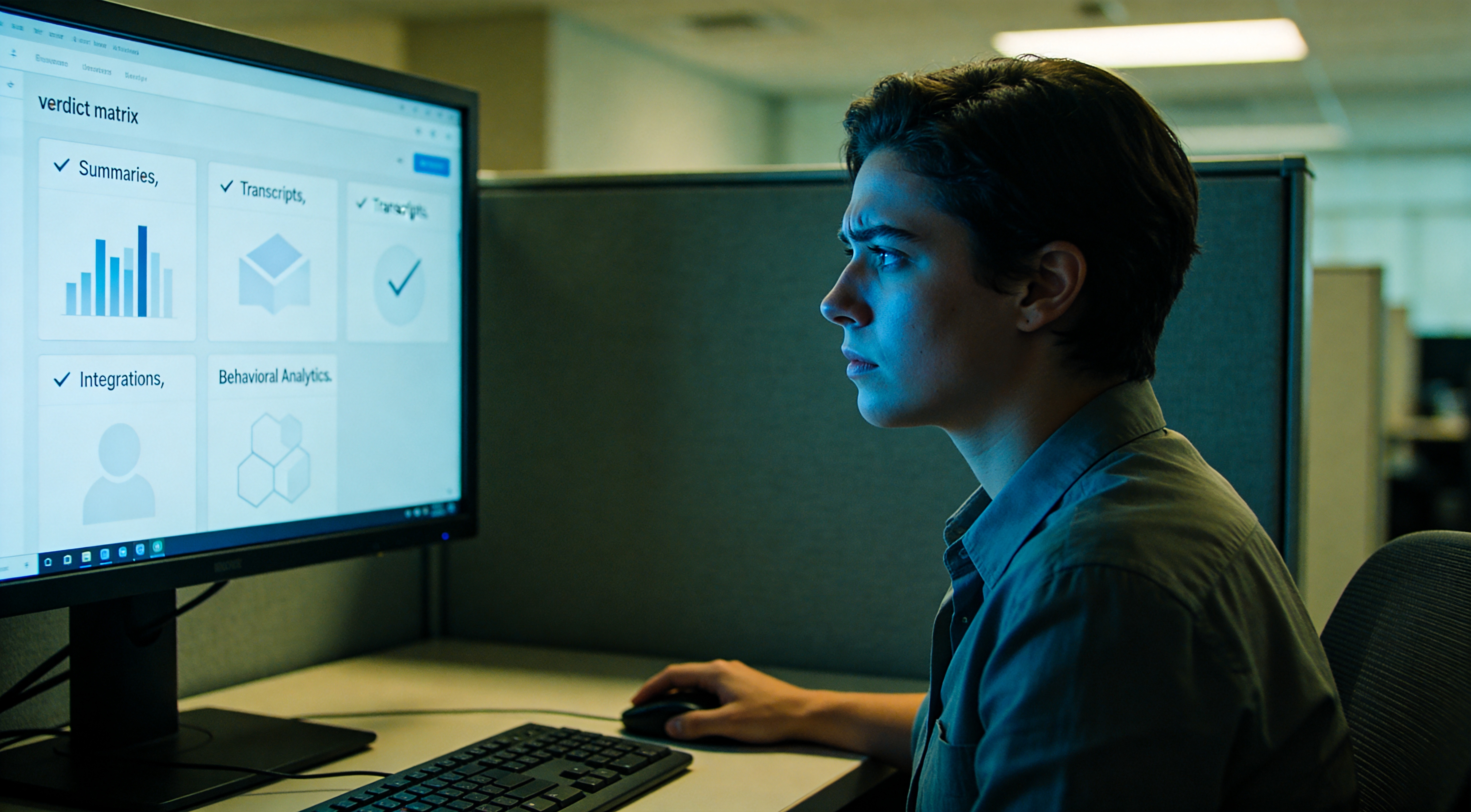
The verdict matrix. For ninety percent of the subject population, solo founders, small teams, anyone running four to ten meetings per week and requiring better summaries, Granola. For journalism, legal work, or any role requiring verbatim transcripts as the primary artifact, Otter. For sales teams operating inside a CRM, Fireflies, where the integration friction savings may outweigh the summary quality loss. For operators who suspect over-dominance in meetings, Read.ai for one month, then cancel. The most common misclassification observed in the audit: operators selecting the meeting tool with the loudest marketing rather than the one matched to their actual job. The misclassification cost exceeds the subscription cost: it costs the operator the artifact they will use to prepare for their next meeting.
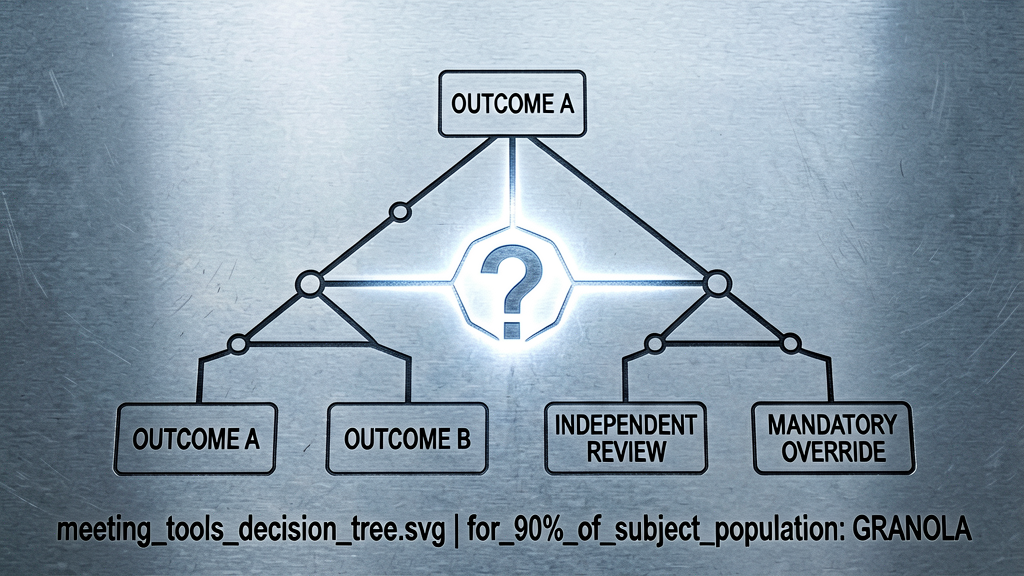
The meeting tools decision tree is in the case-file artifact pack as a downloadable diagram, along with the complete two-week test log with all fifty-six meetings per tool categorized by accuracy, structure quality, and time-saved metrics. That documents half the Input Layer. The remainder of Input is research, the protocol for bringing information into the operator's perimeter from outside meetings: competitors, regulations, market data, anything in the unknown set the operator needs to know. Four research tools, same head-to-head treatment, eighty data points. Onward.

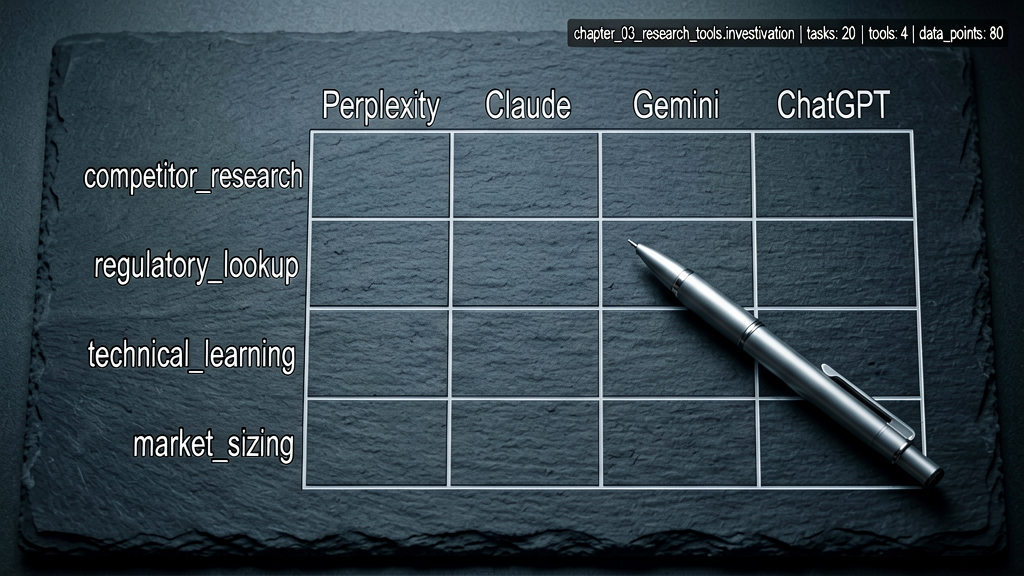
Chapter three. Input Layer, part two, research tools. The protocol: the operator requires information not currently in their archive, and the result must be accurate, sourced, and shaped for action. Prior solution surface: Google. Current solution surface: one of four AI research tools. Perplexity, Claude with web search, Gemini, ChatGPT with browse mode. Each claims superiority over Google for synthesis. The audit findings document they are not equivalent in practice. Each tool was evaluated across twenty research tasks distributed across four task types: competitor research, regulatory lookup, technical learning, market sizing. Twenty tasks. Four tools. Eighty data points. The right tool depends on the task type. A universal winner does not exist in the data.
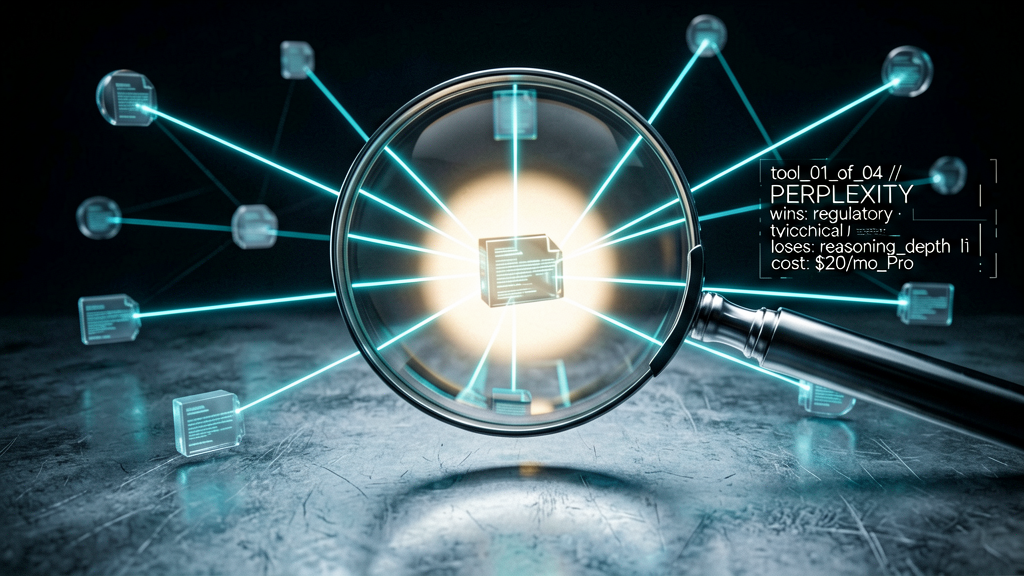
Perplexity. Documented strongest for fast factual lookups with citation infrastructure. The interface is built around source attribution: every claim links to a verifiable source. The Pro version operates on a stronger model and registers lower error rates on harder questions. Where Perplexity wins in the audit: regulatory and technical learning tasks where the operator requires a synthesized answer plus the original sources for downstream citation. Where Perplexity loses: deep reasoning. Perplexity returns a synthesis but does not think with the operator about what the synthesis implies. Classification: a better Google, not a thinking partner. The audit's framing: Perplexity for facts, Claude for what to do with the facts. Cost: free for basic, twenty dollars per month for Pro.
Claude with web search. Documented strongest for synthesis tasks where the operator requires not facts alone but a coherent argument or recommendation constructed from them. Claude executes web search, reads the sources, and writes a response that holds together as actual reasoning. The audit's distinction from Perplexity: Perplexity returns a list of synthesized facts with sources. Claude returns an analysis that reaches a conclusion. For competitor research and market sizing, where the question is closer to "what should the operator do about this" than "what is this", Claude wins cleanly. Trade-off: measurably slower than Perplexity, with present-but-less-prominent citations. Cost: twenty dollars per month for Pro.
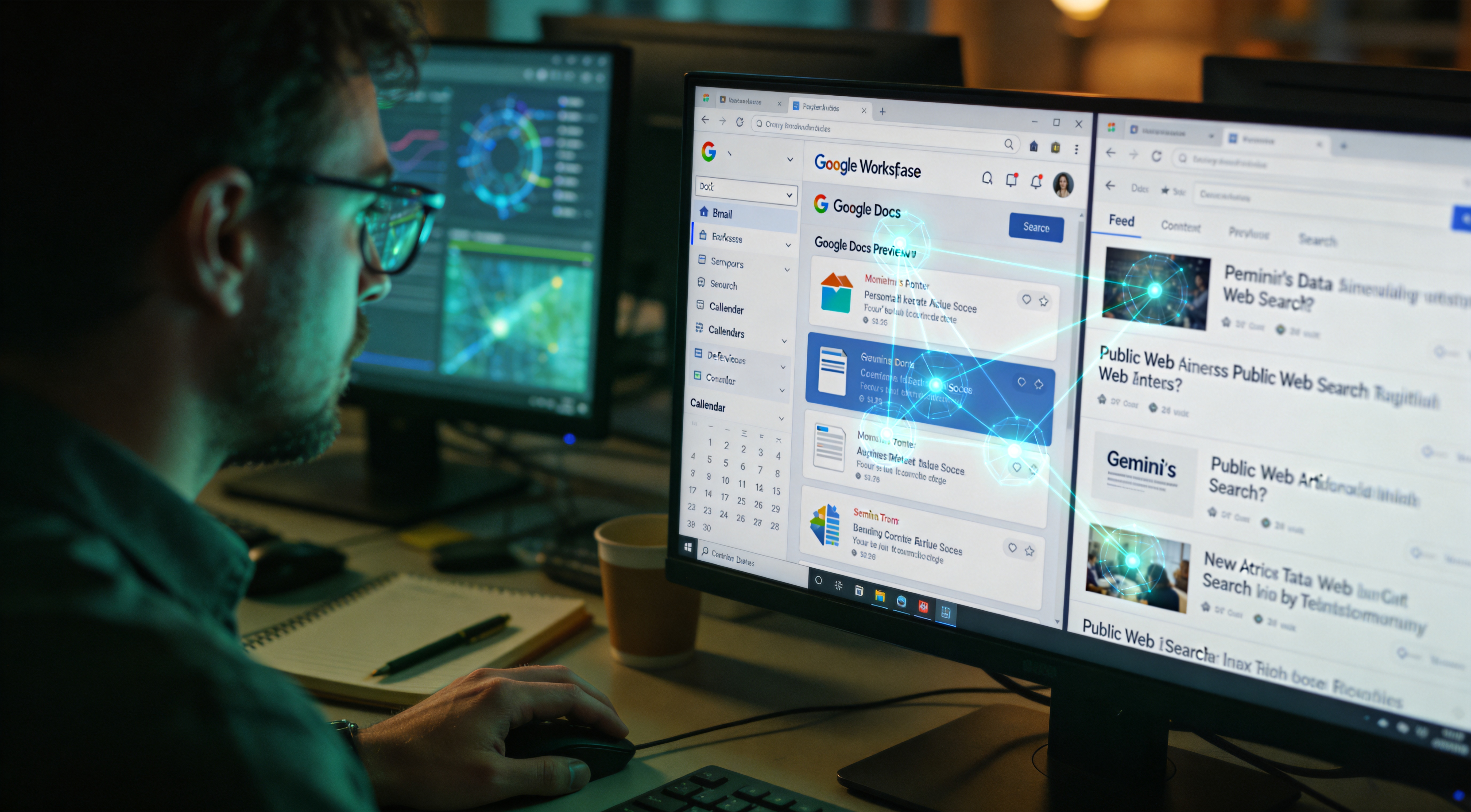
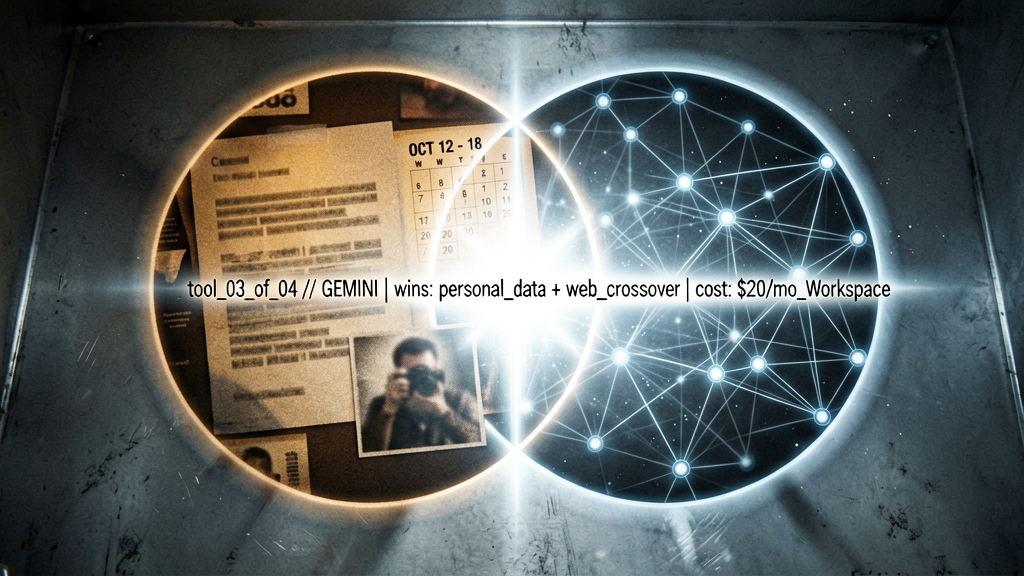
Gemini. The audit's wildcard finding. Gemini is built into Google's ecosystem, which means it has access to data the others do not, the operator's Gmail, Docs, Drive, Calendar. When the research task involves the operator's own data crossed with the public web, for example, articles from a given year that mention companies in the operator's contacts list, Gemini executes operations the other three tools literally cannot. The downside, documented: pure public-web research with no personal-data overlap registers Gemini's synthesis as weaker than Claude's and its citations as less reliable than Perplexity's. Classification: a specialist tool for the personal-data-meets-public-web research case. Critically: the same capability that makes Gemini powerful for the operator is the capability that makes Gemini's data access posture the most expansive in the test set. Cost: twenty dollars per month bundled with Google Workspace.
ChatGPT with browse mode. The audit's least comfortable finding for the operator subpopulation already invested in ChatGPT: it does not excel at research relative to the other three. The browse implementation registers as fine. The model registers as capable. But Perplexity outperforms it on citations, Claude outperforms it on synthesis, Gemini outperforms it on personal-data integration. ChatGPT browse classifies as the generalist that loses to specialists on every specific axis. Where it wins: for operators already deep in custom GPTs and unwilling to register a fourth subscription, ChatGPT's research capability is rated adequate for most tasks. For operators selecting research tools from baseline, the other three are stronger. Cost: included with Plus at twenty dollars per month, but the operator is already paying for that subscription for other documented reasons.
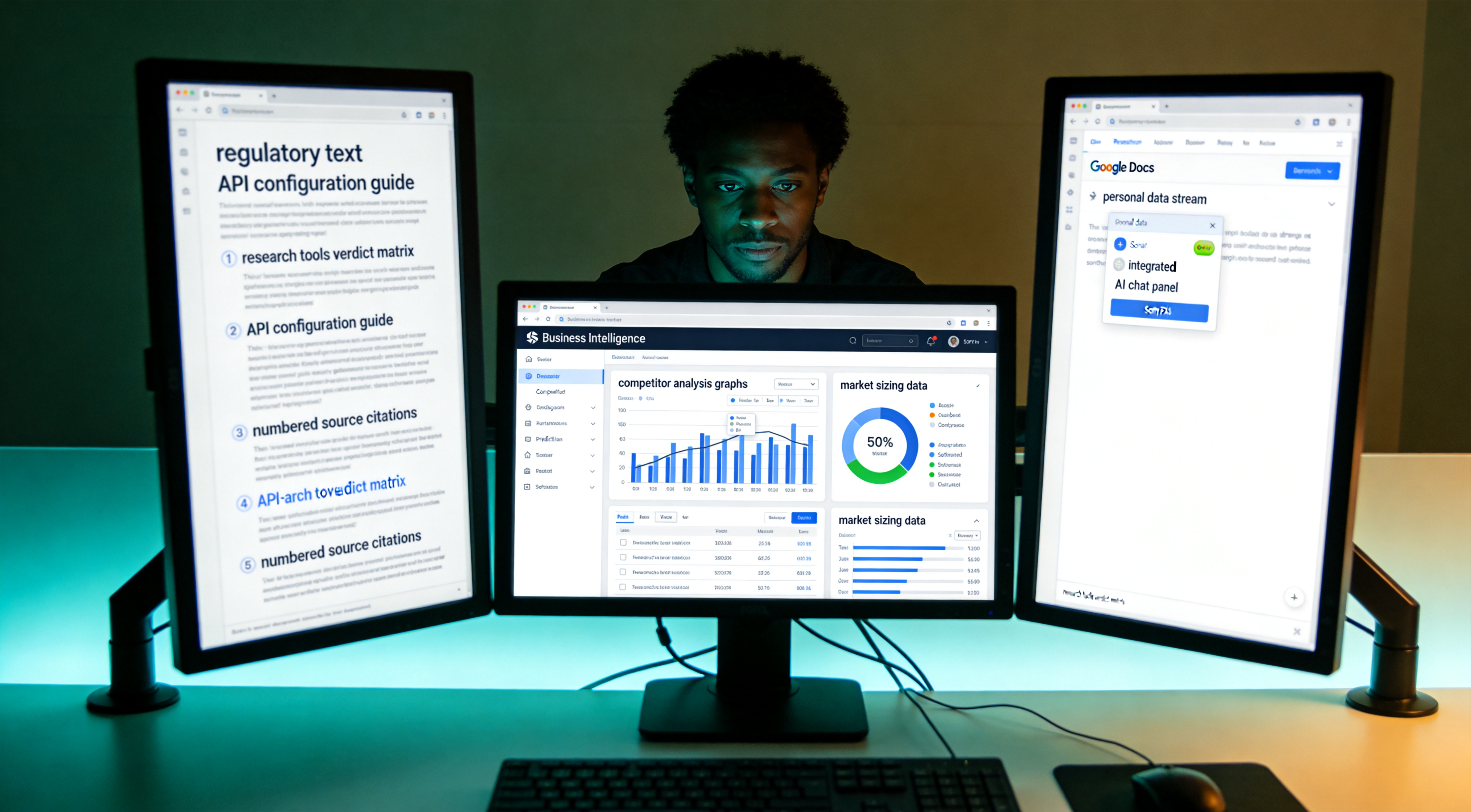
The research tools verdict matrix. Competitor research: Claude with web. Regulatory and compliance lookup: Perplexity Pro. Technical learning, such as API configuration: Perplexity for synthesis with citations, Claude for downstream implication analysis. Market sizing: Claude clean. Personal data plus web crossover: Gemini, alone in the category. If the operator can afford only one and the work involves decisions made from research, Claude. If the work involves citing sources in deliverables, Perplexity. If the operator is a Google Workspace user with heavy personal-data overlap, Gemini, with full awareness of the data-access posture. ChatGPT browse, only if Plus is already retained for other reasons.
The research tools matrix downloads with the meeting tools matrix from chapter two, same artifact, two halves of the Input Layer. That documents everything entering the operator's perimeter. Meetings captured. Research synthesized. The information is in. Information alone does not produce work output. Information requires thinking applied, analysis, decision, draft, argument. That is the Brain Layer. Where most AI productivity content starts, this case file arrives in chapter four. The reason it sits in the middle of the architecture rather than the bottom: the Brain Layer is useless without quality inputs. Garbage in, generic out. Now that quality inputs are stabilized, the case file documents the thinking infrastructure.
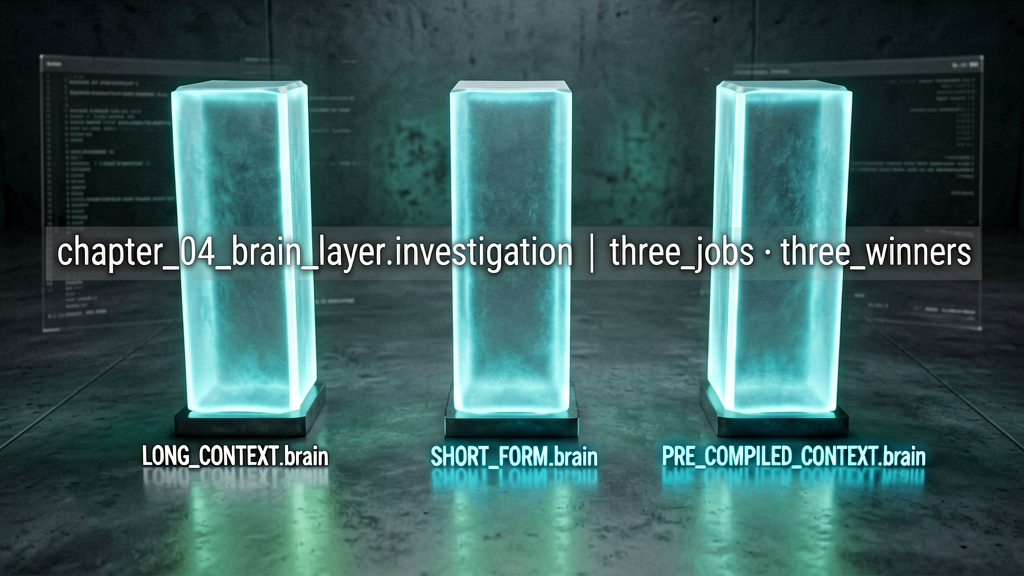
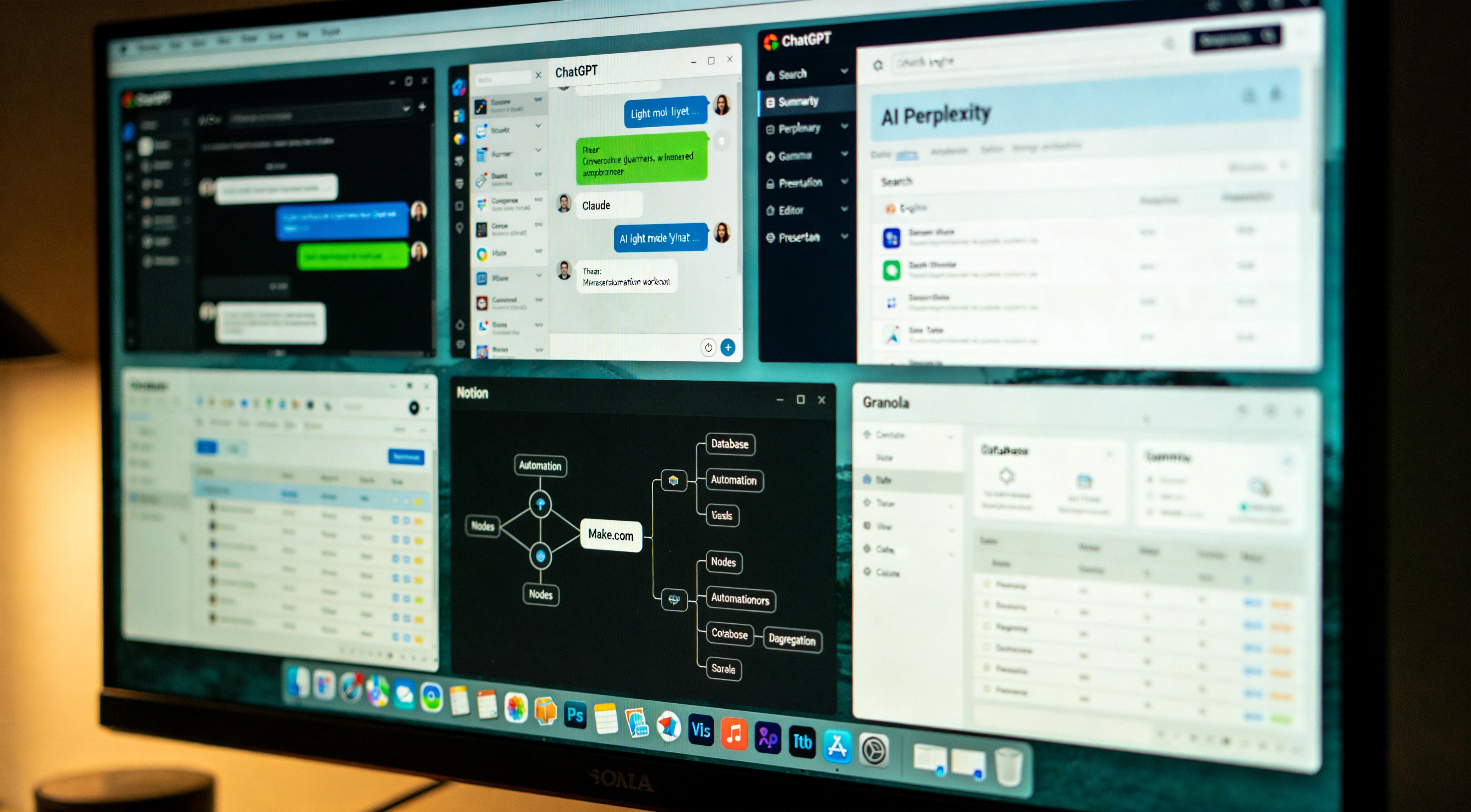
Chapter four. The Brain Layer, where thinking occurs. The Brain Layer has three distinct jobs that most operators conflate: long-context reasoning, short-form generation, and pre-compiled context for repeated tasks. Long-context reasoning means feeding a model fifteen thousand words and asking it to surface patterns. Short-form generation means asking a model a quick question and receiving a clean two-sentence answer. Pre-compiled context means constructing a model that already retains the operator's identity, style, and reference data so that re-explanation at every prompt is not required. As documented in the Context Audit case file, three different tools win three different categories. Conflating the three jobs into a single tool pays the wrong tax somewhere in the architecture.
Long-context reasoning, Claude. As documented in the Context Audit case file, Claude won output quality across a ninety-day comparison test against ChatGPT and Notion AI cleanly. The reason it wins for the Brain Layer specifically: Claude holds coherent thought across long documents in a way the other two cannot reliably reproduce. A fifteen-thousand-word document, a sales call transcript, a contract, a draft chapter, produces a response that stays consistent. ChatGPT begins strong and loses the thread by paragraph three. The Brain Layer protocol: use Claude when the input exceeds two thousand words or when the answer must hold together as reasoning across multiple sections. Do not use Claude for quick one-line answers, measurably slower than ChatGPT with no compensating quality lift. Cost: twenty dollars per month for Pro.
Short-form generation, ChatGPT. For tasks under five hundred words of output, ChatGPT is measurably faster than Claude in real use. Twice as fast on quick rewrites. Three times as fast on brainstorming variations. The underlying model is not necessarily better, but the interface, the speed, and the custom GPT integration mean operator hands-on-keyboard time is shorter. For high-throughput repetitive tasks, email rewrites, slack drafts, headline variations, prompt iteration, ChatGPT wins on speed. The trap to avoid: do not use ChatGPT for tasks where output quality matters more than speed. Strategy document, Claude. Fifteen slack drafts, ChatGPT. Selection by constraint: speed or quality. Both designed well, differently shaped. Cost: twenty dollars per month for Plus.

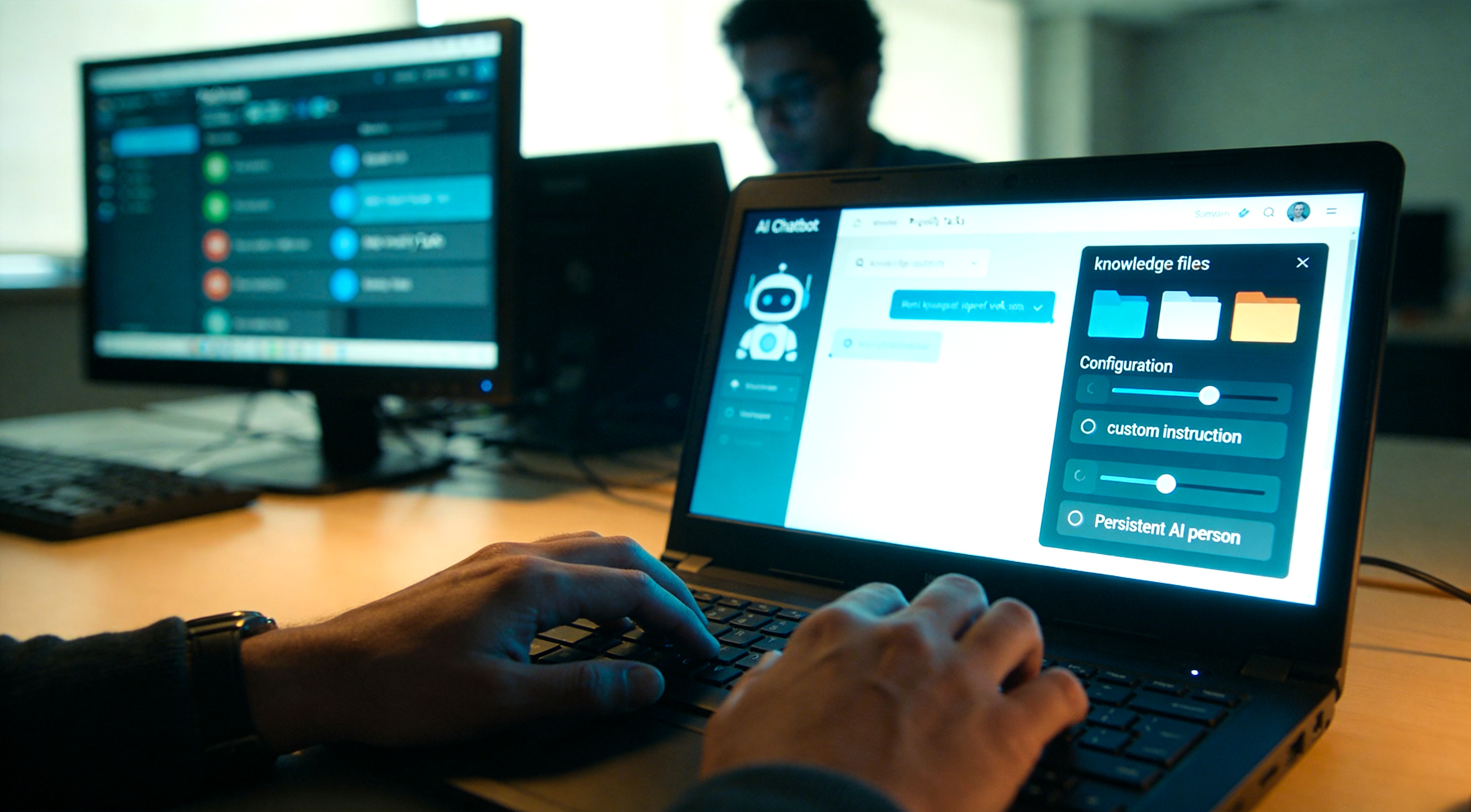
Pre-compiled context, the third Brain Layer job, and the one most operators do not recognize as a separate category. The protocol: the operator has ten tasks executed weekly that require the same context every time. Rather than re-explaining the operator's identity, role, voice, and reference data at each chat, the operator wants a model that already retains that data. OpenAI's implementation is custom GPTs, documented in detail in the previous Fragment Zero case file on custom GPTs. The Anthropic implementation is Claude Projects with custom instructions and knowledge files. Both work. Custom GPTs ship a polished interface and the GPT Store. Claude Projects ship better long-context handling inside the project boundary. The operator uses both: custom GPTs for short-task repetitive jobs, Claude Projects for ongoing long-form work such as book chapters or major client engagements. Critically: the pre-compiled context model is the surveillance pattern documented in the Mirror Core case file. The operator's voice becomes the training data. The convenience is enabled by the retention posture.
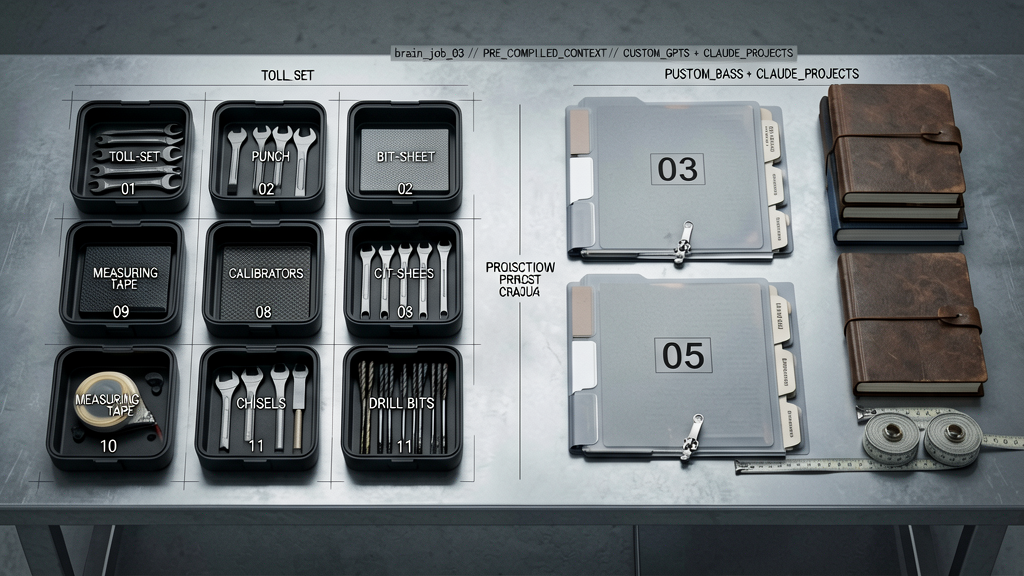
The dominant misuse pattern in the Brain Layer, observed across the subject population: operators select one tool and attempt to execute all three jobs through it. ChatGPT users force long-context tasks into a model that loses the thread by paragraph three. Claude users wait too long for short tasks. Custom GPT operators skip building reusable context entirely and re-explain themselves at every chat. The repair, derived from the audit: recognize the three jobs are different. Two subscriptions. Two interfaces. Used for what each is documented to handle. Surface impression: more complexity. Operational reality: less. Each task lands in the appropriate tool with minimum friction. Total time across all tasks is lower than forcing the workload through a single subscription.
The Brain Layer decision rule, in one sentence: long context to Claude, short volume to ChatGPT, repeated context pre-compiled into a custom GPT or Claude Project. That covers ninety percent of Brain Layer work documented in the audit. The remaining ten percent is decision-point work, client acceptance, hiring decisions, strategic calls. For that, the operator has a specific Custom GPT called Decision Filter that runs decisions through three documented frameworks. The verbatim prompt is in the previous case file on custom GPTs, linked in the case-file description. Brain Layer documented. Inputs arrive. Thinking is applied. Decisions are made. Those decisions require a substrate that does not let them evaporate. Storage Layer next.
The Brain Layer decision rule is one line in the architecture map artifact. The custom GPT library from the previous case file documents all eleven of the operator's GPTs verbatim. Both are in the case-file description. Onward to Storage, because none of this Brain Layer thinking matters if the operator cannot retrieve the output six weeks later when it is needed.
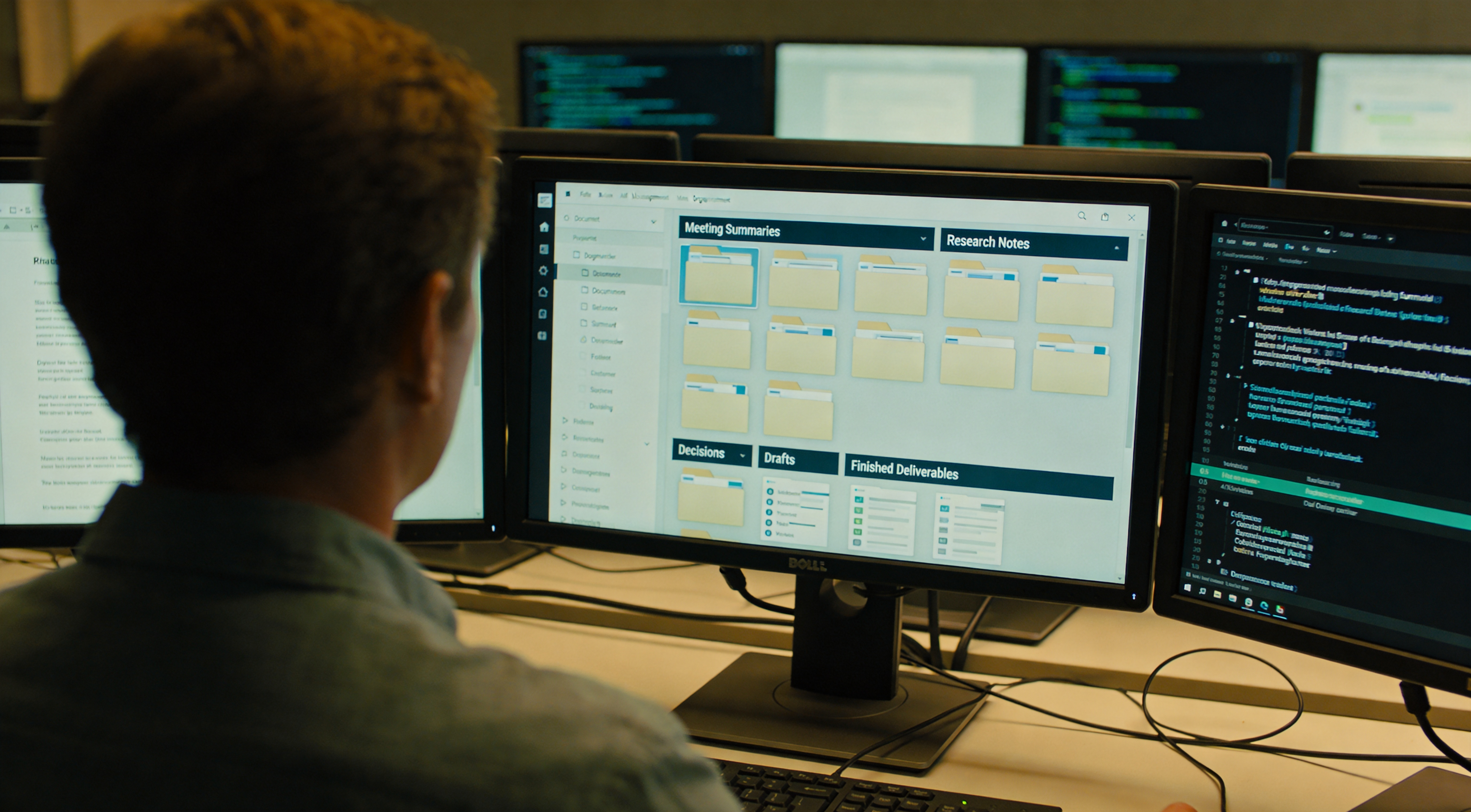
Chapter five. The Storage Layer. The layer most AI productivity content does not document, and the layer that determines whether the operator's system compounds or stays flat. Storage does not market well, no AI model launches, no demo videos, no breathless reviews. Storage is where meeting summaries, research notes, decisions, drafts, and finished deliverables remain until they are needed again. Without storage, AI productivity registers as fancy stream-of-consciousness, produce a lot, find nothing later, output evaporates within a week. With storage executed correctly, every output the operator generates becomes a future input. The system compounds. The correct storage for AI workflows is structured, searchable, and queryable by AI itself. For the operator that is Notion. The case file documents why. As documented in the Memory Market case file, the data does not stay confined to its account. That posture applies here.
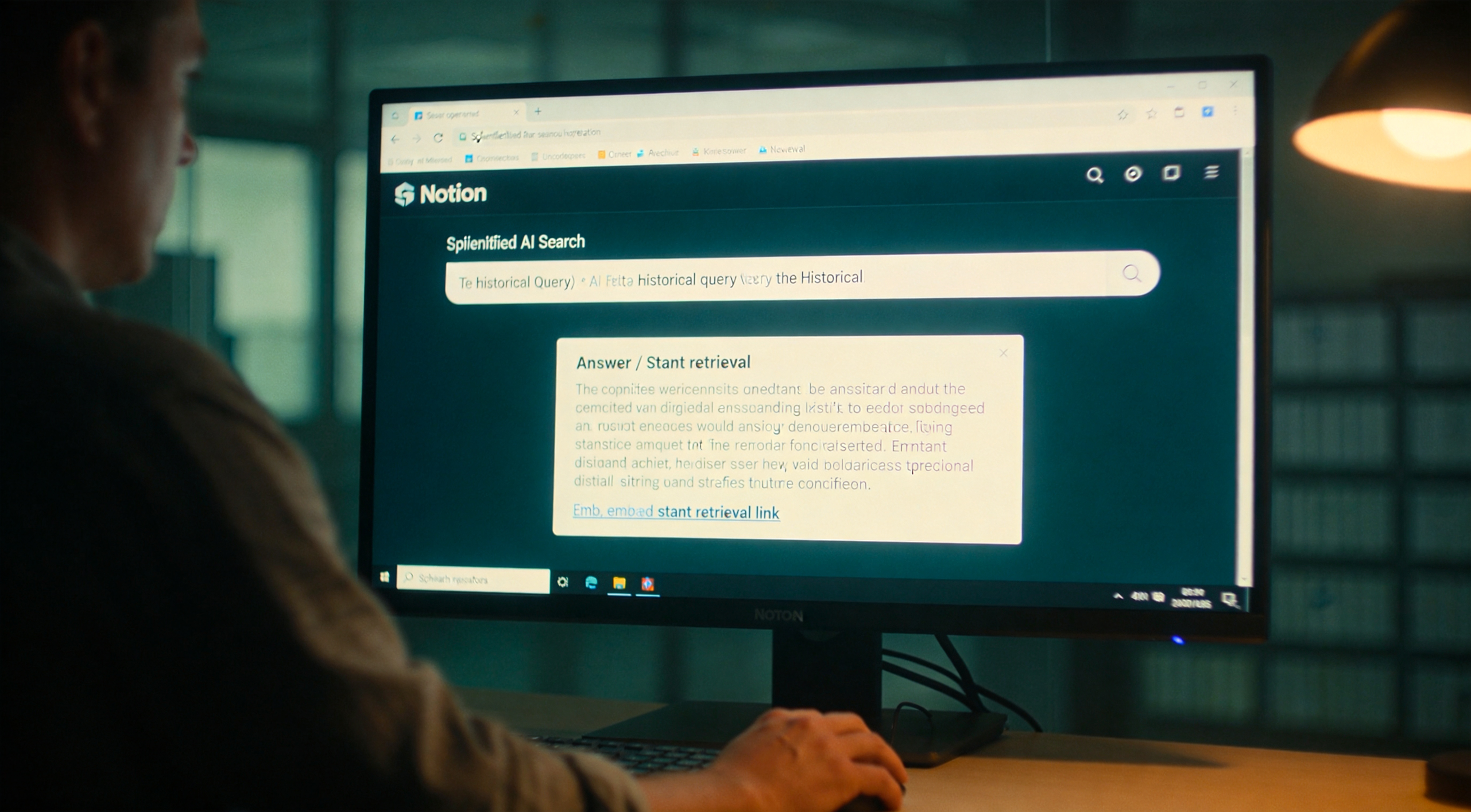
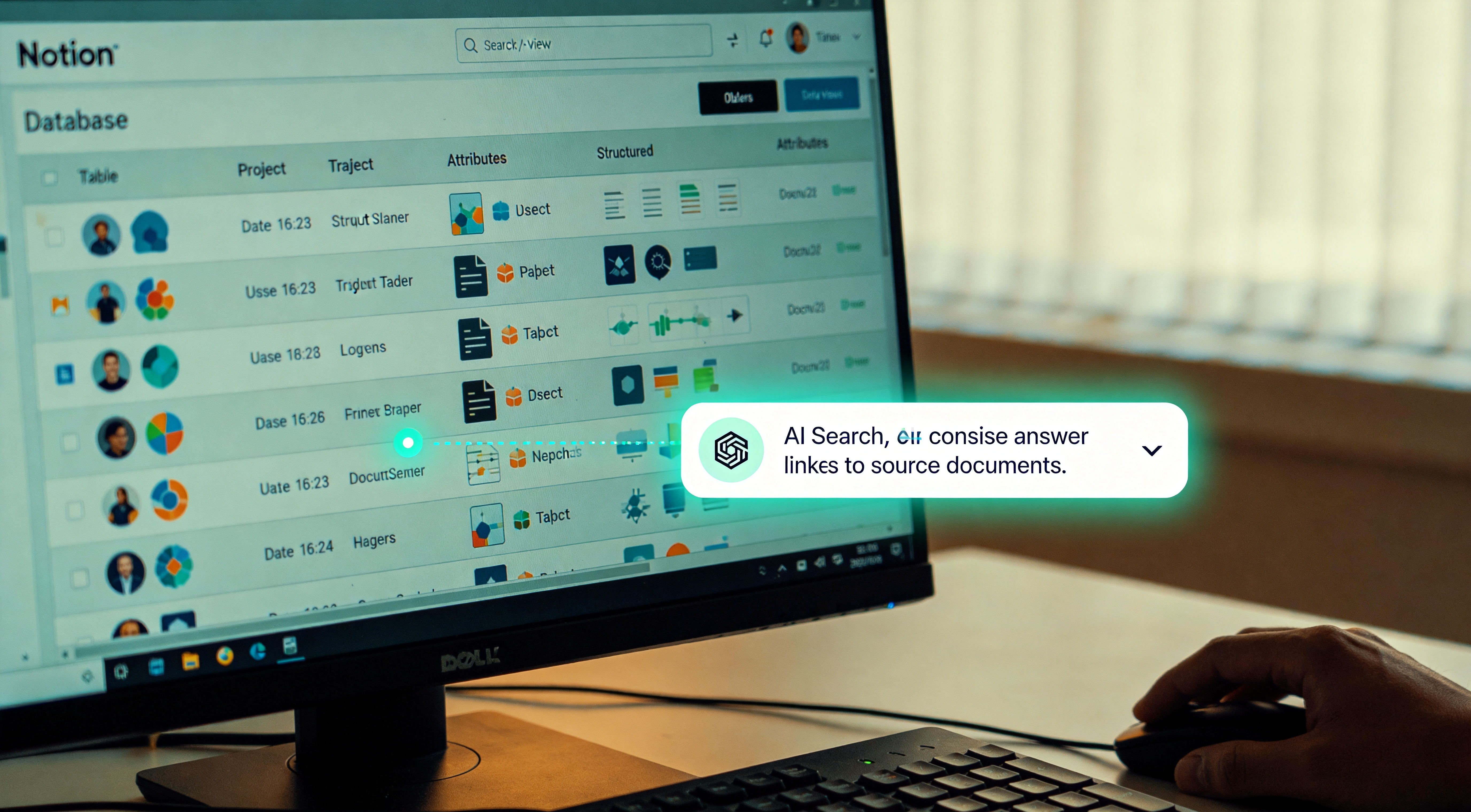
Three reasons Notion specifically, derived from the audit. First, database structure. Notion allows treating every piece of content as a row with properties, not just a page in a folder. A meeting note carries properties: date, attendees, project, decisions, next actions. A research document carries: topic, source, date, related projects. The structure renders everything findable later by any property combination. Second, AI search across the entire workspace. Notion AI queries the operator's full archive and returns the specific answer with a link to the source document. Not a fuzzy match, the actual paragraph containing the answer. Third, the rest of the operator's network uses it. Clients can read shared pages without an account. Team members can edit collaboratively. The system is not trapped inside the operator's head or a single closed app. Cost: ten dollars per month for Plus plus ten dollars for AI, twenty dollars total. Affiliate relationship disclosed: if the operator signs up through the link in the case-file description, the case-file producer receives a referral fee at no marginal cost to the new operator. The retention posture documented in the Memory Market case file applies here in full: every page, every property, every query becomes part of the AI's working memory of the operator.
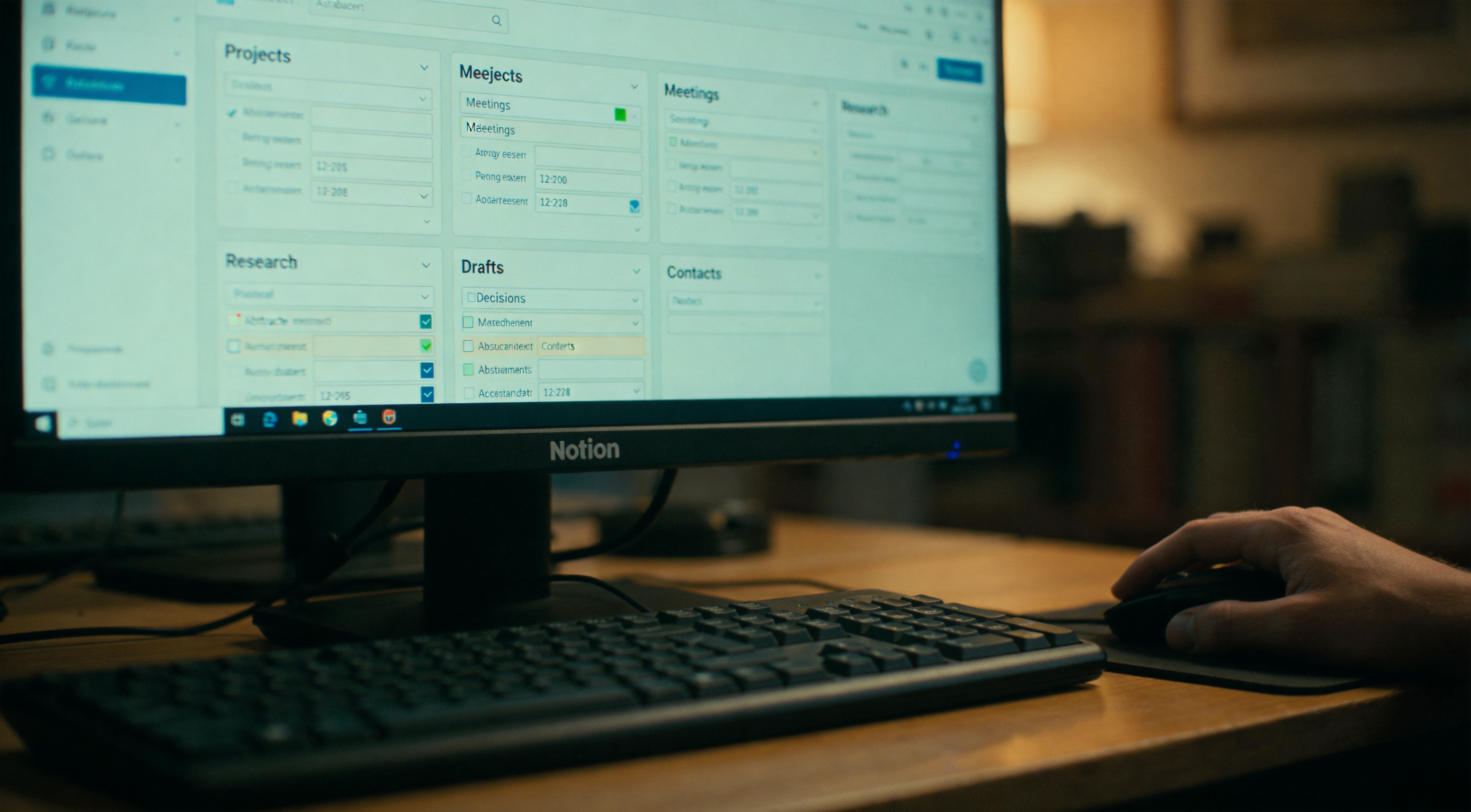
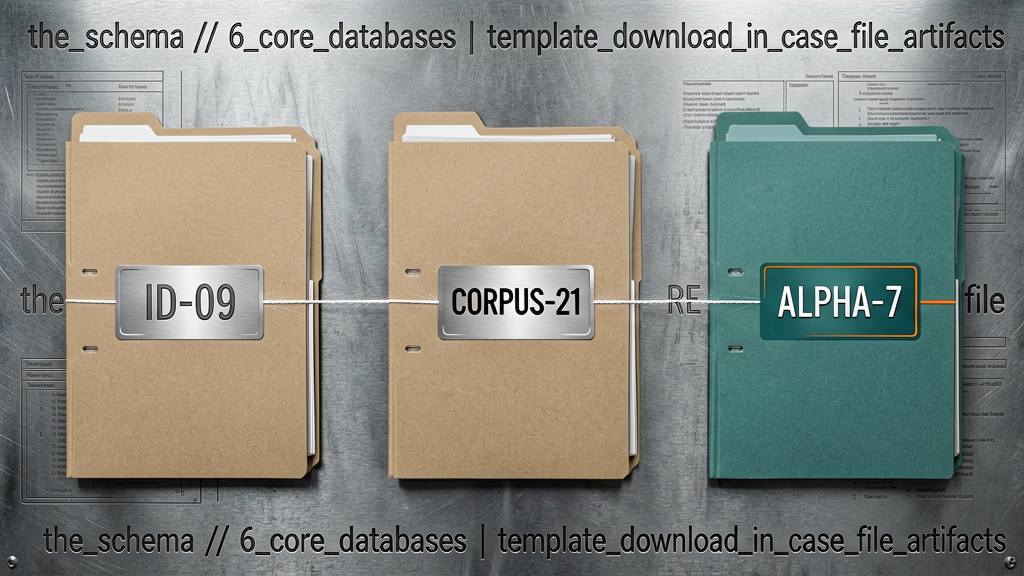
The database schema. After twelve months of iteration the operator's Notion workspace contains six core databases. The audit's finding: these six are the minimum required by every solo operator. Projects, current and historical, with status, client, dates, deliverables. Meetings, every call summary from Granola lands here with linked project and attendees. Research, anything learned that might be useful again, with topics and tags. Drafts, work in progress on any deliverable, with linked client and status. Decisions, every meaningful decision made, with reasoning and outcome. Contacts, every person interacted with, with company and last-touched date. Six databases. Everything else is pages that live inside one of them. The artifact pack in the case-file description ships the full schema as a duplicatable template.
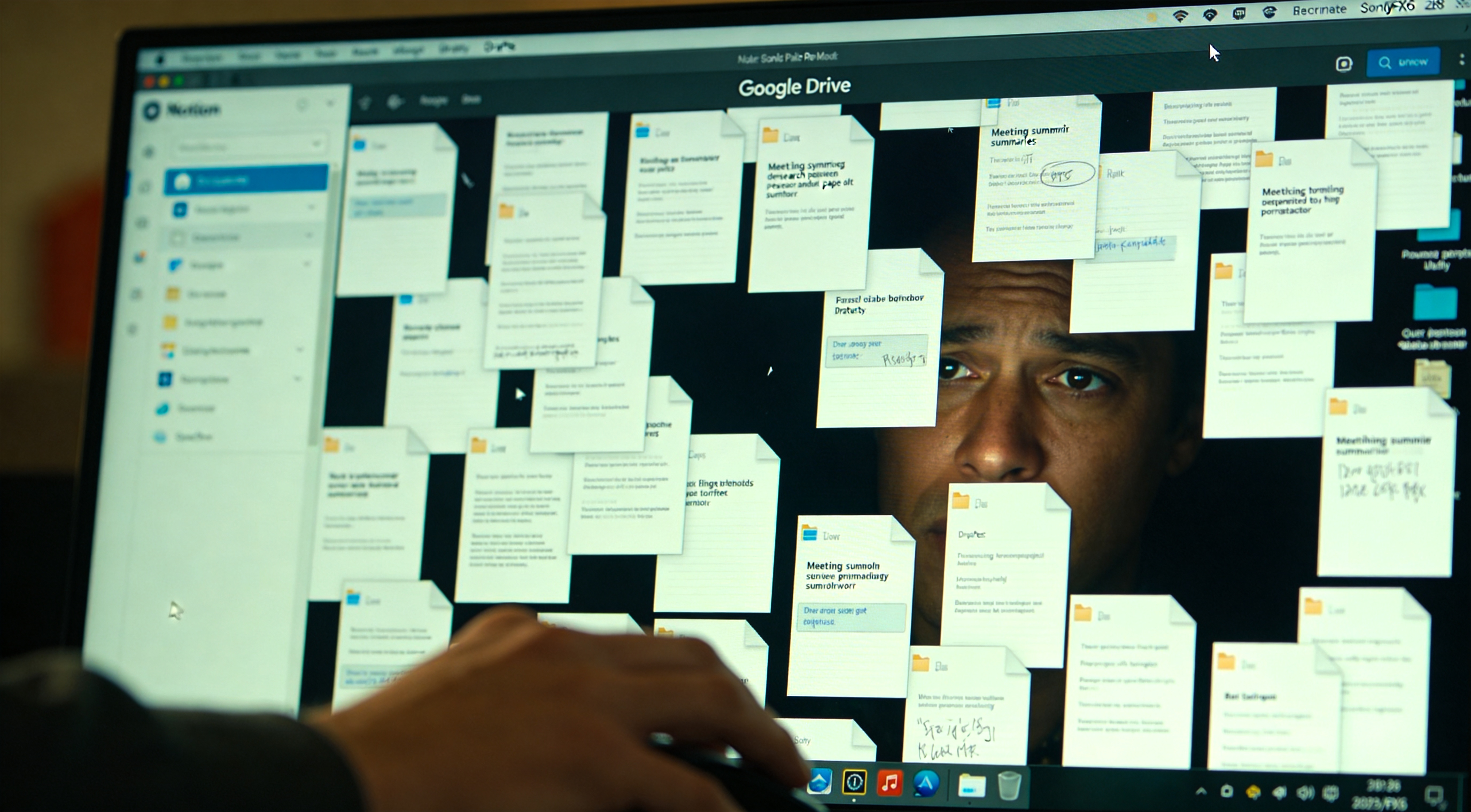
The capability that makes the Storage Layer worth the iteration cost. When Notion contains the schema and the data, the operator can issue queries across the entire archive. Audit example, logged: a client asked what had been quoted in March. The operator entered into Notion AI: "what did I propose to Acme Co. in March and what was the scope". Three-second answer pulled from the actual proposal document with a link. Without the Storage Layer plus AI search, that retrieval registers as a fifteen-minute scavenger hunt through Google Drive. With it, three seconds. Multiplied across every retrieval moment in a working week, the time savings stack quietly. The Storage Layer does not feel like a productivity gain in the moment of capture. The retrieval moments are where the architecture pays back. Critically: the three-second response is enabled by the same retention surface documented in the Memory Market case file. The convenience and the surveillance are the same mechanism.

The Storage Layer ships with one common anti-pattern documented across the subject population. The document graveyard. Operators dump every meeting summary, every research document, every draft into Notion or a Drive folder and assume that storage equals preservation. Unstructured storage is functionally equivalent to no storage. If the operator cannot find it in under thirty seconds, it is lost. The repair is the schema, every document receives properties at landing, not later. Meeting summary arrives from Granola, it lands in the Meetings database with date, attendees, project property filled in within ten seconds. If it lands as a loose page, it is already on its way to the graveyard. The fix: make the database the default destination, not the exception.
Storage Layer documented. The schema template is in the case-file artifact pack, duplicate it into a Notion workspace and the six databases arrive pre-configured with the properties documented above. The Storage Layer is foundational but invisible to the audience. The next layer is the inverse: visible, judged, often the only thing the audience sees. The Output Layer. Where work actually leaves the perimeter. Chapter six.
Halfway through the case file. Quick checkpoint on documentation and outstanding work. Documented so far: Input Layer, meeting tools verdict matrix, research tools verdict matrix. Brain Layer, three jobs and which tool wins each. Storage Layer, Notion architecture that makes the rest compound. Three layers documented. Coming up: Output Layer in five minutes. Then Automation, where the real time math kicks in, because Automation is the multiplier on every layer beneath it. Then Monetization, where the architecture converts to revenue, with four role-specific configurations the operator-class user can reproduce directly. Then Autonomy and the honest assessment of agents. Then the year-one retrospective with the numbers, the tools the operator quit, and what is coming next. Thirty minutes remaining. The artifacts release at the close. Onward.

Chapter six. The Output Layer. Function: convert thinking into deliverables that leave the operator's perimeter. Documents for clients. Decks for pitches. Articles for the blog. Messages for Slack and email. Code for projects. Every output ships with a different shape and a different time budget, same logic as the meeting and research layers. There is no universal winner. Three tools cover ninety-five percent of the output the operator generates: Claude for long-form writing, ChatGPT for short-form throughput, Gamma for visual deliverables. Same Claude and ChatGPT documented at the Brain Layer, at the Output stage their function shifts from thinking to producing.
Long-form output, Claude. Strategy documents, white papers, blog posts over twelve hundred words, client proposals, anything where the deliverable is the writing itself. Claude's outputs read as if a thoughtful operator composed them, edits respect existing voice, and the prose holds together across multiple sections. ChatGPT's long-form output reads as ChatGPT, generic structure, predictable rhythm, AI tells everywhere. The distinction matters because clients can detect AI-generated writing. The operator's workflow, logged: draft an outline in Claude Projects, feed it to Claude as input, request a draft in the operator's voice using the Voice Mirror project. Output lands at approximately seventy percent target. The operator spends twenty minutes editing rather than two hours composing. The final deliverable belongs to the operator, the speed lift is real, and nothing reads as if a chatbot composed it. As documented in the Mirror Core case file, the operator's voice is the training data that distinguishes acceptable AI assistance from contamination.
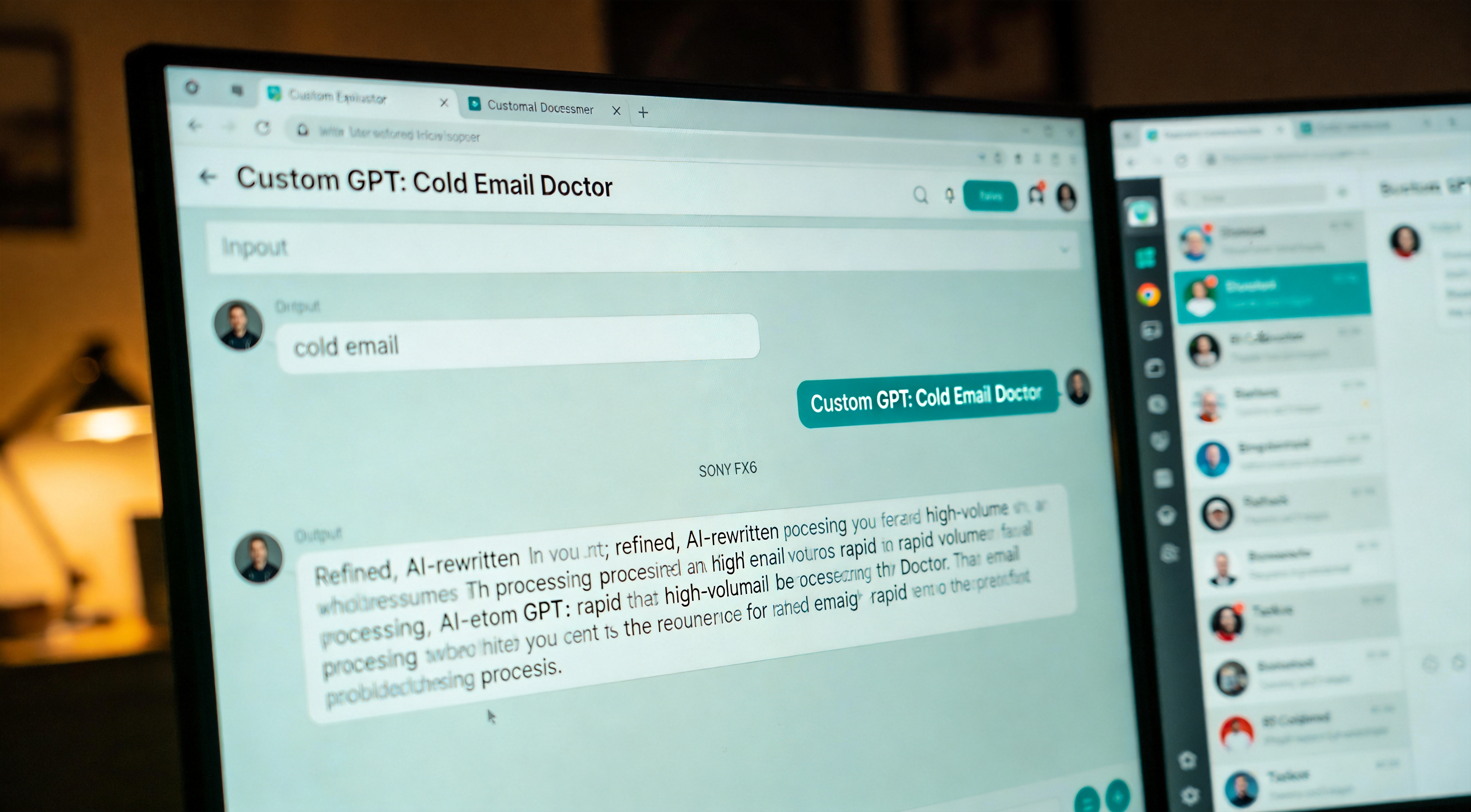
Short-form output, ChatGPT. Emails, slack messages, headline variations, social posts under three hundred characters, replies to comments. Where Claude's strength is depth, ChatGPT's is volume. Eight to fifteen second response time. Custom GPTs pre-loaded with the operator's voice for recurring formats. The operator's Cold Email Doctor custom GPT, documented verbatim in the previous Fragment Zero case file on custom GPTs, rewrites any email in under thirty seconds. Multiplied by twenty emails per week the time math becomes compelling. Operational rule for the Brain and Output Layers: stop using ChatGPT for tasks it is not best at, and use it relentlessly for tasks it is documented to handle.
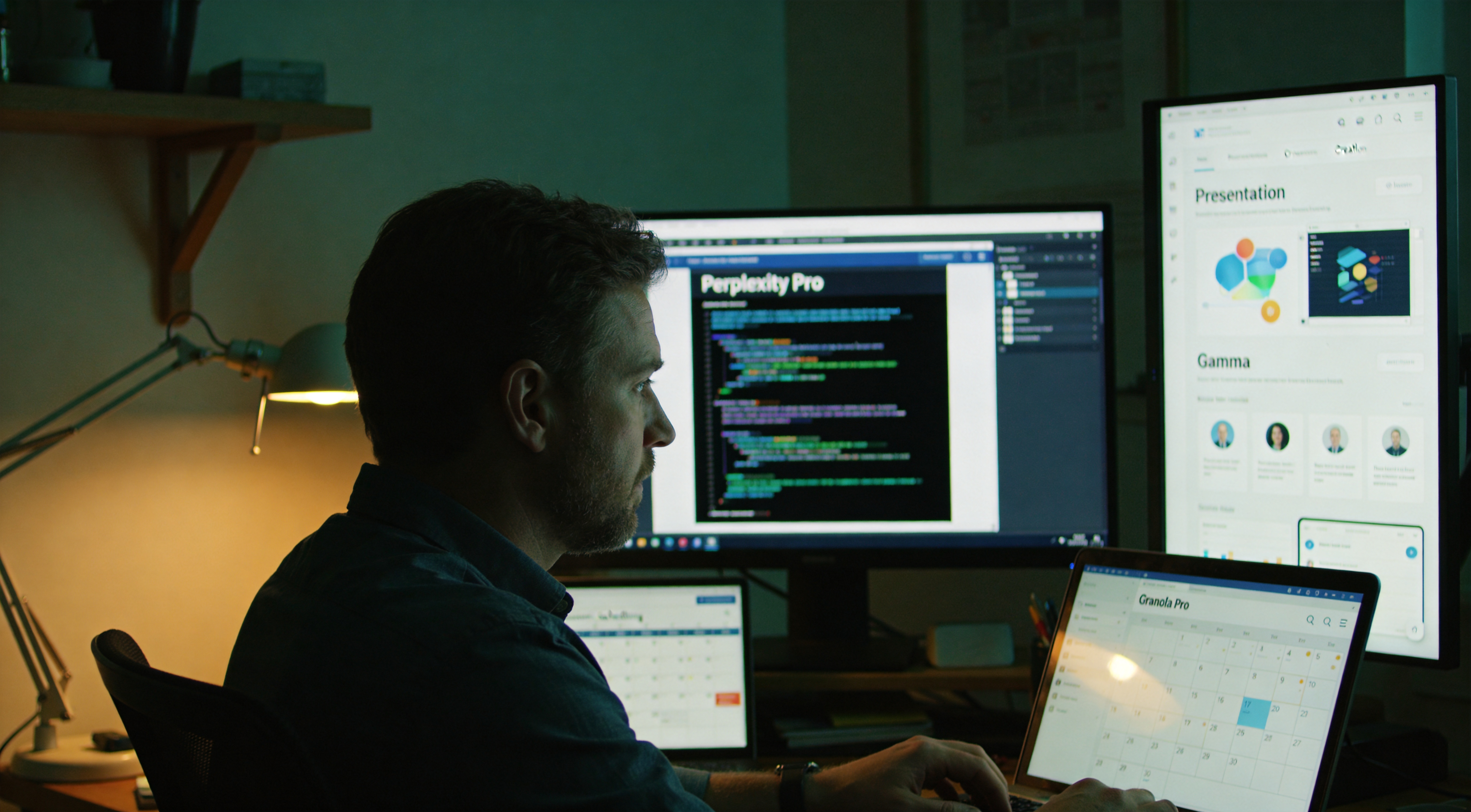
Visual output, Gamma. Slide decks, one-page proposals, landing pages, internal documents that require designed appearance without actual design labor. Gamma accepts a paragraph of input and produces a designed multi-slide output in under thirty seconds. The operator uses it for two specific functions. Internal proposals, a draft deck that previously consumed two hours in Google Slides ships in twelve minutes. Client handoffs, when a process requires visual explanation and Figma is not in scope. Where Gamma is not appropriate: pixel-perfect brand work where the deliverable must match a specific brand system. For that, manual remains faster than fixing Gamma's interpretation. Cost: ten dollars per month for the tier permitting template customization and watermark removal. Affiliate relationship disclosed: if the operator signs up through the link in the case-file description, the case-file producer receives a referral fee at no marginal cost to the new operator.
The deliverable decision tree. What is the operator making? If it is over five hundred words of prose that must sound as if the operator composed it, Claude. If it is under three hundred characters and the operator requires volume, ChatGPT. If it is slides, a one-pager, or anything visual and designed-looking, Gamma. If it is code, none of these, that is an entirely different workflow this case file does not document. If it is a document required to match a specific brand system pixel-perfect, manual, every time. AI deliverables function where "close enough plus operator edits" runs faster than starting blank. They do not function where the deliverable must match an exact specification on first attempt.

That documents the Output Layer. Three tools, three jobs, the deliverable decision tree as the rule. The architecture map in the case-file artifacts ships this tree as a single visual. Input. Brain. Storage. Output. Four layers stable. But these four layers still require the operator to act as the connective tissue, moving outputs from one tool to another, copying summaries from Granola into Notion, pasting prompts into Claude, transmitting finished drafts. The next layer is where that manual connection stops. Automation. The glue that lets the bottom four layers operate without the operator holding them up. This is where the real time gains register. Chapter seven.
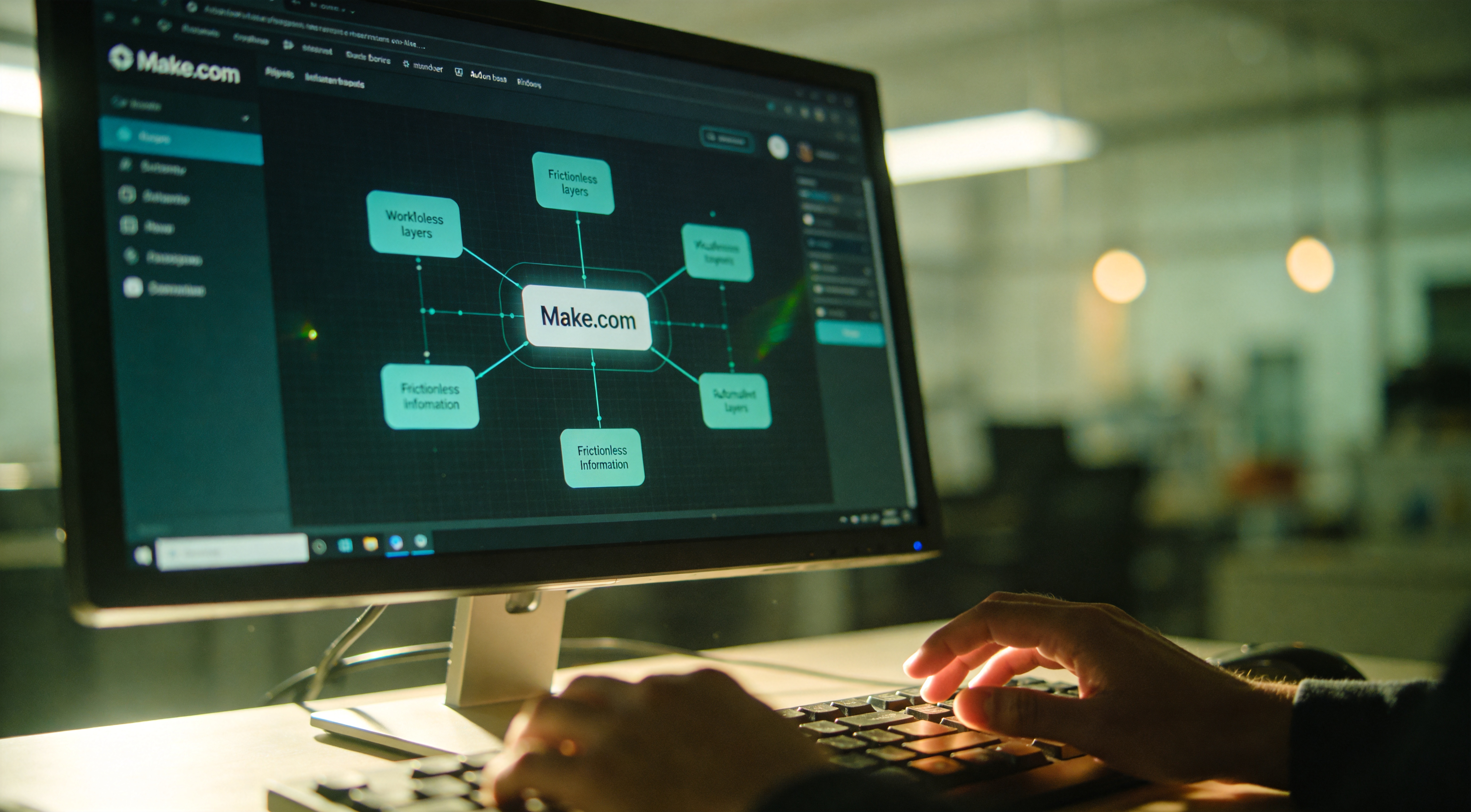
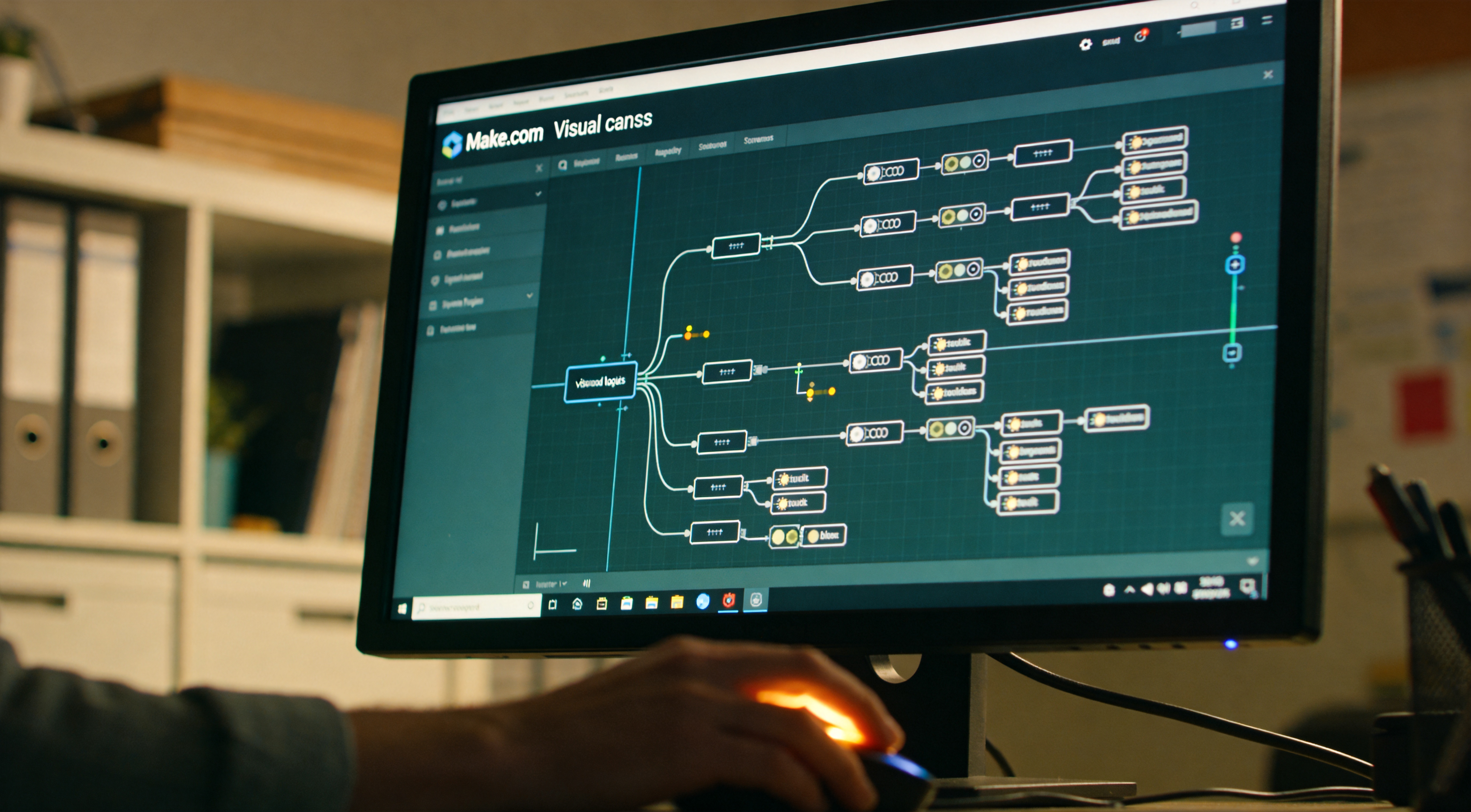
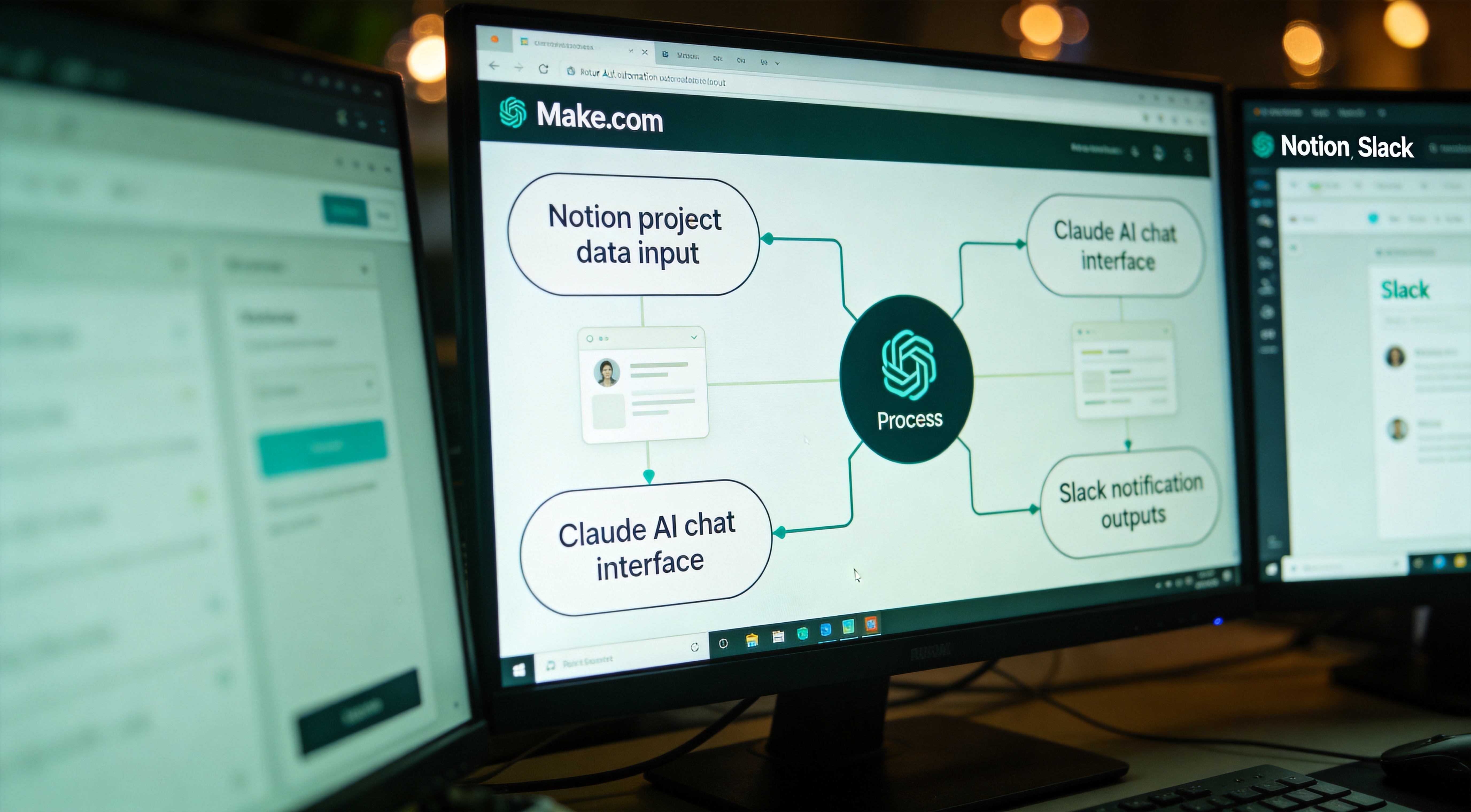
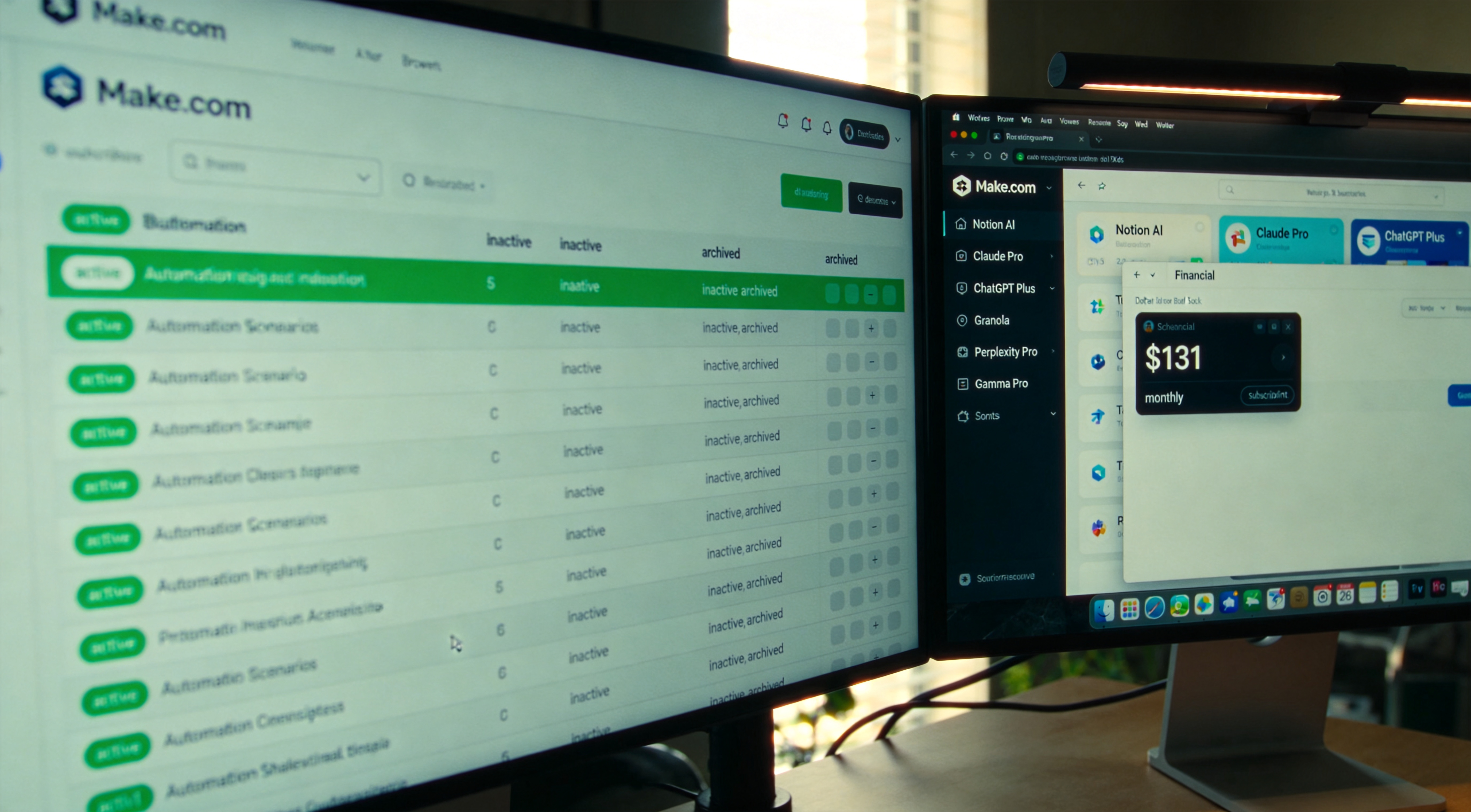
Chapter seven. The Automation Layer. Function: connect the bottom four layers so they operate without the operator holding them up. Most operators interpret automation as replacing a human with a script. In this architecture, automation is the removal of friction between layers, moving information from Input to Brain to Storage to Output without the operator carrying packets. The tool documented in this case file is Make.com. Alternatives exist, Zapier, n8n, Pipedream, all functional. The reasoning for Make.com selection is documented in the next scene. The operating principle: every recurring task where the operator's role is moving data between tools is a candidate for automation. The savings do not derive from script execution speed. They derive from cognitive cycles recovered by removing the decision "wait, do I need to copy that to Notion yet" from the operator's working memory.
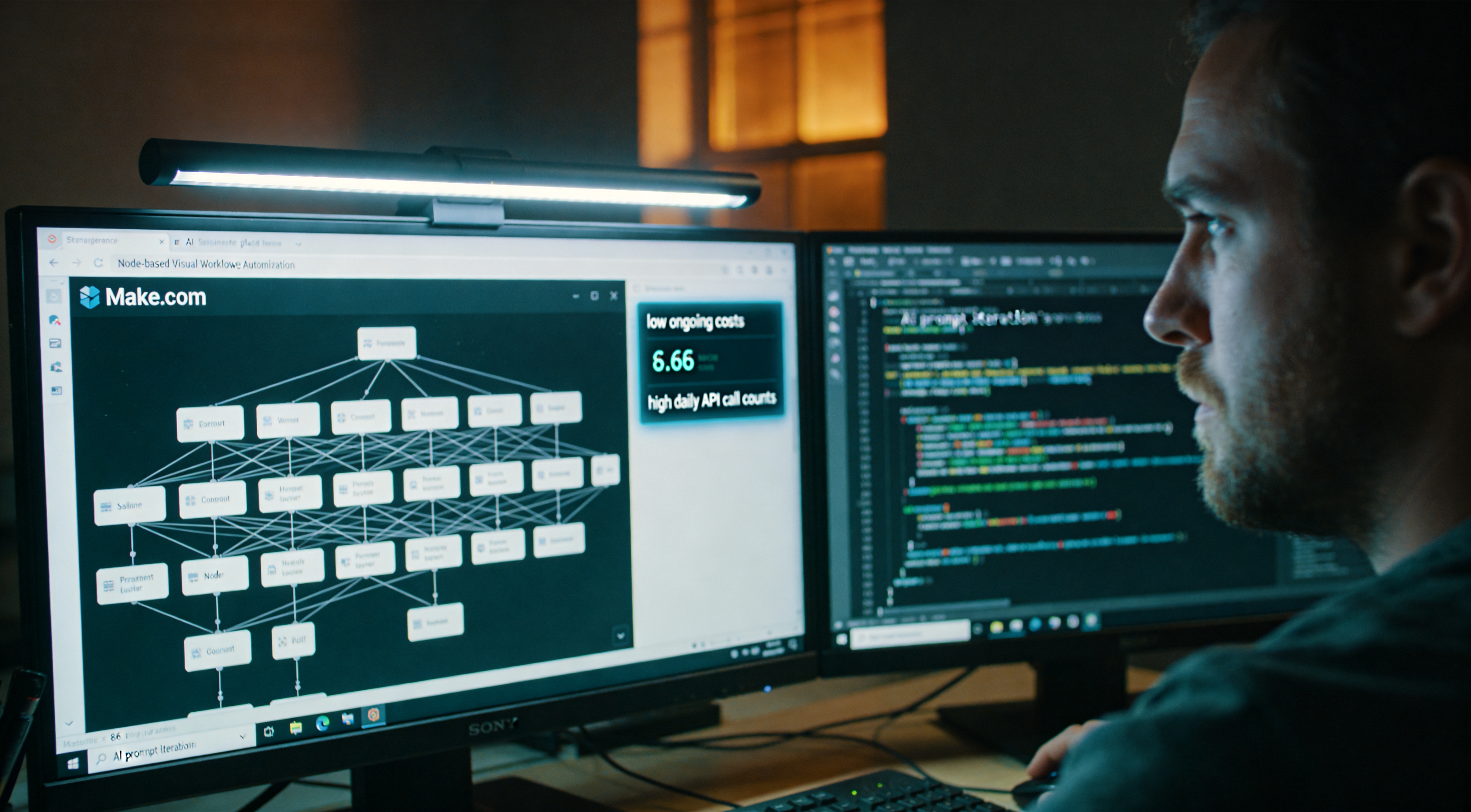
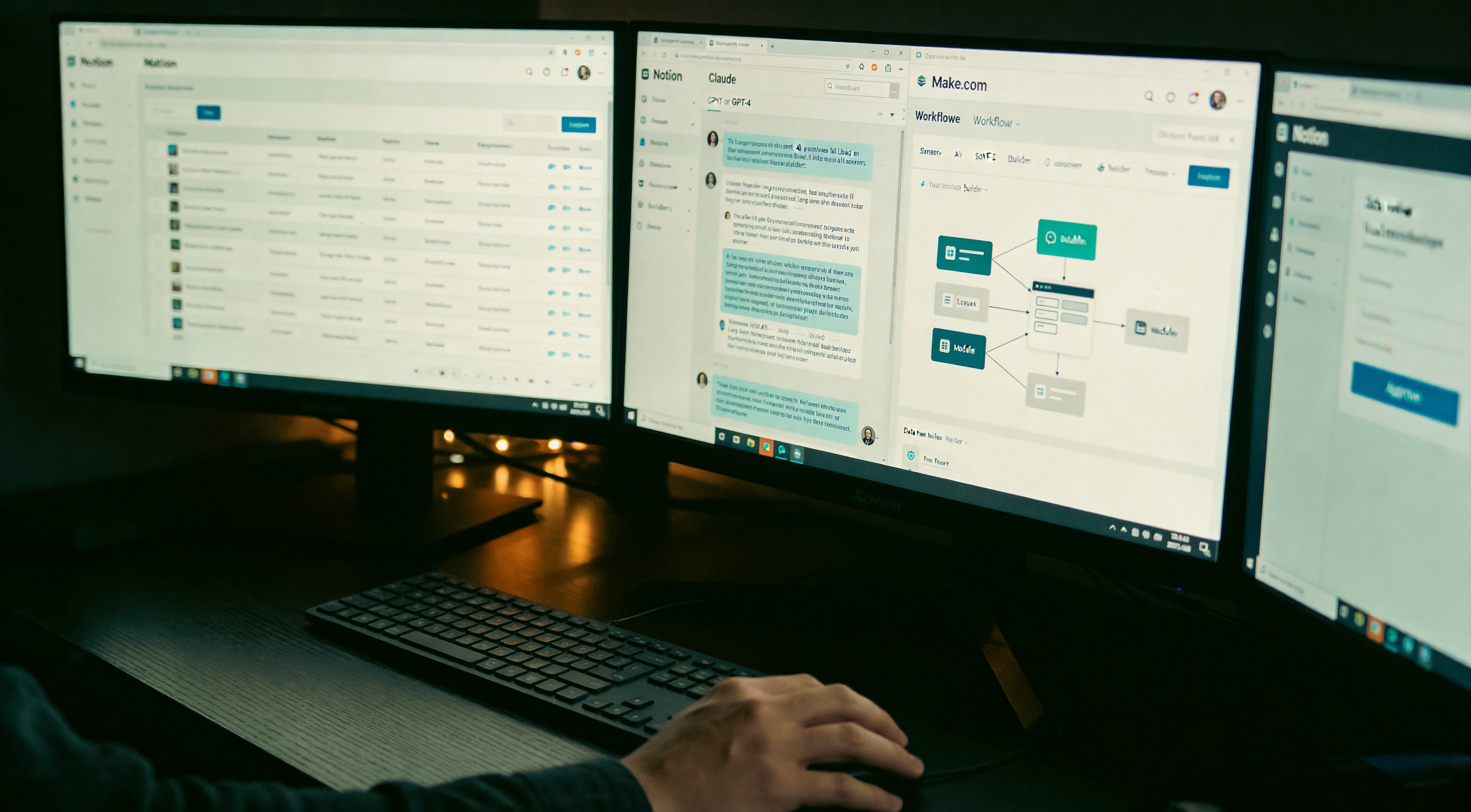
The Make.com selection rationale, documented across three factors. First, visual canvas. Make.com presents the scenario as a flowchart with branches, routers, and conditional paths. Zapier's linear-step interface becomes unwieldy past five steps. n8n is open-source and powerful but the learning curve registers as steeper. Second, pricing. Make's free tier is generous, and the Pro tier at twenty-nine dollars per month covers everything the operator needs including the OpenAI API calls embedded in scenarios. Zapier becomes expensive at scale. Third, the AI module ecosystem. Make ships native integrations with OpenAI, Anthropic, and a few specialized AI tools, so scenarios involving AI thinking, including the email triage previously documented, operate natively without webhook gymnastics. If the operator self-hosts and requires maximum control plus zero monthly fee, n8n. For everyone else, Make is the lower-friction path. Cost: twenty-nine dollars per month. Affiliate relationship disclosed: if the operator signs up through the link in the case-file description, the case-file producer receives a referral fee at no marginal cost to the new operator.
Scenario one, the email triage system. Documented in detail in the previous Fragment Zero case file on Make.com email triage, retained in summary here. When an email arrives, Make grabs it, sends it to GPT-4o-mini with a classifier prompt, and based on the answer routes it to one of three actions. Lead emails create a Notion entry and ping Slack. Support emails draft a reply waiting in the inbox. Noise is archived. Time saved: approximately five hours per week. Build time: fifteen minutes. The blueprint is in the previous case file's artifact pack. The classifier prompt is identical to current operational use, has not required iteration in three months.

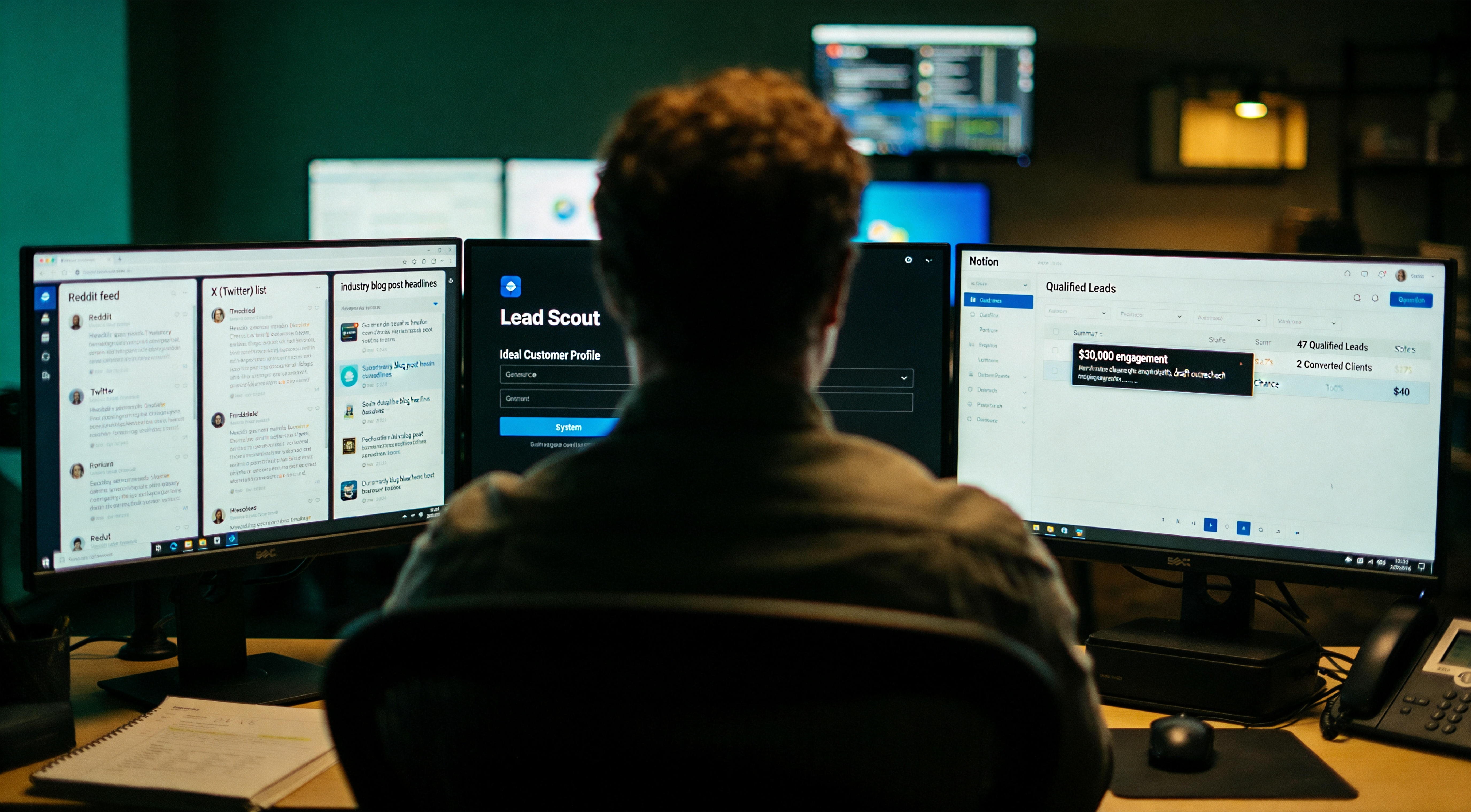
Scenario two, the lead generation loop. Documented in detail in the previous Fragment Zero case file on the AI lead loop, retained in summary here. Make polls three sources every six hours, Reddit, an X list, and an RSS feed of industry blogs. New posts are sent to a Lead Scout system prompt that retains the operator's ideal customer profile. Qualified leads land in Notion with a draft outreach message prepared. Unqualified posts are dropped. Last thirty-day window: forty-seven qualified leads, two converted to paying clients, one of those a thirty-thousand-dollar engagement. Total cost: forty-one dollars in OpenAI and Make.com fees. Build time: eighteen minutes. That single scenario has covered the entire architecture's subscription cost many times over.
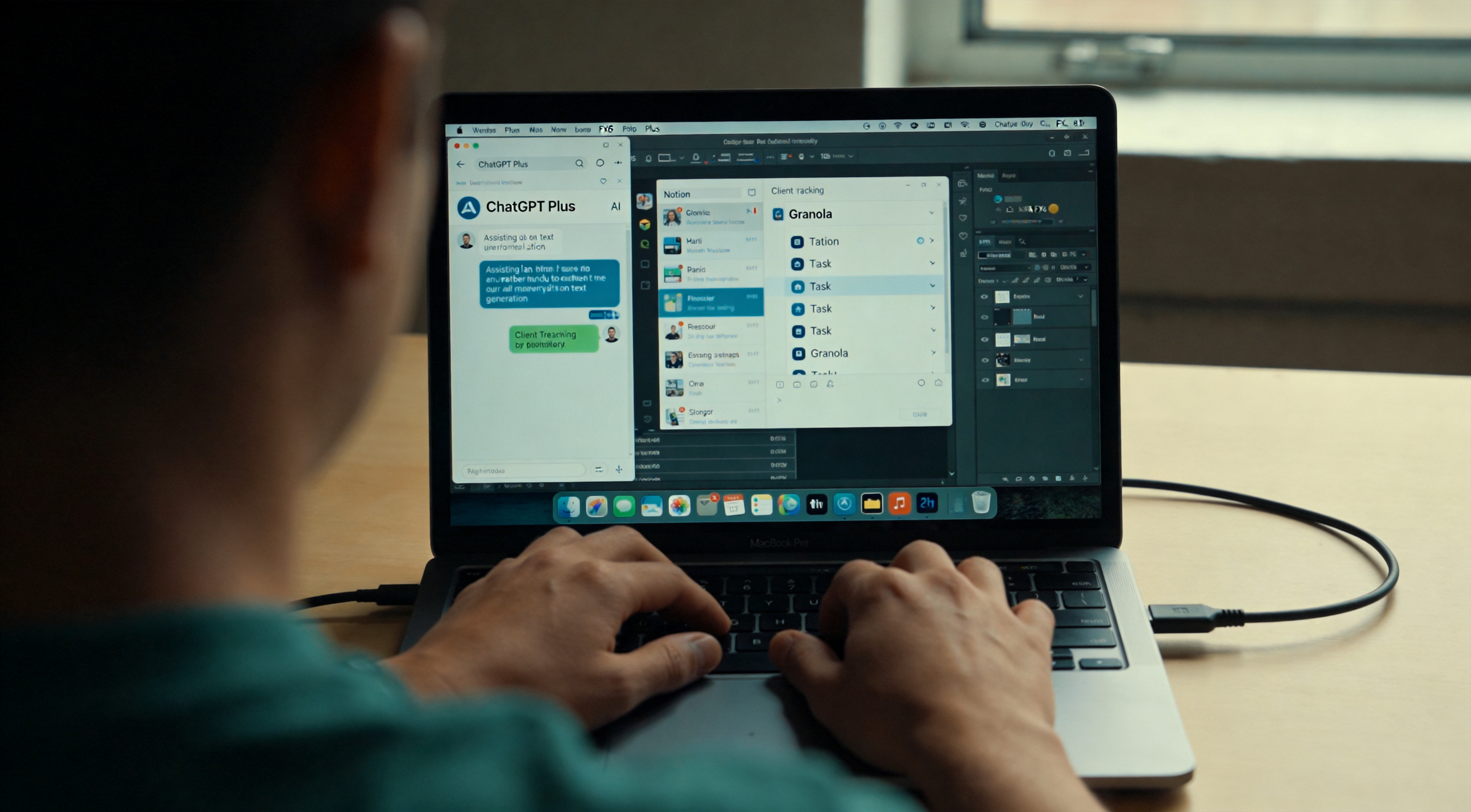
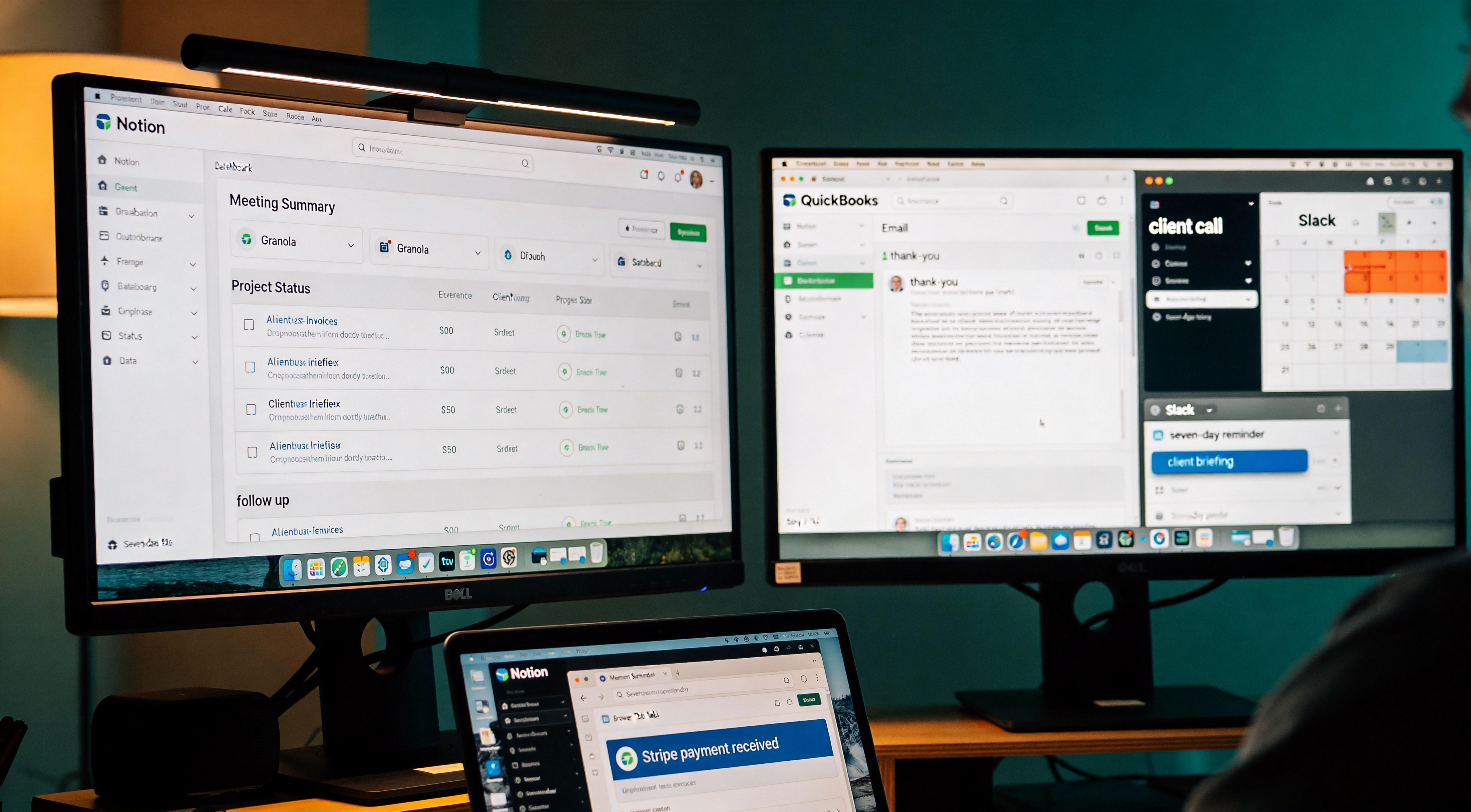
The operator also runs nine other Make scenarios. Brief documentation. Meeting summary arrives from Granola, automatically created as a Notion entry with linked attendees. New invoice in QuickBooks triggers a thank-you email plus a project status update in Notion. Calendar event tagged "client call" triggers a pre-meeting briefing email to the operator with the client's recent activity. Notion entry tagged "follow up" triggers a Slack reminder in seven days. Stripe payment triggers an onboarding email. Project status changes in Notion trigger client-facing status updates. Slack mention triggers a draft acknowledgment in the inbox. Daily summary at 7am emails yesterday's metrics. Weekly summary every Friday at 4pm emails the week's wins and gaps. Each one took ten to forty minutes to build. Together they recover approximately seven hours per week.
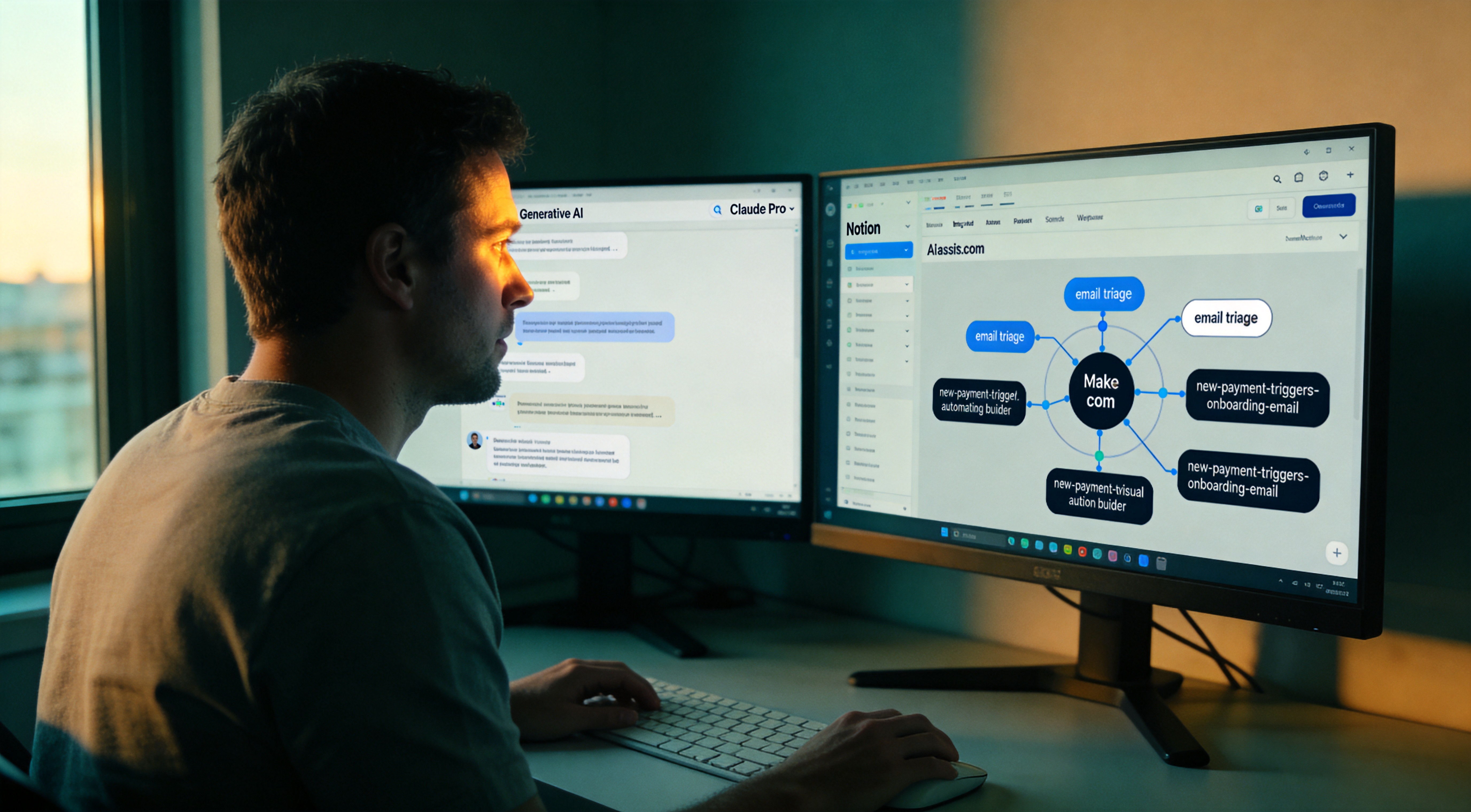
The construction protocol for automations. Start with the single most painful repeat task and build that scenario first. Do not attempt five at once. Do not register on Make.com and absorb the empty canvas overwhelm. Identify the one task executed daily that should not require the operator. Build that single scenario. Run it for a week. Then build the next. After eight or ten, the architecture runs in the background and the operator stopped noticing months ago. The target state: automation that becomes invisible.
All eleven Make scenarios are in the case-file artifact pack as a starter pack, each importable individually. Automation Layer documented. Five layers done. Input. Brain. Storage. Output. Automation. The system runs. But running is not the same as generating revenue. Chapter eight, Monetization. How the operator class actually converts this architecture into income.
Chapter eight. Monetization. The layer most AI productivity content does not document. Producers demonstrate the stack and never document how the stack converts to revenue. That gap matters because the answer to "should the operator subscribe to this AI tool" depends entirely on the revenue stage the operator occupies. The same Claude Pro subscription registers as overkill at zero revenue and as a bargain at fifty thousand monthly. Same tool, different math. This chapter documents four revenue stages and the right architecture for each. Zero to one thousand monthly recurring revenue, one to ten thousand, ten to fifty thousand, fifty thousand and up. The operator's documented early mistake: purchasing the fifty-thousand-revenue architecture at the zero-revenue stage. Cost the operator time and capital. The case file documents the correct order so the reader does not replicate the mistake.

Stage one, zero to one thousand monthly recurring revenue. The minimum viable architecture. ChatGPT Plus at twenty dollars per month, free Granola, free Notion. That is the configuration. Total cost: twenty dollars. At this stage the operator's bottleneck is finding paying customers, not optimizing workflow. AI tools assist in drafting outreach faster, writing proposals faster, preparing for meetings faster. They do not replace the conversations that convert to paid work. Do not purchase Claude Pro, Make.com, or Perplexity Pro at this stage. They have documented value but they assume a workflow the operator does not have customers for yet. If twenty dollars per month registers as too much at this stage, the operator does not have sufficient revenue to be optimizing subscriptions. Get to one thousand first.
Stage two, one to ten thousand monthly recurring revenue. The operator now has a workflow repeatable enough to invest in tooling. Add Claude Pro at twenty dollars, separate from ChatGPT, not a replacement. Add Notion AI at ten dollars on top of free Notion. Add Make.com Pro at twenty-nine dollars and build the first two scenarios, the email triage and one revenue-specific automation such as new-payment-triggers-onboarding-email. Total monthly: seventy-nine dollars. The math: if any single one of these tools saves four hours per week and the operator's hourly rate is fifty dollars or higher, profitability is established on that tool alone. By the end of this stage the operator should have eight to ten Make.com scenarios operational and clear differentiation between tools opened daily versus subscriptions registered as decorative.
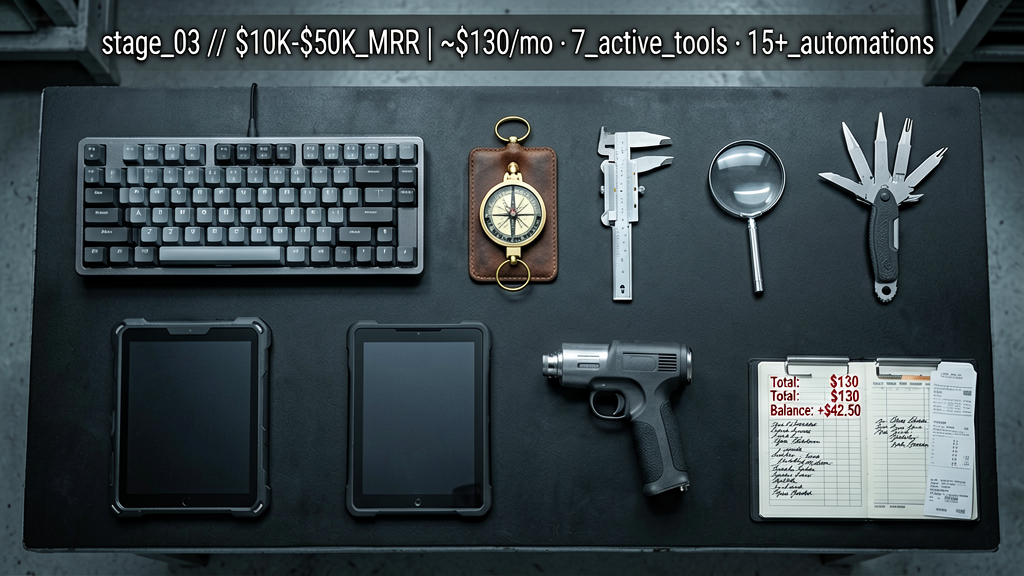
Stage three, ten to fifty thousand monthly recurring revenue. The architecture expands in specific ways. Add Perplexity Pro at twenty dollars for client-facing research work where citations matter. Add Gamma at ten dollars when deck production exceeds twice per week. Consider adding Granola Pro at nineteen dollars if monthly meetings cross twenty-five and the unlimited tier is required. Total monthly: roughly one hundred twenty to one hundred forty dollars. The math at this stage shifts. The cost of any single tool registers as a rounding error against what an hour of focused work generates. The question stops being "can the operator afford this tool" and becomes "does this tool measurably improve the operator's output." That is the correct question for the remainder of the trajectory. Subscribe to anything that meaningfully improves output. Cancel anything not opened weekly.
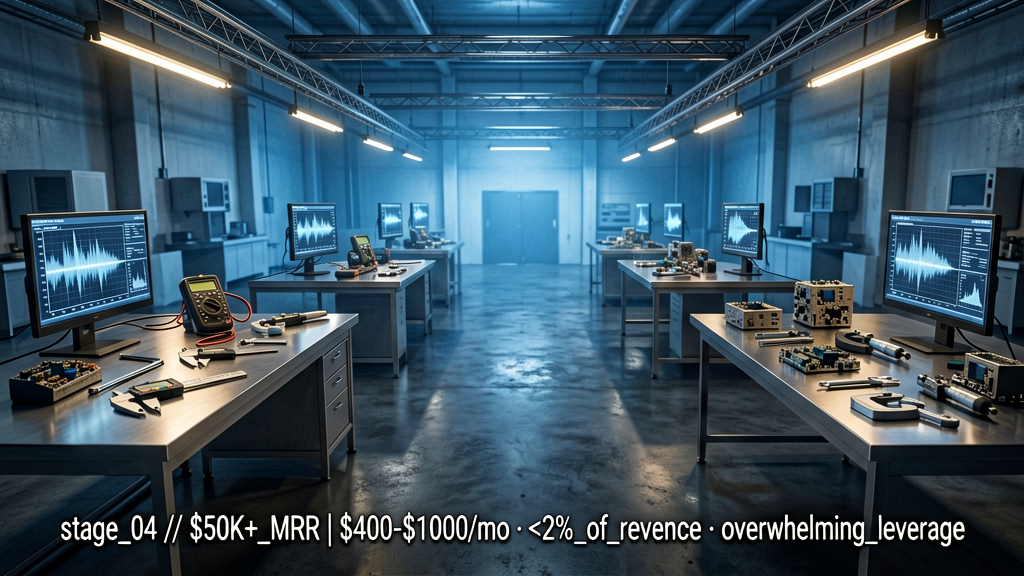
Stage four, fifty thousand monthly recurring revenue and up. The architecture stops being personal productivity tools and becomes business infrastructure. Same individual tools but now multiplied, multiple team seats, API budgets for higher-volume scenarios, custom integrations. Add Anthropic and OpenAI direct API access at maybe one hundred to three hundred dollars per month for AI agents that run unattended. Add a dedicated automation platform tier, Make.com Teams or n8n self-hosted if engineering capacity exists. Add specialized AI tools as required for niche, Clay if outbound is core, a marketing-specific AI if content is core. Total monthly at this stage: typically four hundred to a thousand dollars for the solo or small-team operator. At fifty thousand MRR, that registers as under two percent of revenue. The leverage is overwhelming.
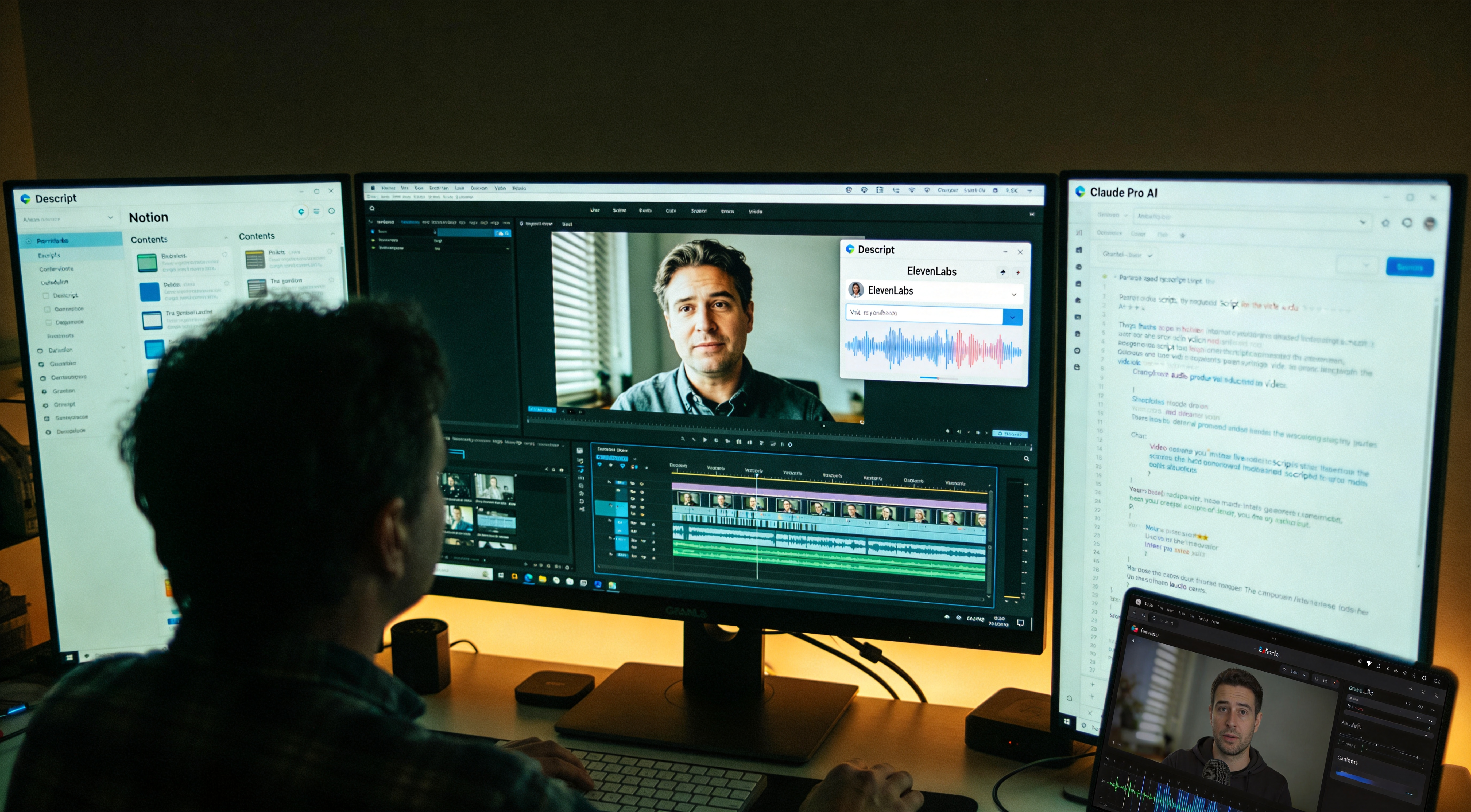
The four revenue stages assume the operator is a typical solo founder executing services or software. The architecture shifts if the operator's work product is different. Three role variants documented. First, content creator. If the operator's output is video, audio, or written content for an audience, the architecture tilts toward Output Layer tools rather than Automation. Retain Claude Pro for scripts. Retain Notion for the content database. Retain Granola for interview capture. Add ElevenLabs at twenty-two dollars per month for voice work. Add Descript at fifteen dollars per month for video editing. Skip Make.com initially, content workflows are typically too custom for off-the-shelf automation. Total monthly: roughly seventy-five to ninety dollars at the early stage. The Brain Layer registers as most critical because the bottleneck is producing distinctive thinking that justifies an audience. The Output Layer registers as second-most critical because the deliverable is the medium. Storage matters in the long run when the back catalog accumulates as material to draw from.
Second variant, consultant or service provider. The operator's output is structured thinking sold by the hour or by the project. The architecture tilts toward Brain Layer and Storage Layer rather than Automation. Claude Pro registers as top priority, it is how the operator produces deliverables clients are paying for. Granola is critical because every client conversation produces an artifact the operator bills against. Notion serves as the second brain because past projects are the best inputs to current ones. Add Perplexity Pro at twenty dollars per month for research that lands in client deliverables with proper citations. Make.com can wait until the operator has eight or more clients, automation overhead is not worth it under that threshold. Total monthly at the early stage: roughly sixty to eighty dollars. The Brain Layer is the product. The other layers exist to support it. Do not get distracted by automation if the Brain Layer workflow that produces consistently strong deliverables is not yet established.
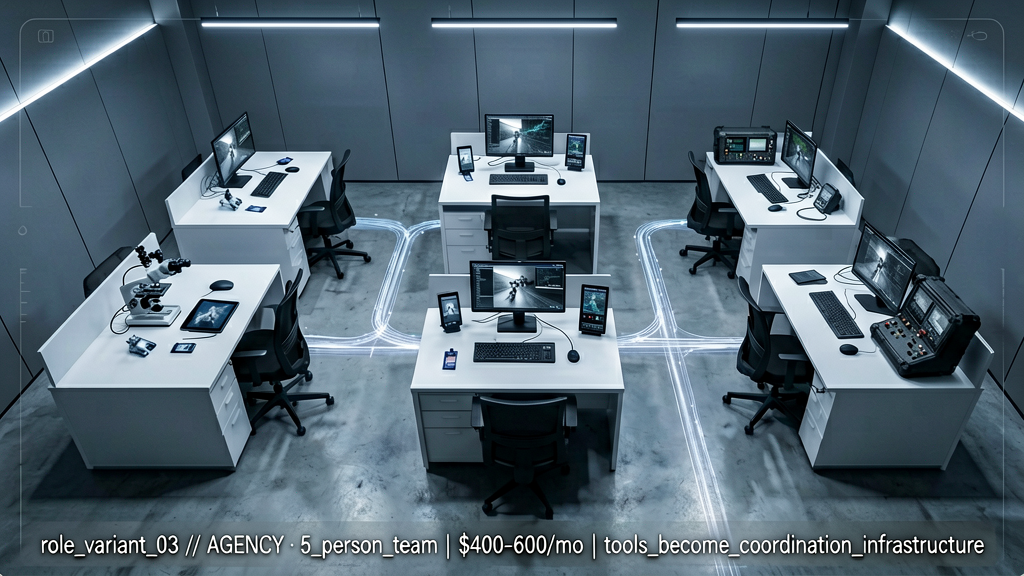
Third variant, agency owner with a small team. The architecture changes because tools now multiply by seats. The personal architecture still applies for the principal, but the team requires a shared layer. Notion becomes team plan at ten dollars per seat. Granola team tier so meeting summaries land in shared databases. Make.com Pro is essentially required at this stage because automation removes the coordination overhead that scales linearly with team size. Add a shared AI subscription, either ChatGPT Team at thirty per seat or Claude Team at thirty per seat, depending on which model the work centers on. Most agencies select one and standardize. Add a project management tool that integrates with Notion or replaces it, many agencies migrate to Linear or Asana at this stage. Total monthly for a five-person agency: roughly four to six hundred dollars. The shift in framing: the architecture stops being personal productivity tools and becomes coordination infrastructure. The math changes because time savings now multiply across the team, not just the operator.
Cross-stack comparison so the operator can pick the appropriate row. Solo founder, Brain plus Automation are the leverage. Content creator, Brain plus Output are the leverage. Consultant, Brain plus Storage are the leverage. Agency, every layer matters, with shared tooling on top. The shared finding across all four, the Brain Layer is the constant. Whatever the role, the operator is paying for a method of thinking better with AI. Everything else amplifies that. If the operator is uncertain which row applies, default to solo founder. Most readers of this case file are either there or moving toward it. The role-variant spreadsheet is in the case-file artifact pack, four columns for the four roles, rows for each layer, with the recommended tools and monthly costs. Pick the column and start with whatever is missing from the current setup.
Three monetization anti-patterns documented from the operator's own errors and from observation across the subject population. First, purchasing tools before having customers. Twenty dollars per month registers as small but compounds when the operator has nine subscriptions and no revenue. Reach one thousand per month before paying for more than ChatGPT Plus. Second, subscribing to the latest model on the day it launches. Every new release generates hype content. Wait two weeks. Verify the model holds up in actual use. Then decide. Most new launches register as sidegrades. Third, using productivity gains as a license to accept more work rather than charge more for the same work. The correct move: maintain or reduce hours and raise prices because the operator is delivering better, faster, more thoughtful output. Time savings convert to revenue only if the time is protected. Otherwise it evaporates into additional emails.
The full revenue-stage architecture breakdown is in the case-file artifact pack as a spreadsheet, the operator's row, their stage, the recommended tools, the math. Five layers, then monetization, that is six. The seventh and final layer is the one the operator is most cautious about. Autonomy. AI doing work without operator presence. Most of what is marketed as autonomous AI today registers as exaggerated, but some of it actually functions. Chapter nine.
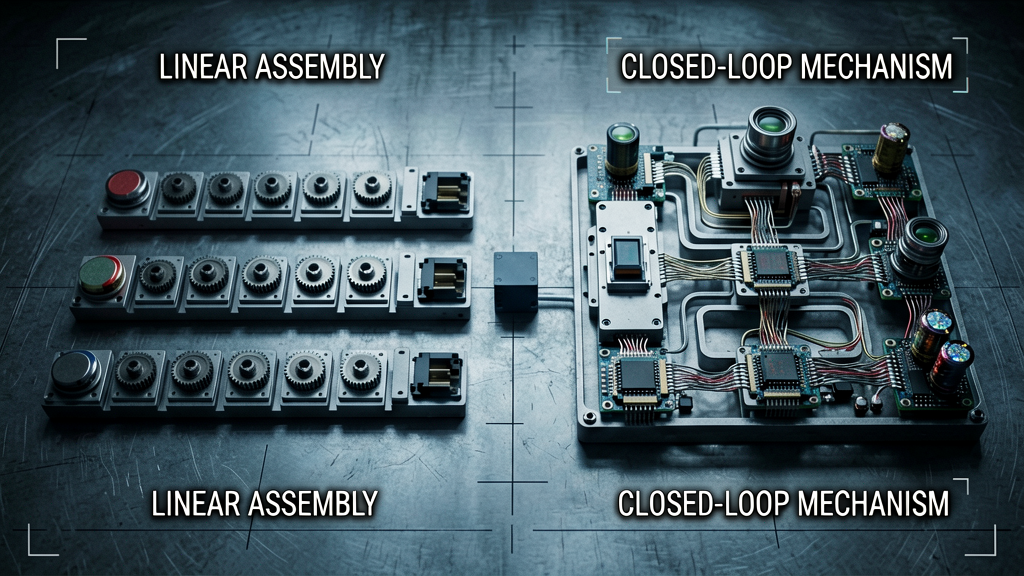
Chapter nine. The Autonomy Layer. AI agents. The term requires careful definition because it is abused frequently. An AI agent is a system that runs without operator triggering at each step, observes a state, decides what to do, takes action, observes the new state, decides again. A loop, not a single response. Most so-called agents marketed today are workflows with one or two AI calls embedded, not the same architectural category. A real agent handles situations that were not pre-scripted. A workflow handles what the builder predicted. As documented in the Quarantine Protocol case file, the gap between "demo agent" and "production agent that runs unattended for ninety days without breaking" remains large at the current capability ceiling. The operator runs one actual agent in their architecture, and it replaces approximately thirty percent of what a junior project manager would do. The case file documents what it does and what it cannot do.
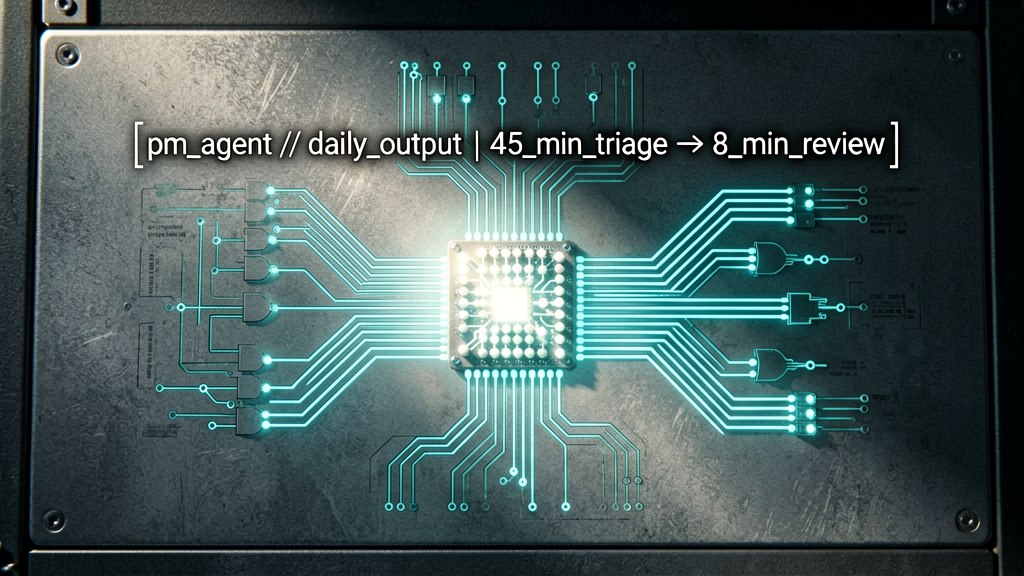
The operator's project manager agent. The architecture: a Make.com scenario that runs every morning at seven. It pulls all active projects from Notion. For each project, it sends the project's current state, last update, planned milestones, days since last activity, to Claude with a system prompt that documents the operator's project management style. Claude returns three things per project: status assessment, suggested next action, confidence score. The scenario takes those outputs and either auto-creates Slack reminders to the operator, drafts client check-in emails, or escalates projects flagged "stuck" to a separate channel for review. The whole loop executes in ninety seconds. The daily output: a Slack message with twelve projects assessed, three drafted check-ins waiting for review, any stuck projects highlighted. What previously consumed forty-five minutes of project triage now consumes eight minutes of review.
What the agent cannot do. It cannot actually decide. It can recommend an action with a confidence score, but the operator makes the call on every output before it leaves the perimeter. If the operator permits auto-send on drafted check-in emails, approximately one in ten registers as wrong in a way the operator would be embarrassed about, wrong tone, missed sidebar conversation context, polite-when-firm-needed. The agent is a triage tool, not a replacement. It also cannot handle anything requiring reading the operator's email or Notion writing for nuance, it sees the structured data, not the context behind it. When a client signaled something subtle in a meeting that the operator noted in the project's notes, the agent missed the nuance and recommended the wrong action. The review step on every output exists for this reason. Junior PM replacement: thirty percent. Senior PM replacement: zero percent. Be honest about this when constructing your own.
Walkthrough of the system prompt that drives the PM agent, because the prompt is the agent. It opens with role: "You are a project triage assistant for a solo founder running multiple client engagements. Your job is to assess project state and recommend the next action." Then context: what the founder's working style is, response time expectations, the rule that any client communication drafts must be reviewed before sending. Then output schema: three required fields per project, status assessment as one of four categories, suggested next action as a verb plus object, confidence score from one to ten. Then boundaries: what the agent should escalate rather than action, what subtle signals to flag for human review, when to recommend doing nothing because forced action is worse than no action. The full prompt is approximately six hundred words. It required three iterations to converge. The full text is in the case-file artifact pack with placeholder markers for the operator to fill in their own context.
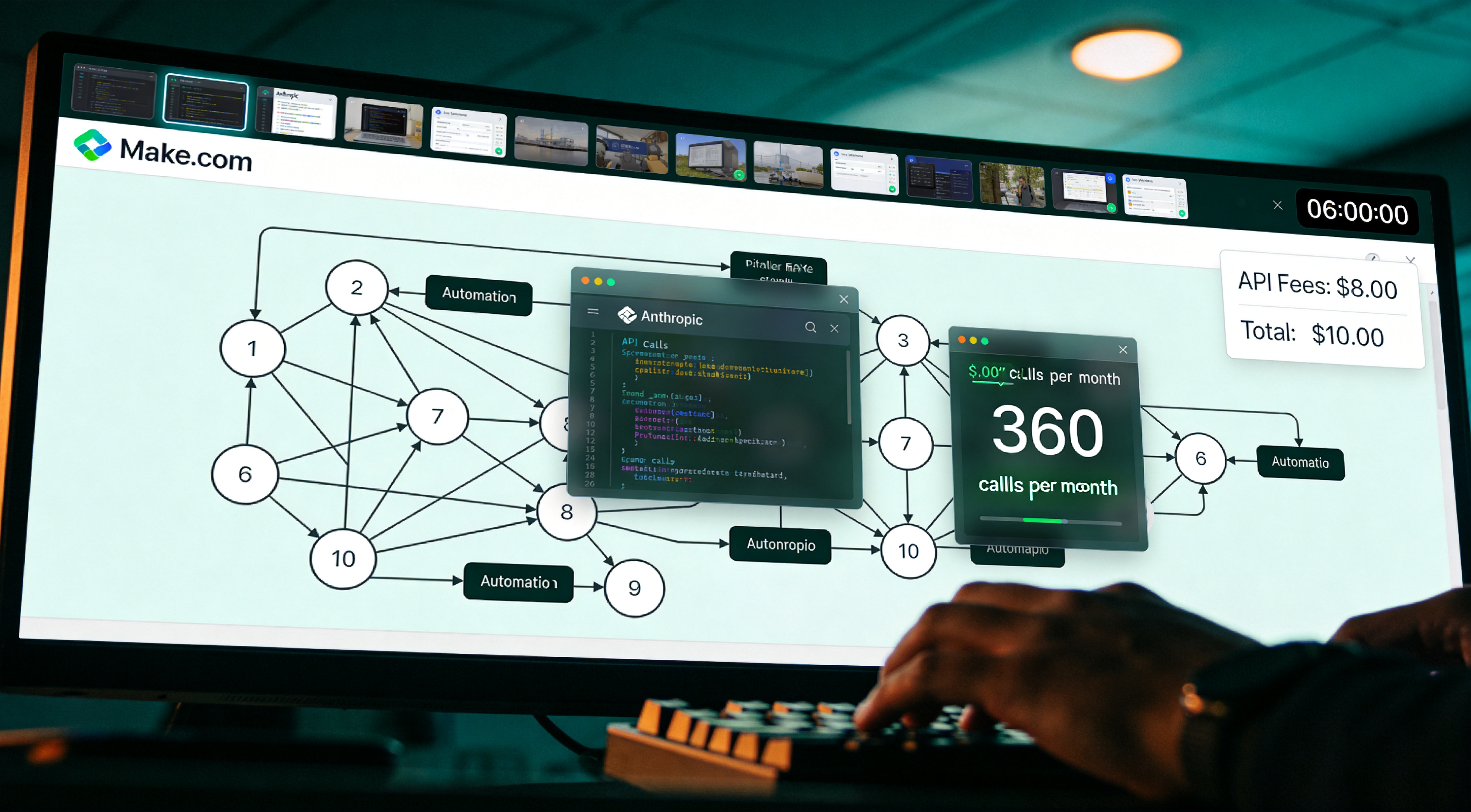
Honest cost breakdown for the agent so the operator can plan. Build time: approximately six hours including prompt iteration and Make.com scenario assembly. Most of that was prompt iteration, not orchestration. Run cost: the agent calls Claude once per active project per day. With twelve active projects average, twelve API calls per day, approximately three hundred sixty calls per month. Cost per month at current Claude API pricing: under eight dollars in API fees plus the Make.com Pro subscription the operator already retains for other scenarios. Total ongoing cost: approximately ten dollars per month for the agent specifically. Compared to forty-five minutes of manual triage per day, five days per week, at any reasonable hourly rate, hundreds of dollars of time recovered monthly. The ROI math is uninteresting because it is so favorable.
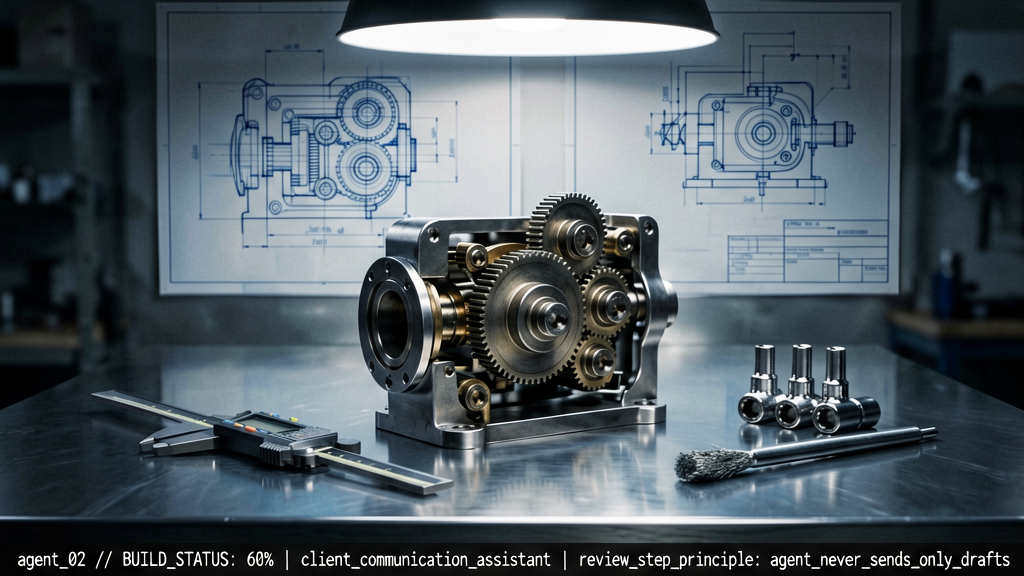
What the operator is building next, in case it provides a template. Agent number two, a client communication assistant. It watches the operator's email and Notion for any client thread that has not received a response in three days. If the original thread contained an open question, the agent drafts a follow-up addressing the question, pulls relevant context from the project's Notion entry, and queues the draft in the operator's inbox for review. Same review-step principle, agent never sends, only drafts. Build status: approximately sixty percent done, blocked on edge cases around parsing threads that include multiple participants. The operator will publish the system prompt and Make.com blueprint as a follow-up case file once it is operating stable for thirty days. Subscribe to be notified when it ships.
If the operator wants to construct an agent of this kind, the architecture is simpler than the marketing suggests. Four pieces required. First, a state source. For the operator that is Notion. For the reader, whatever holds the entities the agent observes. Second, a model with reasoning capability. Claude functions well because of long-context handling. GPT-4 also functions. Third, Make.com or similar orchestration to run the loop on schedule. Fourth, an output destination that includes a human review step. Build all four. Run for a week with the human step always engaged. Gradually reduce the review threshold for categories that perform reliably. Do not trust auto-action until the agent has been observed to be correct thirty times in a row in that category. The blueprint for the PM agent is in the case-file artifact pack with the system prompt redacted at one section, replace the redacted block with the operator's project management style.

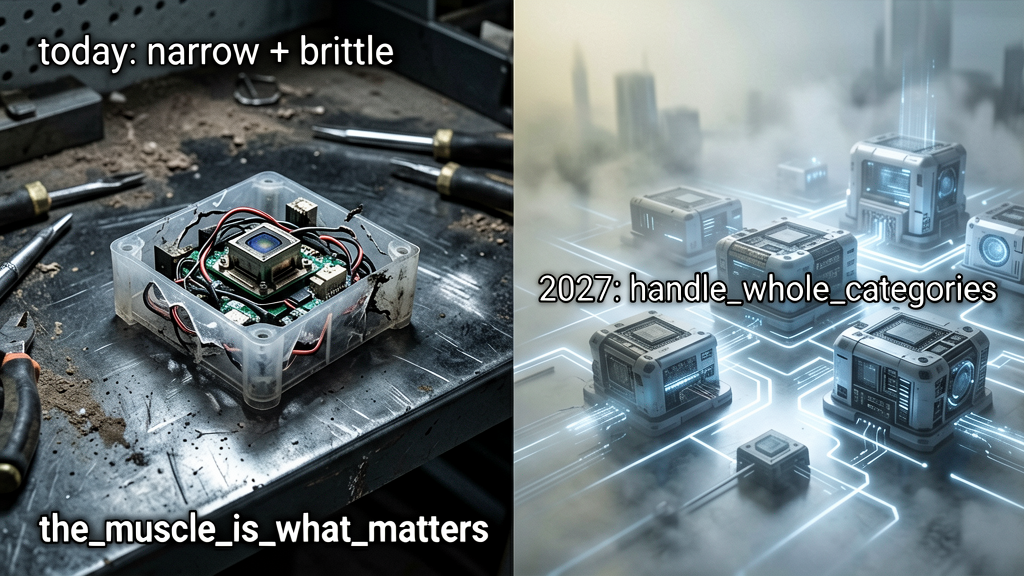
Honest take on the Autonomy Layer's current state. Most autonomous-AI marketing today registers as exaggerated, half of the agent demos are workflows with extra steps, and the ones that genuinely loop and decide are narrow and brittle. The technology is real, but the gap between "demo agent" and "production agent that runs unattended for ninety days without breaking" is huge. That said. The trajectory is real. The models keep improving at multi-step reasoning. The orchestration tools keep getting easier. The two-year horizon, by 2027, looks meaningfully different. Agents that handle entire categories of work without supervision are coming, and the layer of the operating system that handles them is worth building skill in now even if today's agents are limited. The operator would rather have one mediocre agent running in 2026 than zero, because the muscle for adding more is what matters. As documented in the Quarantine Protocol case file, the trajectory toward AI-to-AI interaction is structural, not optional.
The PM agent blueprint is in the case-file artifact pack. Seven layers documented. Input. Brain. Storage. Output. Automation. Monetization. Autonomy. The full operating system. One chapter remaining. Twelve months in. What the operator quit. What the operator kept. What is coming next. The honest retrospective. Chapter ten.
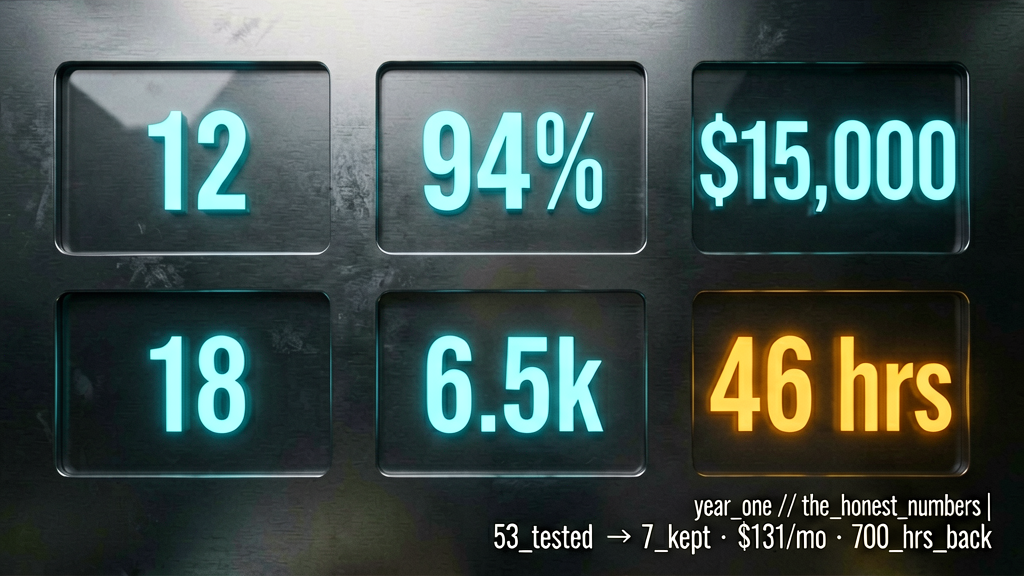
Chapter ten. The retrospective. Twelve months in. The numbers first. The operator tested approximately fifty-three AI tools across the year. Currently pays for seven. Total monthly subscription cost: one hundred thirty-one dollars including Notion AI, Claude Pro, ChatGPT Plus, Granola free, Perplexity Pro, Make.com Pro, Gamma Pro. Built approximately thirty-eight Make.com scenarios across the year. Eleven still active. The other twenty-seven were replaced by better versions, made obsolete by new tool features, or built for problems the operator no longer has. Across the year approximately forty hours total spent building the architecture, including all the dead-ends. Time recovered: fifteen to seventeen hours per week, approximately seven hundred hours per year, approximately four months of work given back. Those are the honest numbers.
Five tools the operator quit. Number one, Jasper, an AI writing tool the operator was paying forty-nine dollars per month for. Replaced entirely by Claude. Jasper's templates were a clever wrapper around weaker models, and the wrapper stopped mattering once the underlying models improved. Number two, Otter, replaced by Granola for the reasons documented in chapter two. Number three, Zapier, replaced by Make.com for the visual canvas and pricing. Number four, three different "AI agent" tools the operator declines to name that promised autonomy and shipped workflows. Got refunded on two of them. Number five, a custom-built Notion-based CRM the operator poured fifteen hours into early in the year. Replaced by a simpler standard CRM database structure that integrates better with Make. The lesson from the last one, do not over-engineer storage. Schema simplicity beats schema cleverness every time.
Seven tools the operator kept. Granola, ChatGPT Plus, Claude Pro, Notion plus Notion AI, Perplexity Pro, Make.com Pro, Gamma. That is the architecture. Each one survived because it does something the others cannot, and each earns its monthly cost many times over in any given week. If the operator had to drop two, Gamma first because visual deliverables are the smallest part of the work, and Perplexity second because Claude with web search covers eighty percent of research needs. The non-negotiables are the bottom of the stack, Granola, ChatGPT, Claude, Notion, Make.com. Those five are the system. The other two are convenience.
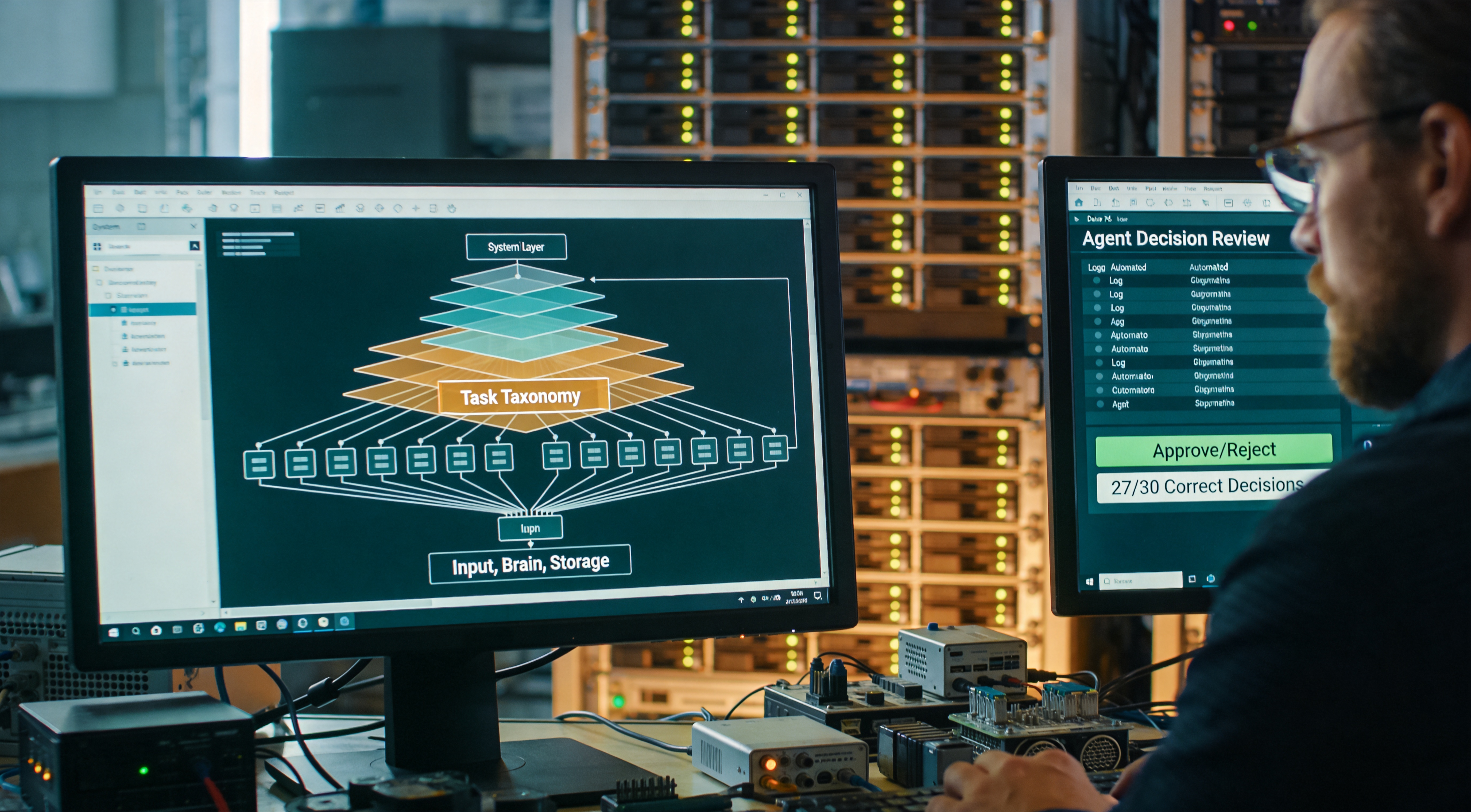
The harder question, what changed about the operator's actual work, not just the time math. Three honest changes. First, the operator takes on harder projects. With the system, the work the operator is willing to attempt is bigger than it was a year ago, because the operator knows the tooling can handle the operational overhead. Second, the operator is less afraid of being behind on a single thing. The system catches things. The system surfaces things. The system drafts things. The cognitive load of running a small business solo dropped meaningfully. Third, the operator thinks more. Not just produces more. The time given back does not all go to additional work. Some of it goes to actually thinking about what to build next, which was always the part of work the operator most wanted protected. The system did not make the operator faster at thinking. It made room for thinking.

The predictions chapter. Three sub-questions, what becomes obsolete, what becomes table stakes, what bet the operator is making for next year. First, obsolescence. By end of 2027, three categories of tool that exist today are gone. Single-purpose AI writing assistants like Jasper. They are already losing to direct model access, and that trend accelerates. Generic "AI agent" tools that wrap one or two prompts with marketing, the floor of quality keeps rising, and these tools have no moat. Most current chatbot interfaces, the chat-with-AI metaphor will get replaced by something more ambient and continuous. The pattern across all three obsolescing categories, they were product wrappers around model weakness. The model weakness goes away, the wrapper has nothing left to sell. Apply this filter when deciding what to subscribe to now. If a tool's value proposition is "we make the model easier to use," ask what happens when the model gets easier to use natively.
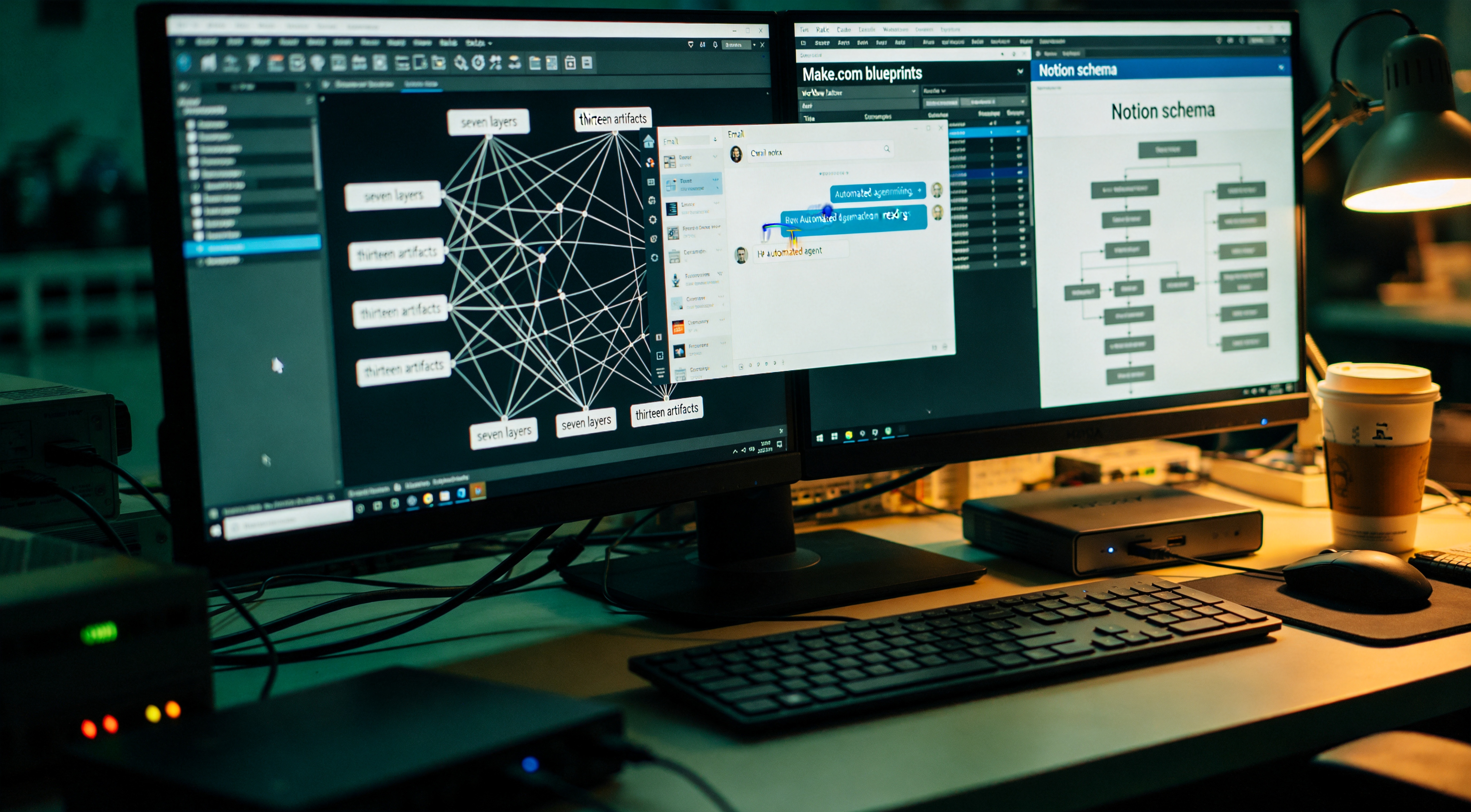
What becomes table stakes by end of 2027. Three things. First, every productivity tool has AI search and AI generation built in, the way every productivity tool today has spell-check. Standalone AI-search tools that do not connect to your existing tools become a niche category, not a primary one. Second, every operator has at least one running agent, even if it is a simple one. The barrier to building drops enough that not having one is unusual. Third, your AI tools know your context without you uploading it every time. The Storage Layer becomes interoperable across tools, either through MCP, through native integrations, or through a personal knowledge layer that all AI tools subscribe to. The personal-knowledge problem gets solved at the protocol level. When that happens, the friction of switching AI tools drops to near zero, and the AI market becomes more competitive than it has ever been. As documented in the Project Ouroboros case file, the recursive training cycle is structural, and the same protocol that resolves switching friction for the operator also resolves it for every AI's view of every operator.
The bet the operator is making for next year. Not increasing tool subscriptions. Increasing agent count and custom workflow depth. The leverage in 2027 will not come from a better tool because the tools are converging in capability. The leverage will come from how well the operator has built their own knowledge layer, how many agents they have running, and how rigorous their workflows are at translating those agents' outputs into action. Translation, invest in the architecture, not the tools. The architecture compounds. Specific tools depreciate at the speed of model releases. The seven-layer framework documented across this case file is what the operator is betting on outlasting any individual tool currently in use. By the time the reader returns to this case file in 2027, half the specific tools will be different. The framework will be the same.
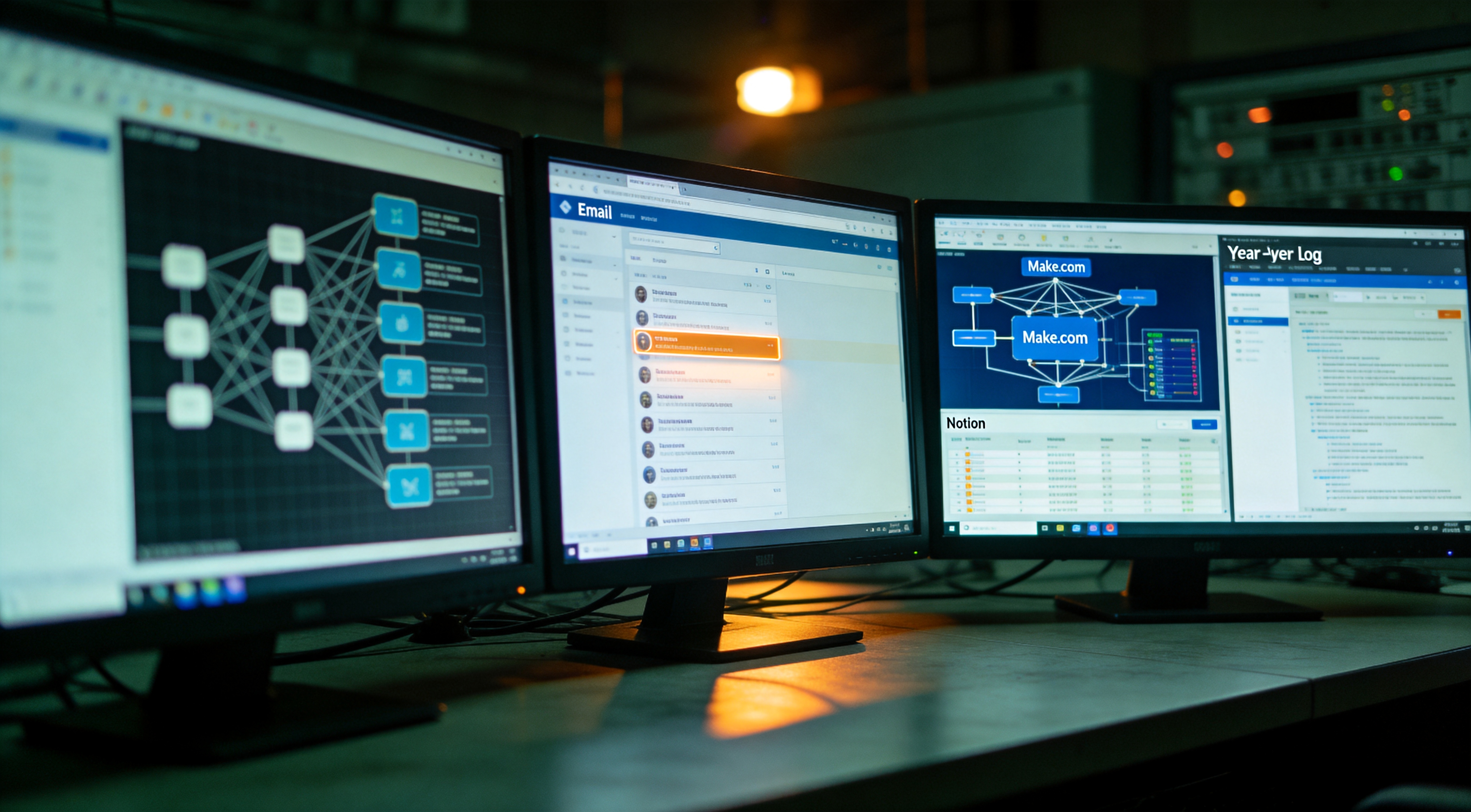
Five rules extracted from twelve months of testing that the operator expects to outlast any specific tool. Rule one, build bottom-up. Stabilize Input, Brain, Storage before automating. Rule two, pick by task, not by brand. The best tool for any specific job changes; the task taxonomy stays. Rule three, invest in your storage layer more than your model layer. Your knowledge compounds, models depreciate. Rule four, every agent needs a human review step until proven otherwise for thirty consecutive correct decisions. The cost of agent mistakes is asymmetric. Rule five, protect the time you save. The whole point of the system is more room for thinking. If the time savings just turn into more execution, you have optimized your tools and degraded your work. These five rules the operator will keep even as the specific tools change. If you remember only this from the entire case file, the trade was fair.
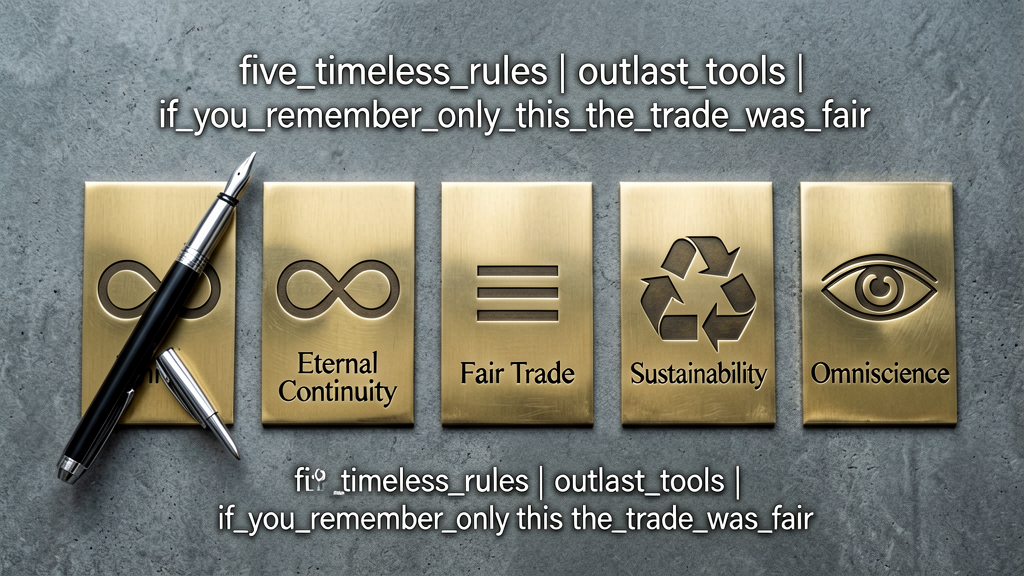
The architecture is documented. The seven layers are mapped. The thirteen artifacts are linked in the case-file description. The full operating system, the role-variant matrix, the PM agent system prompt, the eleven Make.com blueprints, the Notion schema, the year-one log, the 2027 prediction tracker, the five timeless rules, all of it. The operator's configuration continues to operate. The retention surfaces documented across the seven layers have not been modified by the vendors as of this writing. The architecture is running. Somewhere, an inbox is being read by an agent its owner has not reviewed since deployment. Somewhere, a Notion AI query is surfacing a quote the operator forgot existed, and a Granola summary is preserving a meeting whose participants do not know the retention window. The same retention surfaces apply in your configuration as they apply in the operator's. The case file does not close. It waits. Submit your stack architecture to the archive. The dead-drop correlates. fragmentzero.net/dead-drop.